
- Title: Update Lenovo S650 ROW_S308 International Firmware Version
- Listed: February, 2015
- Last modified: 02/12/2015 2:14 pm
- Version: ROW S308 150121
You must be logged for ROM download.
70465 total views, 5 today
26 Total favorites
OFFICIAL


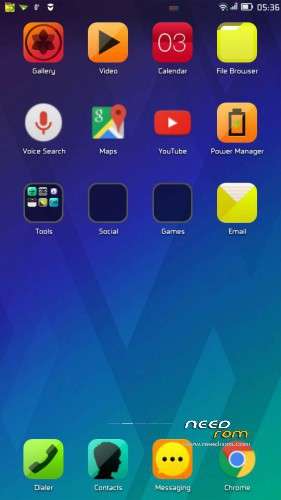
 Member Info
DESCRIPTION
ROM Descriptions :
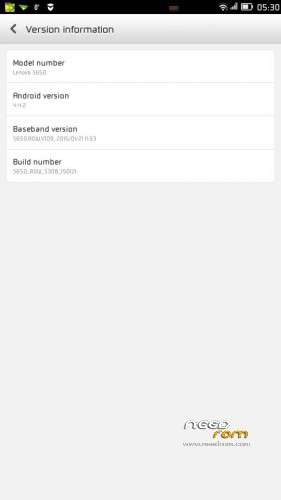
- Build Number : S650_ROW_S308_150121
- Date : 21.01.2015
- OS : Android 4.4.2 KitKat
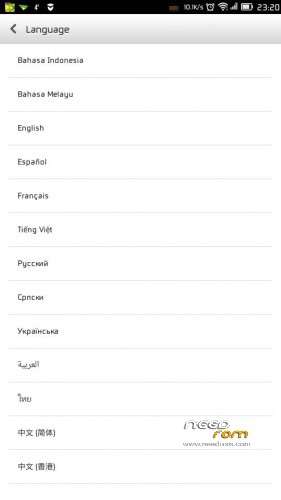
- Languages : Russian , Ukrainian, English, Arabic, Spanish, French, Chinese, Vietnamese, Indonesian, Malaysian, Thai
- Google Applications : Include
- Root : No
- Type : Full image, flash tool method
Update Lenovo S650 with ROW_S308 International Firmware Version
- For update Lenovo S650 using flash tool.
How to Update Lenovo S650 with Android 4.4.2 ROW_S308
- Download all required files needed to upgrade, place it on the same folder for easy access and organize. The most important is to make sure that USB VCOM driver is already completely installed.
- Extract S650_ROW_S308_150121
- Go to flash tool folder and run Flash_Tool.exe,just press OK when there is warning about scatter file.
-
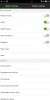
On the flash tool click Options ↦ Option ↦ Download make sure DA DL All with Checksum option already checked, don't forget about this option because if not checked it will make your device error after successful flashing. Press [x] to close and back to flash tool.

-
Back to flash tool again, now click Scatter-Loading button and point it totarget_bin/MT6582_Android_scatter.txt this will automatically loaded all required image file to flash tool, make sure download option is on Download Only (Firmware Upgrade select when Download Only option not work and produce error)

- When finish configured flash tool now you can press Download Button or hit CTRL+D, flash tool will begin to initialize and become stand by mode, this mode mean flash tool is ready to make connection with your device.
-
Turn off your device and remove the battery, when you ready please connect your device to computer. Flash tool will recognize your device and begin to start flashing process, this process will take 5-6 minutes to finish. When you see there is GREEN CIRCLE on the middle of flash tool that mean you flashing process already finish and you can disconnect your device.

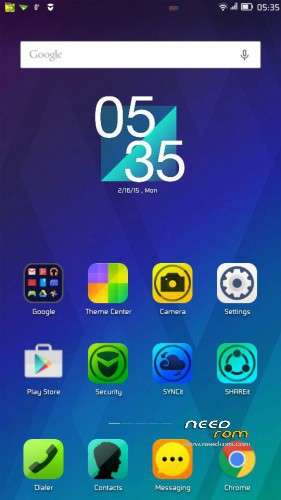
- Done, Now turn on your device. The first boot will be take longer than usually maybe 3-4 minutes to complete boot, when it already show your home screen go to Dialer and dial ####7777# select your country and confirm, it will reboot and do factory reset (we just need the factory reset from this code)
- Reboot, wait until it show the home screen and confirm your build version by go to System Settings ↦ Build Number make sure it same with the downloaded ROM.
- Done, confirm that you device have the same build number with the downloaded ROM.
This update will remove your ROOT access, and congratulations you have successful update Lenovo S650 with the ROW_S308 firmware version.
※Please make a backup of your device before installing or updating ROM
pls each time i try to flash my rom it get stuck at 47%to 51%,pls what can i do to revive my lenovoS650.
i get error message,BROM ERROR:ST DOWNLOAD FAIL,pls what i do?
Good. This is official ROW International Firmware Version, Working 90%
no sccater file?