
- Title: Valencia2 for dg800 valencia
- Listed: December, 2015
- Last modified: 12/14/2015 5:16 am
- Version: Kitkat 4.4.2
You must be logged for ROM download.
14085 total views, N/A today
4 Total favorites
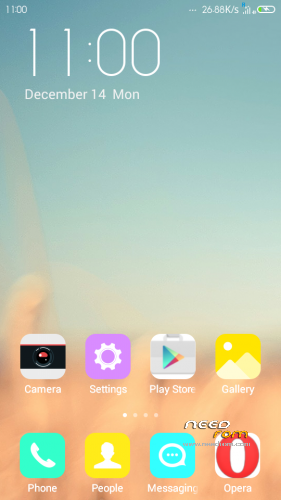
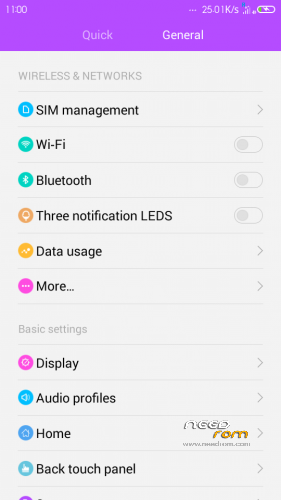
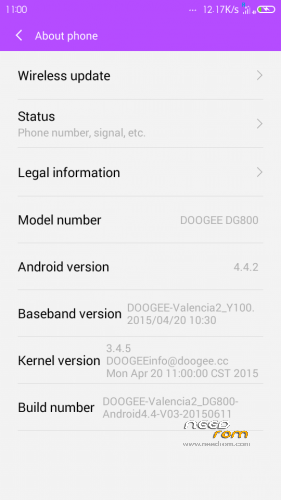
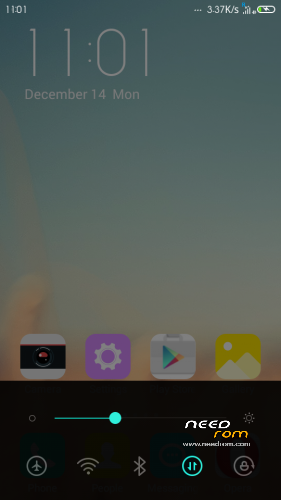
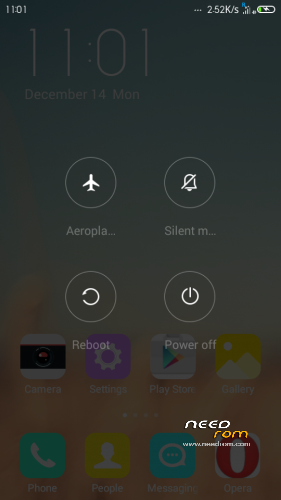
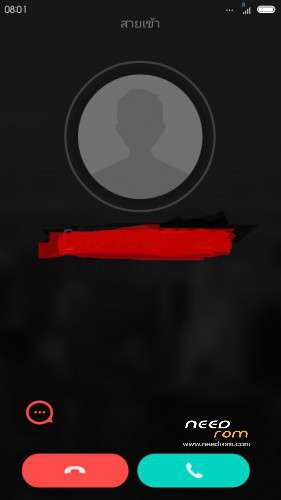

 Member Info
DESCRIPTION
You may have already downloaded the zip file from the link above and copied the zip file in SD card. Restart your device in Cwm recovery and make a backup of your device.
Then always from Cwm perform a full wipe:
INSTALLATION
1. Download the. Zip file and dump the firmware to the memory card.
2. Loaded in Recovery
3. Making wipes:
1) Wipe Data Factory Reset
2) Wipe cache partition
3) Mounts and storage -> format system
4) Advanced -> Wipe Dalvik Cache
5) Select Install / Instal zip from SD
6) Choose. Zip firmware file and wait for the end of the process.
7) Boot the system is ready.
gapps included – rooted – theme supported
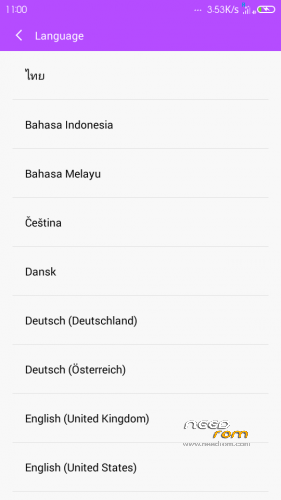
Multilanguage…
Notes: First boot long time please wait…
visit me in facebook Doogee Club Stepgeek
https://www.facebook.com/doogeeclub.stepgeek?fref=nf
credit rom from i-mobile IQ x zeen by
https://www.facebook.com/groups/mtkthairommodder/
※Please make a backup of your device before installing or updating ROM
Very beautiful rom, everything works fine, I recommend to all
thanks
Hello, very beautiful your firmware for x800, I also ported firmware MIYA7 and I did not work the front camera. Advise what I do for a proper operation of the front camera
Hello, very beautiful your firmware for Doogee DG800 I also ported firmware MIUI7 and I did not work the front camera. Advise what I do for a proper operation of the front camera?
copy file libcameracustom.so from our stock rom to rom port in root > system > lib
**** from your *****