
- Title: Vetas OS
- Listed: December, 2016
- Last modified: 12/14/2016 3:22 pm
- Version: Android 5.1
You must be logged for ROM download.
10836 total views, 1 today
1 Total favorites
CUSTOM
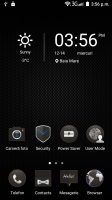

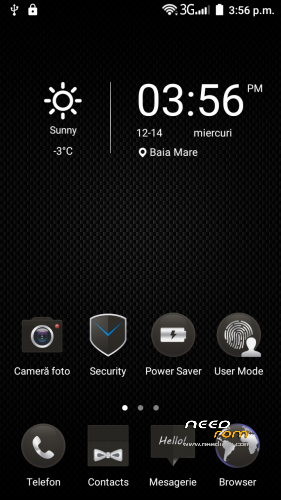
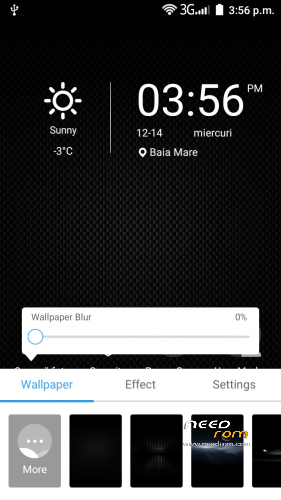
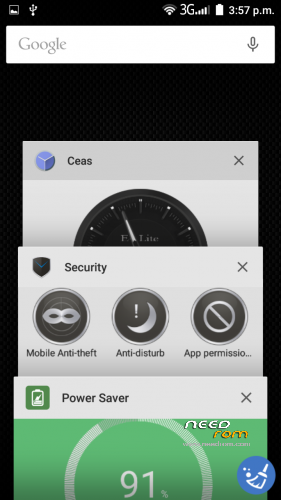
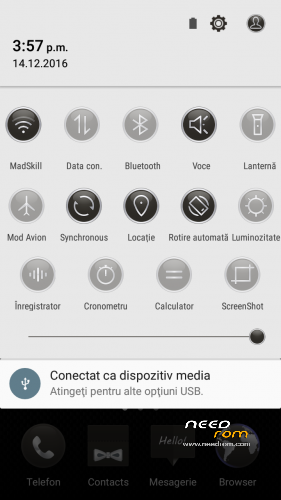
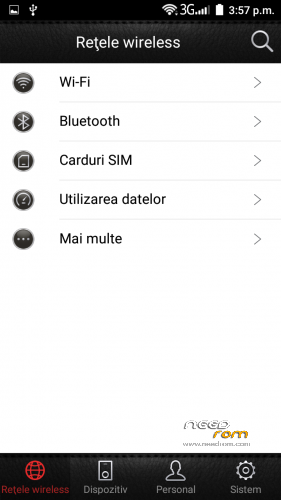
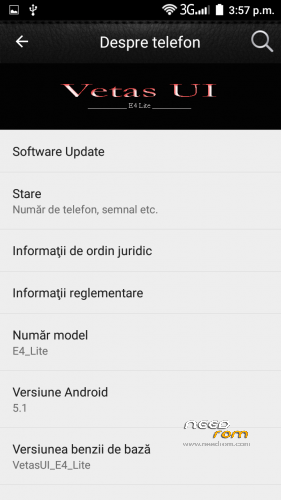
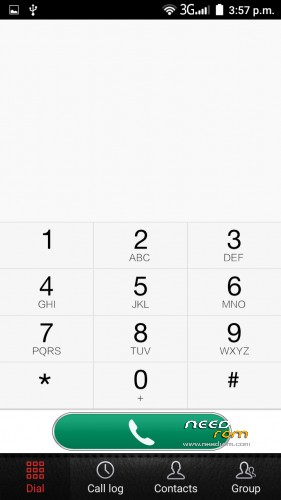
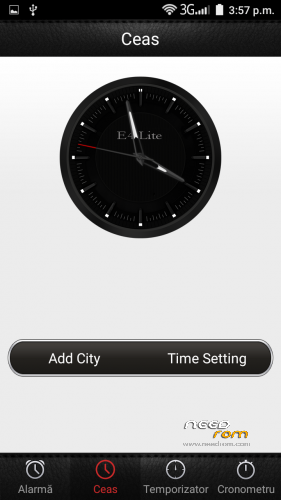
 Member Info
DESCRIPTION
Updated to latest source
Improved touchscreen response
Super Fast
Great battery backup
SuperSU pre-installed
Gapps Added
BussyBox run parts
Init.d support
MultiUser support
BUGs:
Nothing found
INSTALLATION:
Download the ROM from the link above
Put the zip files on your SDCard
Reboot in Recovery
Perform Wipe All Preflash
Select "Install zip from SDCard"
Choose ROM zip file
Flash
Wipe Cache & Dalvik Cache
Reboot system
※Please make a backup of your device before installing or updating ROM
bug : play store is opening for 2 sec , then closes
Remove Google Account – restart your phone and reconfigure your Google Account or do a factory reset
i mean , when i flashed the rom , i wiped cache and dalvik , and when andorid booted , it just got me to the lockscreen , no configuration screen , like the others roms . maybe i just need to re-flash the rom ?
Perform Wipe All Preflash before installing
format -Data -System – Cache
i did everything , still closing after 2-3 seconds ..
this rom is allview x2 soul style .. yes or no
no
Hi you can give me a custom recovery for allview p6 life please?!! I need for install this rom, i have the original stock rom and don't working with this original recovery say me ,,Installation Aborted'' PLEASE I WANT IT!!!