
- Title: Vibe ROM
- Listed: April, 2014
- Last modified: 04/19/2014 2:55 pm
- Version: Android 4.2.2
You must be logged for ROM download.
15681 total views, 2 today
CUSTOM







 Member Info
DESCRIPTION
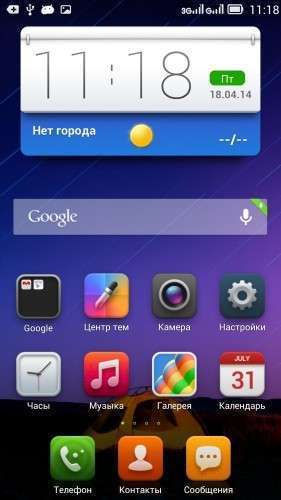
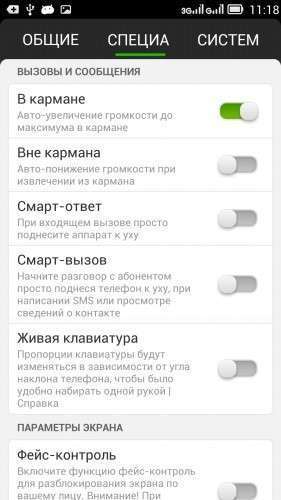
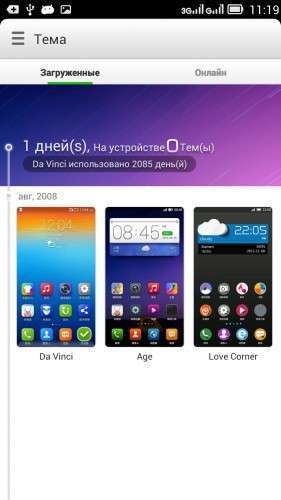
Vibe ROM for ZOPO ZP990+ from Lenovo. All works fine, but 3G only work with 1st sim-slot.
Languages: MultiLanguage;
Best smart phones and other equipment at low prices on GearBest.com
IF YOU LIKE MY WORK PLEASE DONATE . EVEN 1 $ IS APRECIATED.
1. Download the. Zip file and dump the firmware to the memory card.
2. Loaded in Recovery
3. Making wipes:
1) Wipe Cache
2) Wipe Dalvik Cache
3) Wipe Factory Reset
4. Select Install / Instal zip from SD
5. Choose. Zip firmware file and wait for the end of the process.
6. Boot the system is ready.
※Please make a backup of your device before installing or updating ROM
Ok, i try to fix GPS. Try use SmartCover, maybe help
Hi. Good idea about Smart Cover. Thank for the tip, I'll try, I'll write
Ok, i will be wait about result
Hi guys. I need help please.
I flashed this rom after wiping data + cache + dalvik cache, normally.
The Zopo ZP990+ boots, the lockscreen appears for one second, then the boot animation starts again and goes in "neverending" loop. So I need to enter recovery again, but I can't. Do you now how to enter recovery with buttons combination? Or should I use a PC software and usb link to Zopo device?
Please someone help me because like this Zopo is dead!
Hi Giansilvio,
i have the same problem like you. Are you sure the flashing process was complete?
I don`t now the buttons combination to enter the recovery but i used MTK droidtools for recovery.
I finaly flashed Miui Rom but i need german language.
Hi @greeshan
i try to flash your ROM after wipe, but the flashing process is aborted because of an error.
I forget the name of the error but it was something like "nummber….7" (sorry).
Afther this i have the same neverending boot like Giansilvio
Ok to reebot in recovery we can use MTK Droid Tools. So I tryed to re-flash this rom but the result is always the same. For me no errors during flashing, but after the Zopo goes in bootloop.
possibly corrupted archive … when poured through what rekaveri installed? I use TWRP 2.6.3.0
I use CWM 6.0.3.0 …… Let me try download again the archive and flash again. Will let you know.
Anyway, can you please indicate the link where to download the right TWRP 2.6.3.0 for Zopo ZP990+ ?? Would like to give a try to this recovery.
Thank you so much!
Giansilvio, i need the link to download the CWM 6.0.3.0 for Zopo 990+, please!
Thank you!
Oh well, I downloaded again the rom, then try to flash, and this time got "error 7"…. Worst than before!
Can you please indicate the link where to download the right TWRP 2.6.3.0 for Zopo ZP990+ ?
Thnx
in header
thanxxx