
- Title: VIBE UI 2.0 DG800
- Listed: March, 2017
- Last modified: 03/06/2017 9:51 pm
- Version: ROM Android kitkat
You must be logged for ROM download.
11630 total views, 1 today
1 Total favorites
CUSTOM




 Member Info
DESCRIPTION
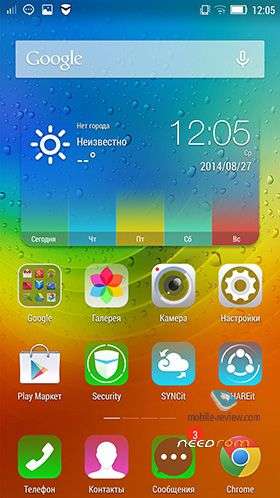
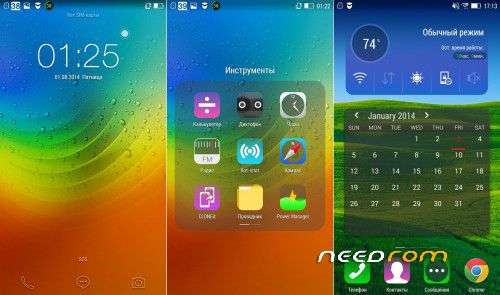
Lenovo VIBE UI 2.0 (kitkat)
INSTALLATION
1. Download the. Zip file and dump the firmware to the memory card.
2. Loaded in Recovery
3. Making wipes:
1) Wipe Data Factory Reset
2) Wipe cache partition
3) Mounts and storage -> format system
4) Advanced -> Wipe Dalvik Cache
5) Select Install / Instal zip from SD
6) Choose. Zip firmware file and wait for the end of the process.
7) Boot the system is ready.
gapps included
language: English, Russian, Chinese
https://www.youtube.com/watch?v=XfcnmBYbh30
https://www.youtube.com/watch?v=Mfa9qW4I9ys
※Please make a backup of your device before installing or updating ROM
Lineage OS Latest Build [MT6582] ported pls.
https://mtkdr0id.wordpress.com.....t-build-mt6582/