
- Title: Vibe UI 3.0 (E4 Lite)
- Listed: June, 2016
- Last modified: 06/05/2016 6:23 pm
- Version: #1
You must be logged for ROM download.
12199 total views, 2 today
1 Total favorites
CUSTOM









 Member Info
DESCRIPTION
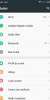
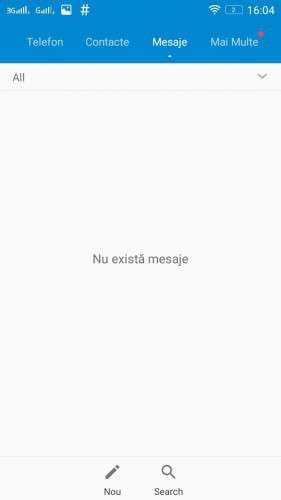
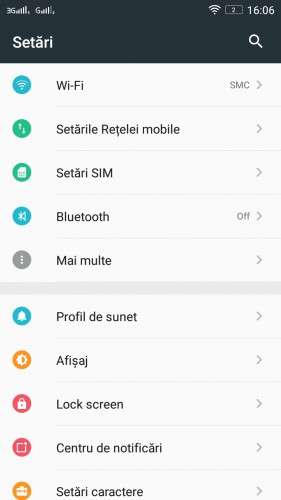
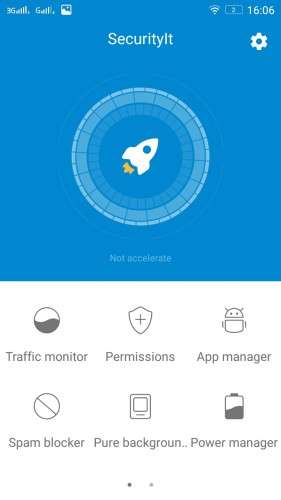
- Fast, stable and Fluid Ui
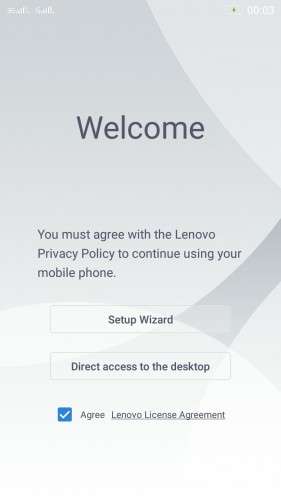
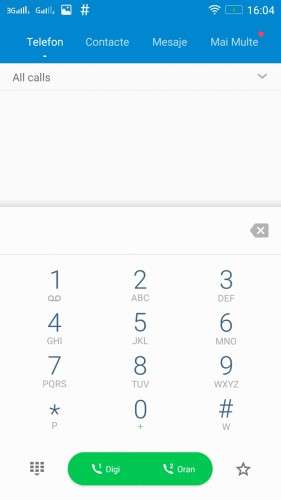
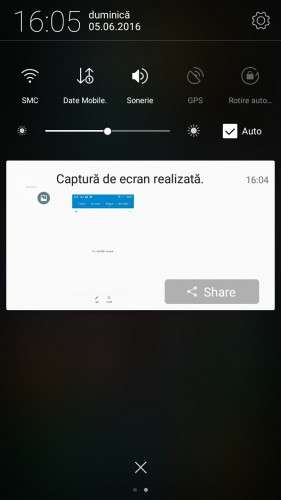
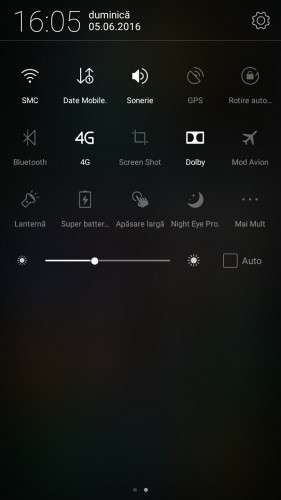
- Lenovo's Vibe ui V 3.0
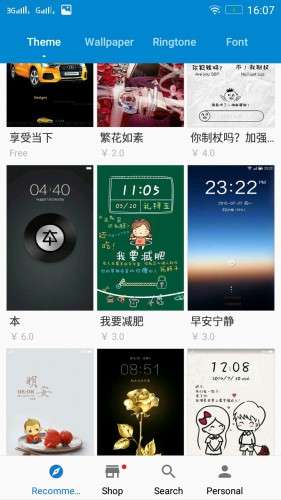
- Change themes Using Theme Center
- Lenovo Camera and Gallery
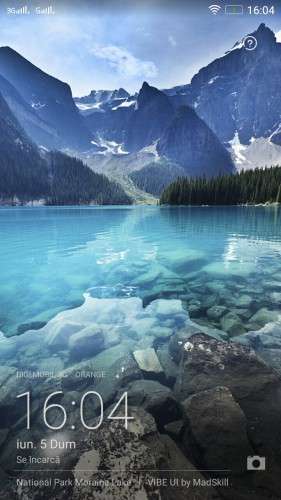
- Vibe Lockscreen [swipe to change]
- Touch effect optimization
- Optimized CPU running
- Optimized memory management
- Pre-Rooted
- Lang. EN-CH-RO
- Many More….
INSTALLATION:
- Download the ROM from the link above
- Put the zip files on your SDCard
- Reboot in Recovery
- Perform Wipe All Preflash
- Select "Install zip from SDCard"
- Choose ROM zip file
- Flash
- Wipe Cache & Dalvik Cache
- Reboot system
※Please make a backup of your device before installing or updating ROM
Can you cross platform porting MIUI7 for E4 Life?
I don't know will try in the next weeks
ok! try your best
works very good at allview e4 lite , and baterry have good life. no bugs.
sir how to fix after reboot the phone is just showing date and time then please add city in destop weather and a black background the phone is unable to operate