
- Title: Cuoco92 1608 VIBEUI 3.1
- Listed: February, 2016
- Last modified: 02/17/2016 2:25 pm
- Version: 6.0
You must be logged for ROM download.
18999 total views, 3 today
6 Total favorites

 Member Info
DESCRIPTION
#CHANGELOG:
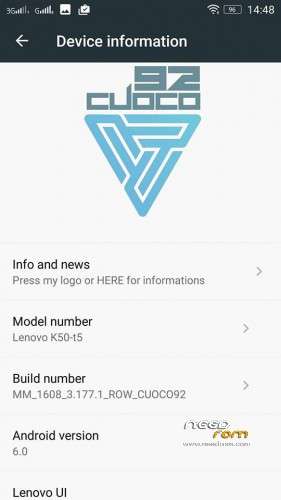
- BASED ON STOCK 1608 FIRMWARE
- ROOTED
- WORKING GAPPS
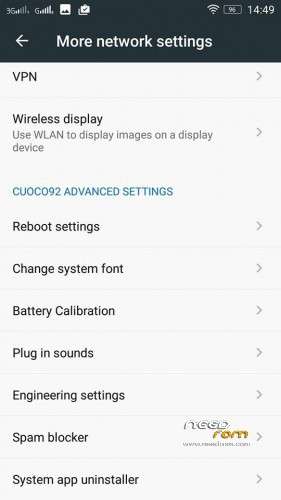
- CUOCO92 ADVANCED SETTINGS
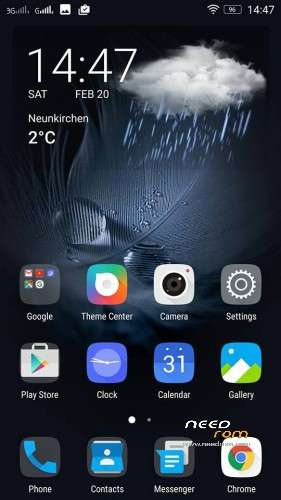
- REPLACED LENOVO WEATHER WITH MY FAVORITE ONE
- REMOVED LENOVO STOCK DIALER
- ADDED ANDROID M DIALER&CO
- UPDATE SNAPIT TO V5
- REPLACED LENOVO GALLERY WITH CM
- WORKING GOOGLE+ INSTALLATION FROM PLAYSTORE
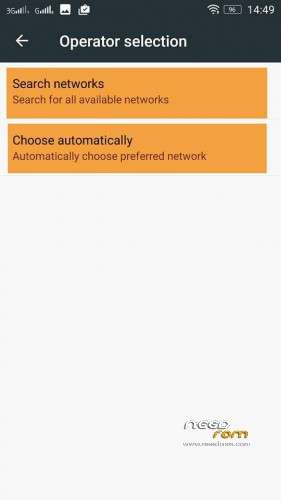
- ADDED NETWORK SEARCH (not enabled on stock firmware)
Go to:
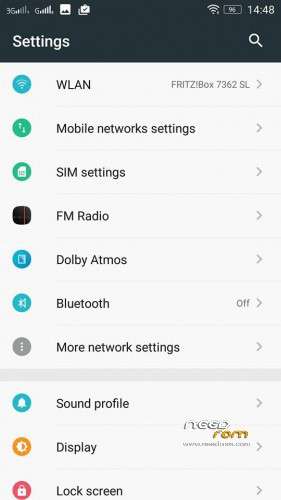
Settings > Mobile Network Settings > More
- ADDED LENOVO VIDEO PLAYER
- UPDATE ITALIAN TRANSLATIONS
…AND MORE
- For those who wish to get back the Lenovo stock Dialer " contact manager ", I've prepared a flashable zip:
#INSTALL this if you want #Lenovo #Dialer #back (MULTILANGUAGE MODDED)
- For Fix UI FC with low battery state (For all languages) and Fix Gallery FC editing pictures andUpdate translations IT
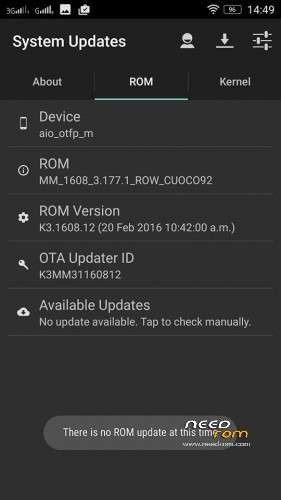
Install #OTA #UPDATE 1608 v13 (1608.13)
Install instructions
- Install custom recovery (TWRP recommended).
- Boot into recovery mode.
- Now select wipe ( factory rest ).
- Advance wipe ( button blue ) & select partitions , dalvik cache, system , cache , user data ( select just first user data )
- Select install & select downloaded zip file.
-
Install success.
Enjoy
Credit to Cuoco92
※Please make a backup of your device before installing or updating ROM
pertamax
??
Sedot Gan..
The main problem with Android 6 for Lenovo K3 note is that is it a leaked ROM and not very stable. I am going to stick with 5 (1604ST Cucco92) until Lenovo will officially release Android 6.
but you try not to cut 6 Android, well, what sense in it except for numbers and boast …
does it have app with usage access option in setins
multilang?
yes
Dear devs pleasr stop preinstalling this crap Chrome Browser. Kindly add UC Browser or Apus Browser instead. Sure I can remove Chrome, but I just don’t want to see it preinstalled.
You said, that there is a fix for SD card read/write issue. But when I tried to import cache for one particular app from SD, it said, that the app has no permissions to write in this folder and I should try another one, as it was on all other VibeUI ROMs on android 6.0. So… Is it fixed or am I just unlucky and I should reinstall it?
Not fixed, but that’s a usual issue. Many times it’s writed that “sd fix” was applied, but in reality when you try to modify some files or write to extsd you must manually give it a permission.
I've looked into permissions of my app and it clearly said, that it has permission to change content of SD card ¯\_(ツ)_/¯
@B_V_ Just edit the platform.xml found in /ect/permissions
I've already googled this and it didn't work out at all
is it a stable rom …without any bugs
system crash less than 15% battery charge + error in an attempt to enter system app / messages.