
- Title: VIBEUI A830
- Listed: August, 2014
- Last modified: 07/28/2014 6:49 pm
- Version: Android 4.2.2
You must be logged for ROM download.
31907 total views, 3 today
13 Total favorites
 Member Info
DESCRIPTION
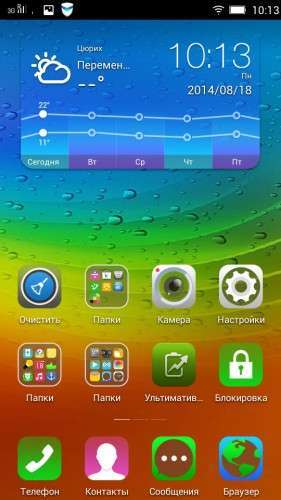
VIBEROM 1417.2.0.2 Neo for Lenovo A830
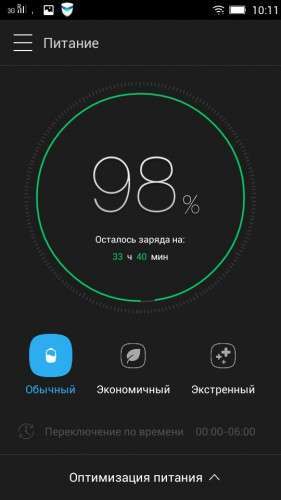
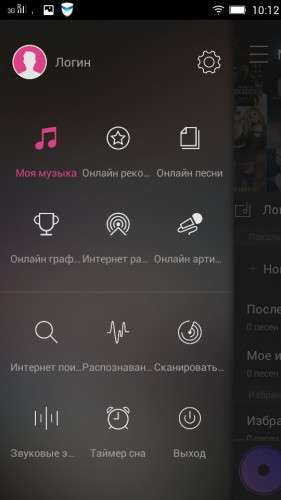
Rom 1.0 with interface VIBE 2.0
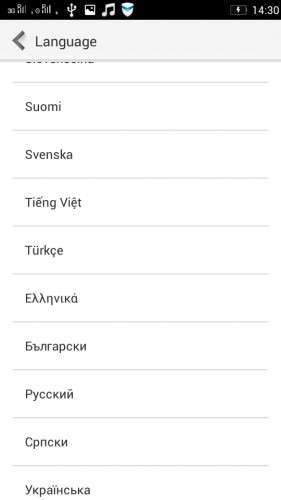
Lang: Multilanguage
With Gapps
zip format installation via recovery
——————————————————–
RAR format Installation via FLASHTOL!!!
Before installing, make wipe data/factory and dalvik-cache
—————————————————————–
GPS iGO for VIBE GPS Navigator with Maps
*Installation:
1) Download Vibe.zip archive to put on the SD card in a convenient for you place.
2) Reboot into recovery
3) Make Wipe Dalvik/Cache
4) Go to the installation , SD/ Vibe.zip
5) Install
6) Wipe Dalvik/Cache and Reboot system
———————————————————————————
TWRP Recovery for A830 and any phone cpu MTK6589
TWRP Recovery Installation:
1) Download TWRP Recovery pus on the phone SD card
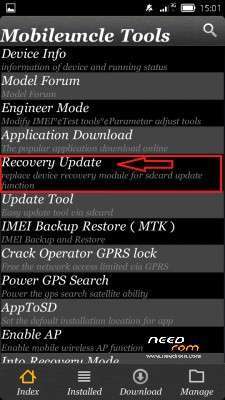
2) Download Mobileuncle MTK Tools app and instal it .
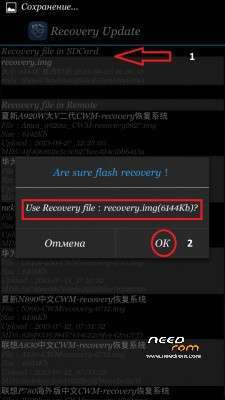
3) Start Mobileuncle MTK Tools and choose "Recovery update"
4) Choose TWRP 2.5 Recovery from SD card TWRP 2.6.3
5) It will ask you "Are you shure flash recovery ?" click "OK" ( see screenshot )
6) It will ask you "Reboot to Recovery" click "OK"
Done
——————————————————————————
Old roms
※Please make a backup of your device before installing or updating ROM
Thanks
I installed this ROM just yesterday. My overall opinion so far is that it is good with a few bugs.
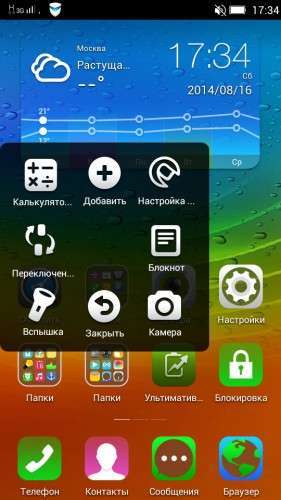
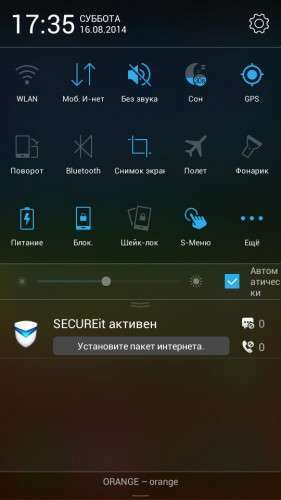
Positive: Android 4.2.2, nice Vibe menus in settings and notifications, theme center, Super Camera and Super Gallery apps preinstalled, Shake lock available
Negative: Clock app is not working, the FM Radio does not work without the earphones, in the storage settings the available built in storage seems to be constantly updating
I will update if I find anything else
new link ) I'll tray)
I installed the improved version from the new link which fixed most of the bugs but found a new one.
The clock app now works and the available built in storage is showing correctly.
The FM Radio app has been updated but still doesn't work without the earphones.
A new bug I found is that the stock lock screen doesn't appear at all but since this version has the MiHome Launcher except from the Lenovo Launcher, the lock screen can be replaced from the Settings of the MiHome Launcher and replace the stock Lock screen (which is not present) and remain even if you use another Launcher, so this is solved easily.
Also the overall performance seems to have improved.
Nice work
Another problem I found is that the Lenovo Super Camera app force closes when you switch to record a video…
So 10 days later after I made some improvements to my phone here is what I have:
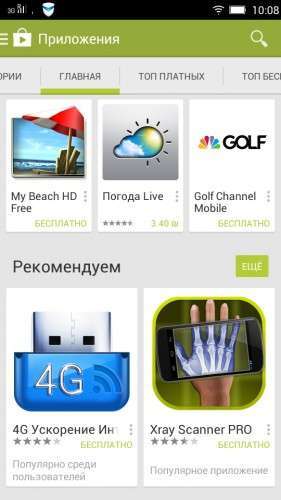
1) I installed Google Play and I can confirm that all Google apps work
2) I replaced the FM Radio apk with the original LenovoFMRadio apk and now the Radio works even without the earphones
3) I use MiHome Launcher and have no problem with the lock screen
4) I use SuperCamera app to take photos and MX camera to record video
5) The GPS works great AS LONG AS you press AGREE when a message pops up after you turn on the GPS, asking Autonavi to use your location
Do you have working GApps for this rom?
Gapps 4.2.2
next version
thanks.. is possible to have more languages? Italian, French, German
Thanks
VIBEROM1417.2.0NEO wuith Italian, French, German languages
Es posible instalar el idioma español mediante algún archivo ???
Spanish language can be installed in any way?
VIBEROM1417.2.0NEO wuth Spanish language!