
- Title: VIBEUI2.0 1511 7.22.1 DEV(Port_S8)
- Listed: March, 2015
- Last modified: 03/08/2015 12:28 am
- Version: Android 4.4.2
You must be logged for ROM download.
17693 total views, 4 today
2 Total favorites
 Member Info
DESCRIPTION
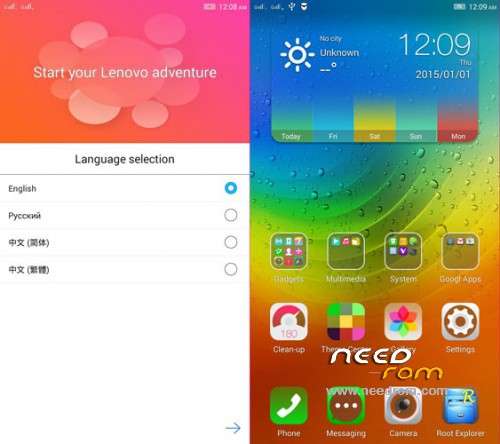
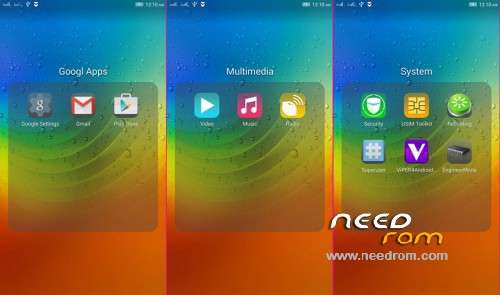
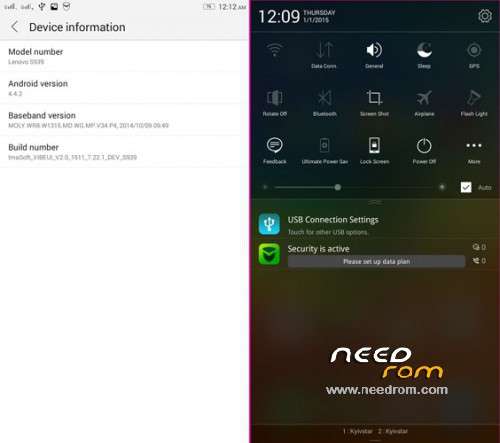
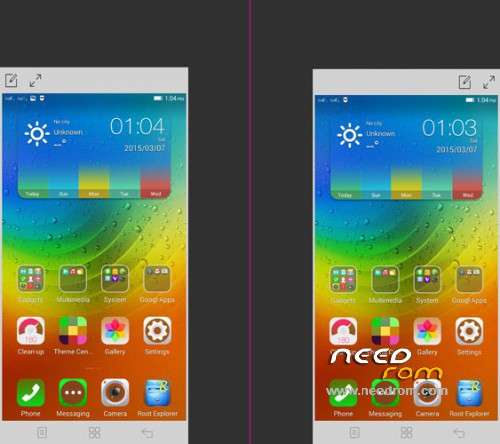
Added: root, gapps, Rus Language
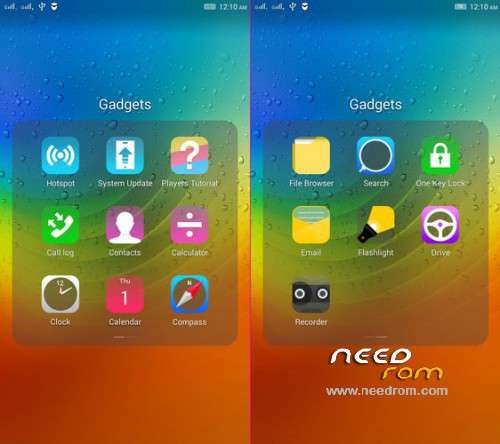
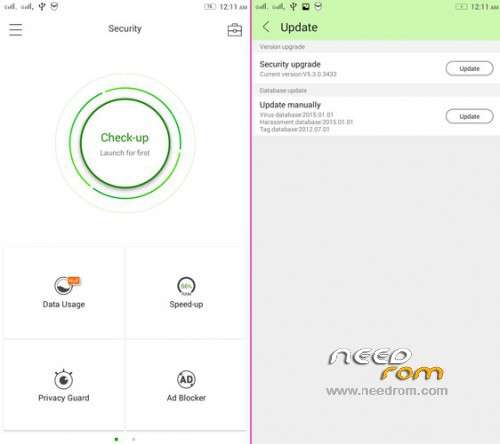
Removed some Chinese application
Last updated: ThemeCenter, NotificationCenter, NotificationCenterPlus, LSF-Device-Phone, LSF-UEService-Phone, LenovoMusic, IdeaFriend, LenovoLauncher
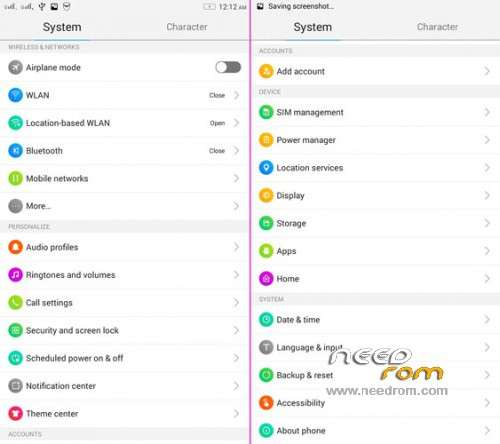
Language: CN/EN/RUS
miniGapps/root/Deodex
Please be sure to make a backup of your phone before !
Then just Wipe Data/Cache/dalvik
And update from CWM
Install ROM:
CWM
Step 1: Download the custom ROM copied to an external SD card root directory
Step 2: the shutdown state. While holding down:
– Power button + volume button down, to enter the recovery mode.
– Wipe Data / Factory Reset -> delete all user data
– Wipe Cache Partition -> Wipe cache
– Advanced -> Wipe Dalvik Cache
Step 3: Return to recovery main interface Install zip from sdcard -> choose zip from sdcard -> Select your ROM
Step 4: Brush complete, restart the phone Patience required – first boot takes a while.
Extras:
Substitution, BootLogo on stock
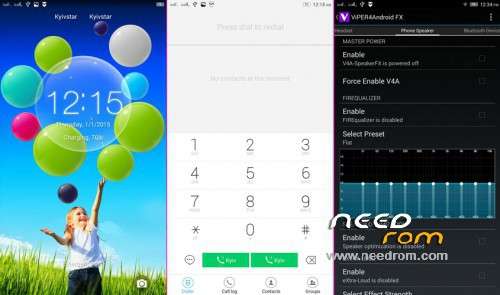
Photo caller in a small circle!
My firmware on 4pda.ru
※Please make a backup of your device before installing or updating ROM
But the interface very nice btw
But the interface was very nice btw
the screen flickering after install, fix it by reinstall. but the signal is kinda weak thou. please fix it.
overall, it was okay. thanks for your work man. appreciated it
Added purse with YandexMoney
How to install the extras? Should I install the zip as a update?
Additions are installed as a normal firmware in Mod Recovery, without any WIPE
1) – copy the file to the memory rartu.
2) – Reboots in Mod Recovery TWRP.
3) – In Mod Recovery choose Install, continue to find your file and install it.
hi bro ,
is there arabic language ?
is there arabic language ?
No
How much I should pay in .rub..??