
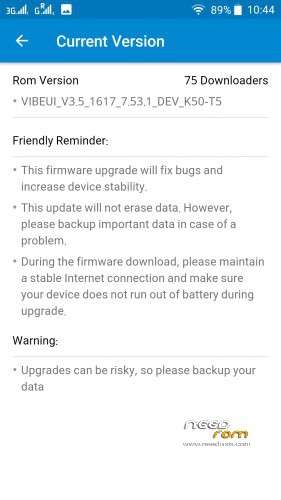
- Title: VIBEUI_V3.5_1617_7.53.1_DEV_K50-T5 Full rom -MultiL Framework+Root+Gapps
- Listed: April, 2016
- Last modified: 04/21/2016 6:36 pm
- Version: 6.0
You must be logged for ROM download.
31095 total views, 5 today
17 Total favorites
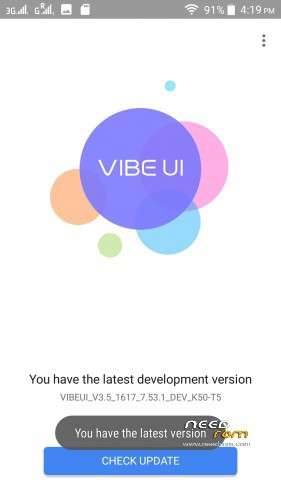
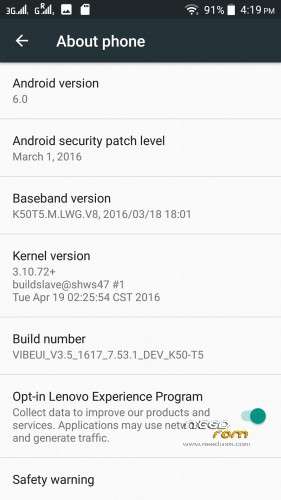
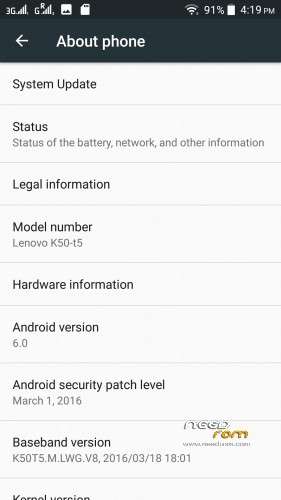
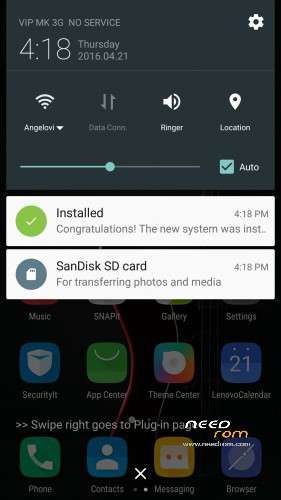
 Member Info
DESCRIPTION
Hiii hallow
Here awesome update for awesome Rom
Here is New update NOTE- PLZ DO FACTORY RESET AFTER PROPER BOOT #Changelog
Repair micro-channel video shoot dim
Repair appears to stop running bokeh
Repair appears to stop running when the self-panorama
music
Repair Music Bluetooth connection probability to stop running
Repair when you run the music Caton
Repair when music interface drop-down menu Caton
desktop
Repair Setup appears to stop running into the multi-task interface, click on any application storage space
Repair probabilistic shadows appear when the slide table
Notification Center
Repair notification bar battery indicator exception only need to restart normal
Repair flashlight probability can not be opened
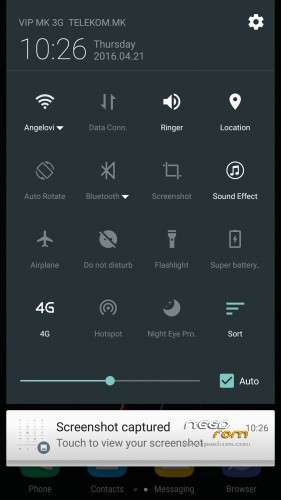
Repair probabilistic unusual custom screenshots
File Butler
Repair file housekeeper probabilistic stop running
Repair Click on the document file error
Set up
Optimization loud sound
Repair When setting memory probabilistic appears set to stop running
Repair backup to SD when card cloud service stops running
Repair the backup to the network cloud service stops running
Lock screen
Repair unlock the screen after a call probabilistic system appears to stop running
Contacts
Repair Click to see the Lenovo life stopped
Repair Merge contact
Source VIBE UI weekly updates to Bulletin 1617
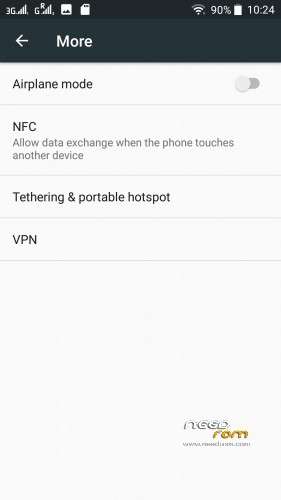
Need to mention that in this package they Put NFC IF my memory serves me well we didnt have that feature
The interface in the apps>permissions is slightly changed
Boot Into recovery
Wipe System Cache Dalvik Cache data
And flash Rom Gapps are already added
Credits
Udvardi Péter
Emptywordsss
Russian developers
Dev
Viksandroide
(www.viksandroide.blogspot.in) For weather widget in India Check this http://viksandroide.blogspot.in/2016/02/vibe-ui-weather-widget-isshue-solved.html?m=1
※Please make a backup of your device before installing or updating ROM
Wow…
need to reinstall twrp after ?
no need
Already rooted Bro no need
ok but after we still have twrp or not ?
Hello Brother
This video does not auto focus
Do you work with?
Please add more theme new verson
this rom Fm radio Record song option not found. please add record option .
nfc?
Vr mode?
vr mode is for only build no-k50a40 it is an indian version u can install vr applications from play store
Led now works?
You need to edit the Build.prop in order to work every single Led Notification
But one problem…i don’t know how to do it
So is it by mistake or we do have NFC now??? Can some1 pls confirm..??
The NFC Feature is still in development
how to set ota updat on this rom i am using 1615 from the same devolper
Awesome if we get NFC we will another awesome feature…wondering why did lenovo kept it hidden till now??:/
How to solve the problem of notification?
Its very simple … You need to be rooted and have Es file explorer or Root explorer and than navigate to Root/System/build.prop and find and change ro.lenovo.region=prc to ro.lenovo.region=row and Pls note after you edit this go to Root/system/app and find lenovo clock and just cut it and paste it to Root/system/priv-app because after you modified the build.prop The LEnovo clock(deskclock) will stop working …make sure you restart the phone after doing this and enable notification in display option
when i try to save the edited file es explorer gives me an error message and doesn't save the build file.
Any advise?
@italos, did you enable root explorer? Open ES explorer, tap on the top-left burger menu,scroll down and enable ‘root explorer’.