
- Title: VIFROM 8.11.14 Final
- Listed: November, 2014
- Last modified: 11/08/2014 2:17 pm
- Version: 4.2.2
You must be logged for ROM download.
42232 total views, N/A today
121 Total favorites
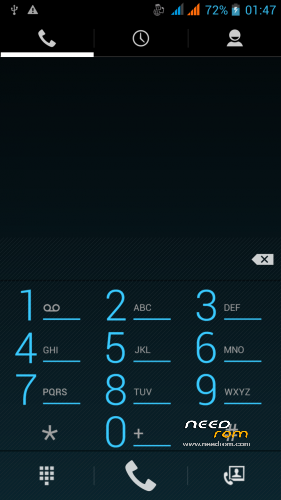
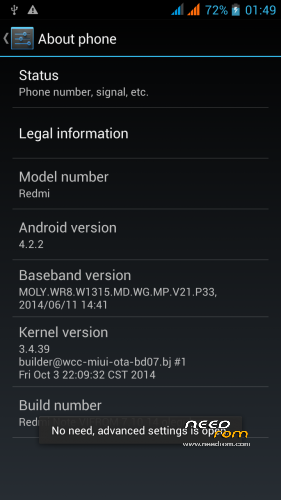
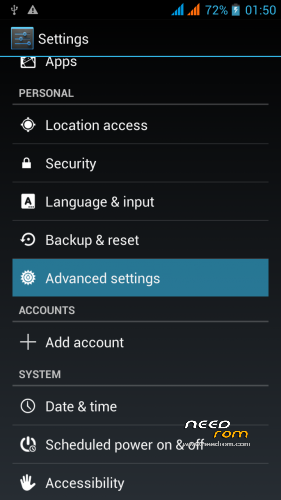
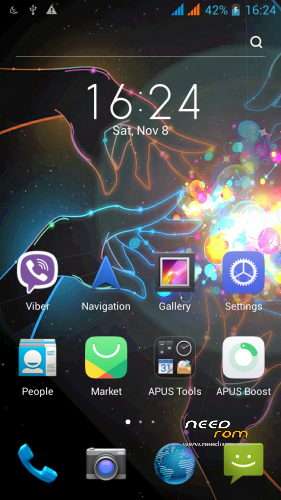
 Member Info
DESCRIPTION
ROM for WCDMA phone on MTK6592
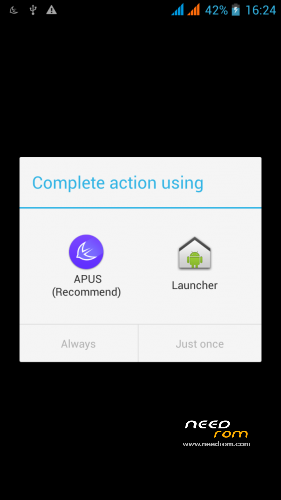
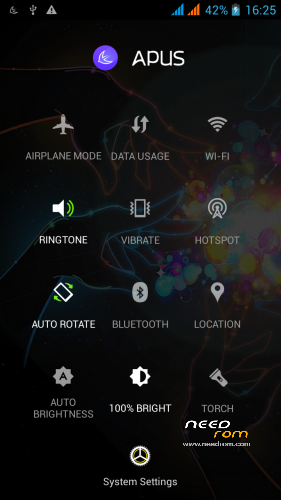
It's a fast firmware with two launchers(Stock and Apus launcher)(new).
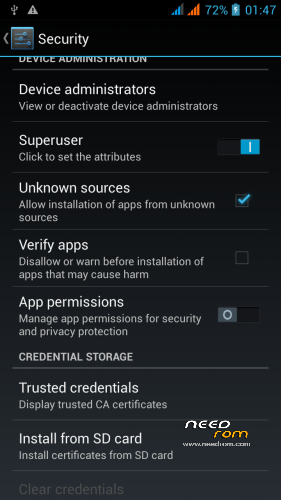
Enable Root(Turn Superuser in settings/security), Gapps, Init.d tweaks, Works Xposed and Gravity included(fixed).
Add app: Swiftkey keyboard, App&Game, Compass, etc.
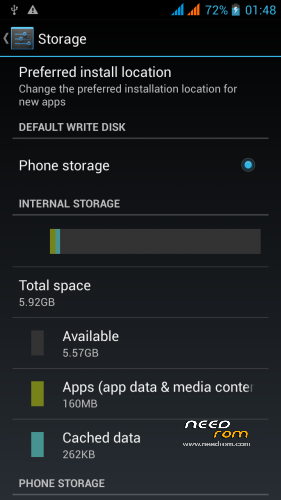
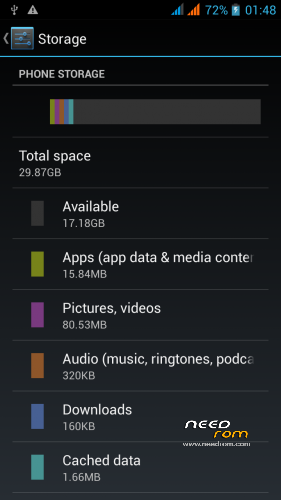
External SD-card is internal memory.
Default on start system – english language and timezone Krasnoyarsk.
Languages: Multilang.
All the functions work!
IF YOU LIKE MY WORK PLEASE DONATE . EVEN 1 $ IS APPRECIATED.
It's my final work. Work on this ROM is end. May be in a future I continue develop. In this moment I haven't any phone. Thanks for using!
※Please make a backup of your device before installing or updating ROM
Not stable !(reboots without asking) Pleas fix
Thanks
the problem is not in the firmware. you must full wipe before flashing!
Could not flash with this rom.
Using twrp.. but not successful..flashing failed.
Anyone able to help?
please,redownload file.
yes,,now is ok after redownload..thanks
hi olegulas,great work you are a very good dev who helps his users…may i ask i formated a 64GB ex sd card to fat32 and it installed ok in my friends redmi,if i were to instal this rom in his device will the 64GB become his internal storage or is it set only for the default 32GB ex sd card allocated for the device
Hi. ROM support 64gb.
Hi Olegulas,
Just installed your ROM 2days ago and it's just perfect !!! Everything works fine; the best custom ROM for Redmi Note i've tried.
Now my Note feelsmuch more reactive and faster than with the original MIUI.
Hope you will work on a new Kitkat version when MIUI 6 will be released
Where can i get twrp for this rom please? My stock recovery is in chinese. Thanx.
http://4pda.ru/forum/index.php.....0#entry32307063
Just flash this ROM few days ago, it's everything smooth and perfect! but when i install "SCR Screen recorder" and open this apps, it's promopt "There is a problem with root access on your device. Please open Superuser and make sure you haven't accidentally denied root access to SCR", but it's set "ALLOW" to access in "SuperSU" already. Tried to reinstall the apps and SuperSU, but still can't…Does anyone know how to solve this problem?
open settings / security / turn on Superuser or change permissions in Superuser if is on.
hey olegulas,
great rom ….just need to ask is it possible to remove anus..oops apus launcher completely from the rom with titanium or anything as i have superSU,lucky patcher and other stuff installed that do not seem compatible with the built in superuser…thank you
Install SuperSU, Titanium and delete Apus,it's easy. If you have problem with root, turn off Superuser and reflashing SuperSU, then open SuperSU and update binary file in normal mode.
May I know how to reflashing SuperSU? is it just d/l SuperSU from PlayStore? thx in advice