
- Title: VIVO XPLAY
- Listed: June, 2013
- Last modified: 06/10/2013 3:43 pm
- Version: ROM Android 4.2.2
You must be logged for ROM download.
18992 total views, 1 today

 Member Info
DESCRIPTION
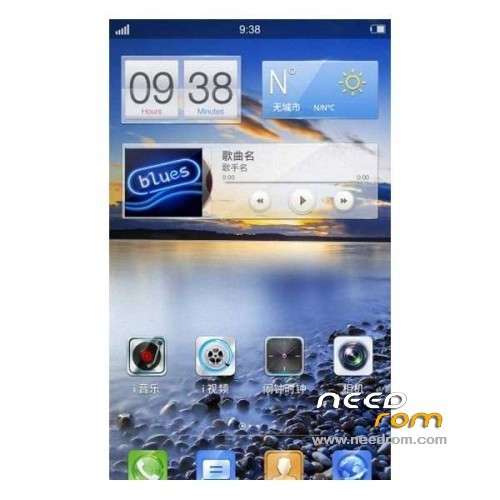
ROM VIVO XPLAY – ROM Android 4.2.2
ROM Official VIVO XPLAY Version: msm8960-user_4.2.2_JDQ39_20130525_2.6.3
Language suport : EN/CN
Install rom:
CWM
Step 1: Download the custom ROM copied to an external SD card root directory
Step 2: the shutdown state. While holding down:
– Power button + volume button up, to enter the recovery mode.
– Wipe Data / Factory Reset -> delete all user data
Step 3: Return to recovery main interface Install zip from sdcard -> choose zip from sdcard -> Select your ROM
Step 4: Brush complete, restart the phone Patience required – first boot takes a while
you can use file "Enter-in-recovery.bat" for mode recovery other "Restore-recovery-original.bat" for warranty restore by default
※Please make a backup of your device before installing or updating ROM
rom can do multiple languages
I have experienced a problem with it:
1) cannot see where to set battery percentage: in previous ROM I had it in the settings somewhere
2) I cannot see Google Calendar! I need to sync my google calendar, but there is no google calendar amongst my google account options!
About 2: I had to take missing GoogleCalendarSyncAdapter.apk from other android device – now everything is ok.
One more issue: the system downloaded firmware update to 2.8.10. But it's not applied, because assertion fails for some AlbumWidget.odex, that is actually missing in system/app as far as I can see….
Could someone please tell, which processes in VIVO Xplay can be safely uninstalled or at least provide their description? There is a lot of bloatware and useless battery drainers as I can see…