
- Title: VIVO XPLAY
- Listed: July, 2013
- Last modified: 07/21/2013 4:41 pm
- Version: ROM Android 4.2.2
You must be logged for ROM download.
14176 total views, 1 today
 Member Info
DESCRIPTION
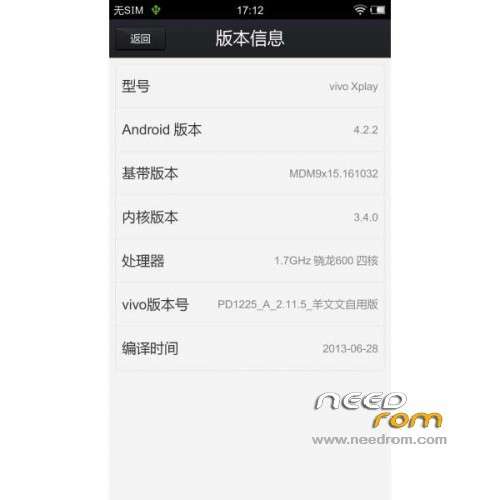
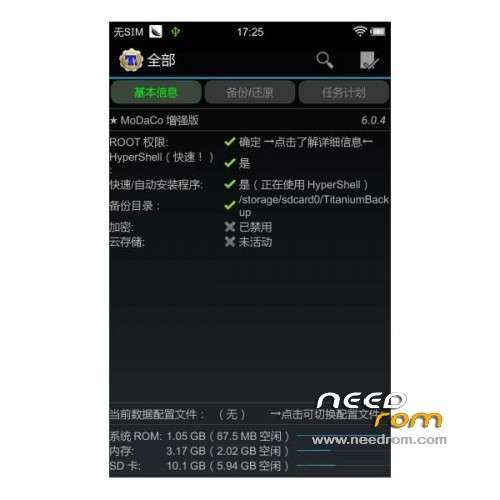
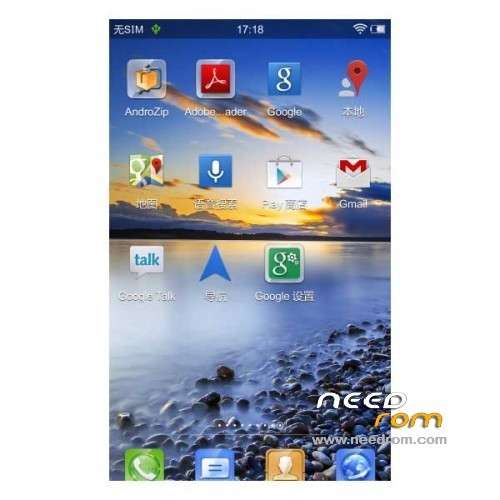
ROM Phone VIVO XPLAY – ROM Android 4.2.2
Features ROM:
1 original production based on the official 2.11.5
2 to turn on the camera shutter silent
3 separately I had Google to streamline service pack
4 Hosts modify, shielding part of the software comes with advertising source
5 GPS modify domestic server location server (lower latency)
6 more power to increase the wifi scan interval
7 Improve the fluency
8 Microsoft elegant black font
9 Join quick restart, a key lock screen gadget
10 Join RE browser
11 comes with most third-party applications to streamline
Gapps Not include you must dl and install
Language suport : EN/CN
Install rom:
CWM
Step 1: Download the custom ROM copied to an external SD card root directory
Step 2: the shutdown state. While holding down:
– Power button + volume button up, to enter the recovery mode.
– Wipe Data / Factory Reset -> delete all user data
Step 3: Return to recovery main interface Install zip from sdcard -> choose zip from sdcard -> Select your ROM
Step 4: Brush complete, restart the phone Patience required – first boot takes a while
you can use file "Enter-in-recovery.bat" for mode recovery other "Restore-recovery-original.bat" for warranty restore by default
※Please make a backup of your device before installing or updating ROM