
- Title: VIVO XPLAY X12.0
- Listed: November, 2013
- Last modified: 11/22/2013 5:52 pm
- Version: ROM Android 4.2.2
You must be logged for ROM download.
30485 total views, 2 today
 Member Info
DESCRIPTION
ROM Mobile VIVO XPLAY – ROM Android 4.2.2
Features ROM:
01, based on official firmware 2.19.2 for the bottom package customization and modification!
02, the latest addition to Sony's image enhanced display optimization
03, update attribution data package for the latest version 1.17!
04, retains super-practical "four sinks" shortcut attached to use: I learn
05, Jia Ruya round font. Personally feel more beautiful!
06, adding GPU optimized display
07, adding memory optimization script automatically released
08, to join the network is optimized scientific Internet
09, joined Sqlite optimization, sysro and sysrw optimization
10, all proceedings before zipalign optimization package, execute faster
11, joined the mobile terminal zipalign optimization, convenient newly installed program optimization
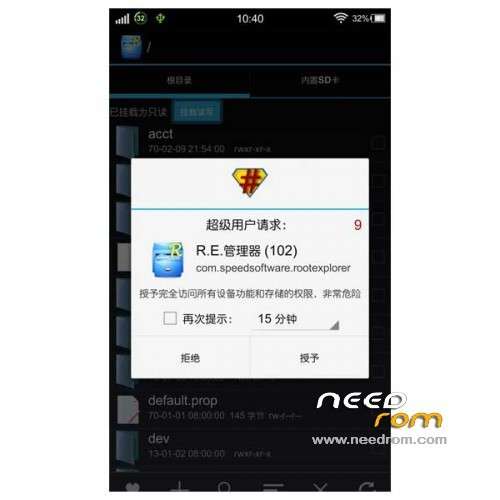
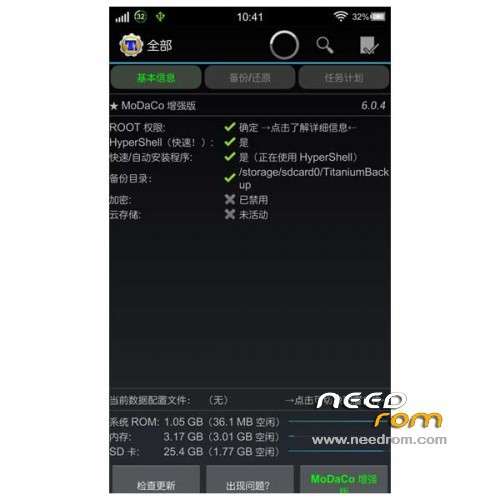
12, adding essential titanium backup, REv3.01 Explorer shutdown restart software
13, most of the less commonly used to streamline procedures, optimize memory!
14, add the most common Sogou input method, open their own use!
15, updated Hosts address advertising shielding optimization
16, adding init.d startup script execution
17, like a friend in the digital power: Set – More Settings – Display battery percentage tick can!
18, the integrated electronics market wood ants, massive software you download any
19, remove the boot color, and full Root!
20, add data partitioning support! Integrated software can be uninstalled! !
21, add boost optimization and optimization script!
22, joined my rights management software!
23, joined the English round body + beautify round body font. No distortion, more beautiful! !
Gapps include – Rooted
Language suport : EN/CN
Install rom:
CWM
Step 1: Download the custom ROM copied to an external SD card root directory
Step 2: the shutdown state. While holding down:
– Power button + volume button up, to enter the recovery mode.
– Wipe Data / Factory Reset -> delete all user data
– Wipe Cache Partition -> Wipe cache
– Advanced -> Wipe Dalvik Cache
Step 3: Return to recovery main interface Install zip from sdcard -> choose zip from sdcard -> Select your ROM
Step 4: Brush complete, restart the phone Patience required – first boot takes a while
you can use file "Enter-in-recovery.bat" for mode recovery other "Restore-recovery-original.bat" for warranty restore by default
※Please make a backup of your device before installing or updating ROM