
- Title: Vphone i6
- Listed: January, 2015
- Last modified: 01/08/2015 2:49 pm
- Version: the newest
You must be logged for ROM download.
18955 total views, 2 today
5 Total favorites
OFFICIAL
 Member Info
DESCRIPTION
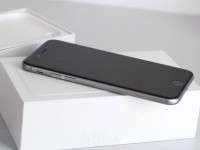
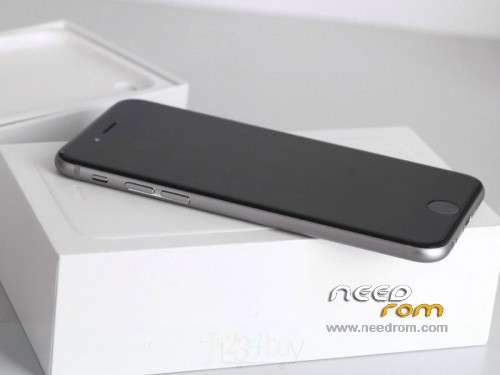
Official vPhone i6 Version : S106_NJF_V08_2014_1206_185
Gapps include – No Rooted
Language support: Multilang
※Please make a backup of your device before installing or updating ROM
can someone give instructions to install it?
Hi all. Do someone tested this rom? I'm using my No.1 VPhone i6 with V04 rom version and I have not big problems on it, except some little bugs ….
Is there a youtube video where is possible to get details about this rom?
Thanks
Bye
LUCA
Italian tutorial:
http://gizchina.it/2014/12/gui.....i6-firmware-v5/
is the GPS working for someone?
Hi all. Do someone tested this rom? I'm using my No.1 VPhone i6 with V04 rom version and I have not big problems on it, except some little bugs ….
Is there a youtube video where is possible to get details about this rom?
Thanks
Bye
LUCA
aiuto come si rimette bott apple dopo agiornamento
I’ve tested this Rom and I found the following things:
1. GPS not working
2. GAPPS working half (playstore ok, Gmail not, YouTube not) Gmail app only works when you install an old version such as 4.7
3. Updating Google maps to the latest version through the playstore will result in 2 maps icons on your home screen.
4. Apple logo can be fully shown throughout boot. (v05 would still show the V logo for a few seconds) to change the boot logo go to the phone menu and type: *#364016# (in this menu you can change the boot logo, imei, shown storage space, fake 4g)
5.I can’t seem to be able to access USB storage. Drive letter will show in Windows Explorer but it’s simply not accessible. Had this on both v05 and also on v08, anyone else have the same issue? I tried it on 2 pcs. Perhaps format+flash from spflash tools killed something? It does kill the imei but that can be easily set through the secret menu.
Thanks man