
- Title: zound v.4.1 W200 THL
- Listed: April, 2014
- Last modified: 06/05/2014 1:50 pm
- Version: W200.140310.zound.v4.1
You must be logged for ROM download.
43352 total views, 3 today
5 Total favorites

 Member Info
DESCRIPTION
Based on the latest official firmware. Multilanguage. Root, adb, init.d.
Install via modified recovery CWM or TWRP.
CWM versions for different devices – see download links
v.4.1 Custom pack (Update for ver.4)
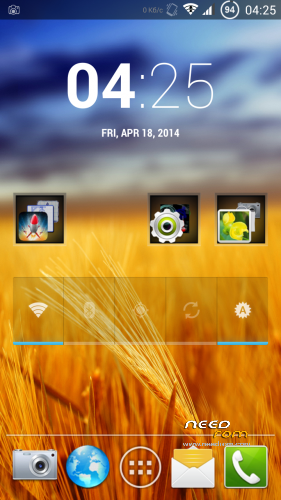
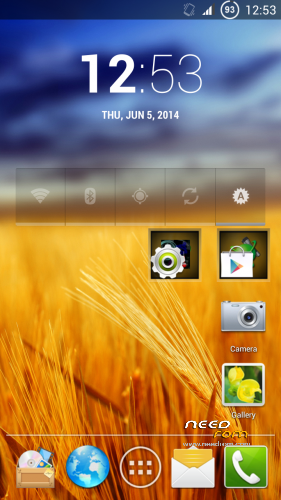
- Fixed launcher (4×6) Correct display some widgets
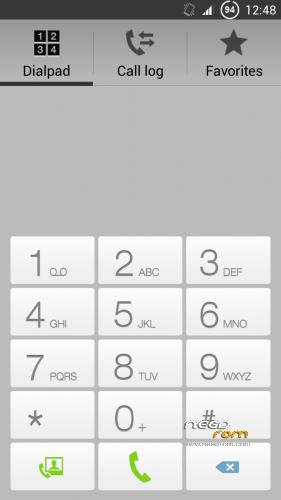
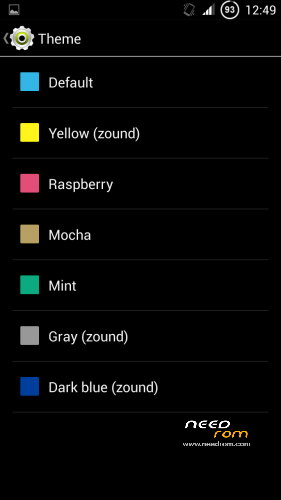
- Correct themes gray, yellow
- Fixed size limit selection mms (now works 1024,300,200)
- More choice kernel (For best compatibility, choose your kernel)
v.4
For all kernel version (choose the kernel during installation 130703, 130815, 130817, 140111, 140224, 140227, 140310, 140402 )
After installing the firmware, you can select the style and logo using w200.zound.v4.custom.pack.zip via recovery without installing the firmware again
- Aroma installer. Choose: contacts and sms style, on/off traffic, boot for different versions, logo, customise stock launcher
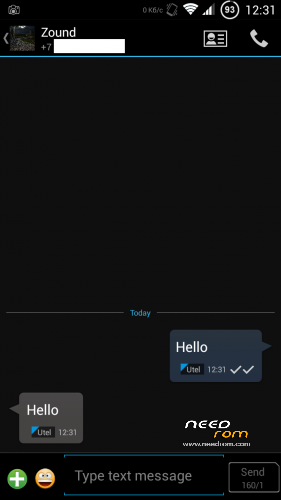
- Black or white contacts and sms
- Update google apps
- Update supersu for "ESfilemanager" stability
- Fixed fonts for Adobe Photoshop Touch and in some apps
- Unlocked standard themes and added new
- Fix dark theme contacts, mms/sms
- LED turns off when charged 100%
- On/off notification light settings-display
- Smooth Auto Brightness
- Fix characters traffic monitor (KB/s)
- Adjustment selection white sim card
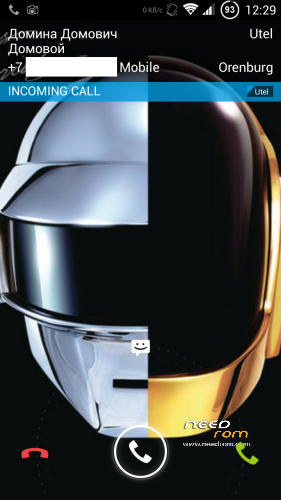
- Correct white strip incoming call
Firmware zound v3, v.3.1 for the new and old revisions of the W200
First version - for devices that came with firmware 130703, 130815, 130817, 140111
Second version – for devices 140224, 140227, 140310
After install, clean cache, boot the system and restart - hot boot
Changelog
v.3.1 ota
- Ota update. From this version all updates will come online. App "OTA Updater"
v.3c
- System upgrade to 140310
- White icons status bar
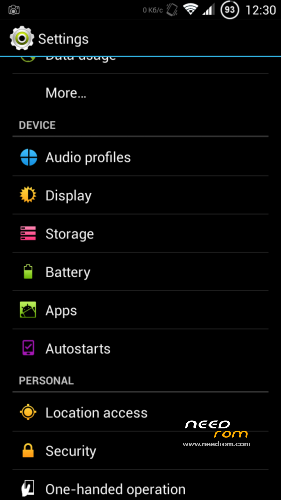
- Autostarts menu in settings
- Internet speed indicator in status bar
- new boot animation
- Removed warning about the increased volume of the headphones
- Black style windows system calls
v.2
- Holo.black style mms/sms, people, calendar, todo, notebook
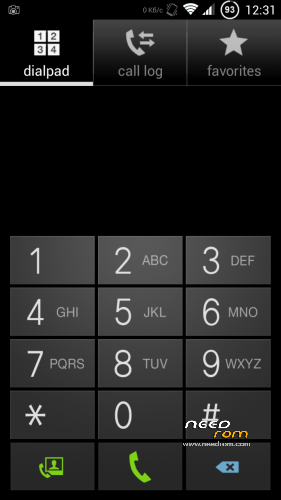
- New style: Phone, dialpad, widget power control
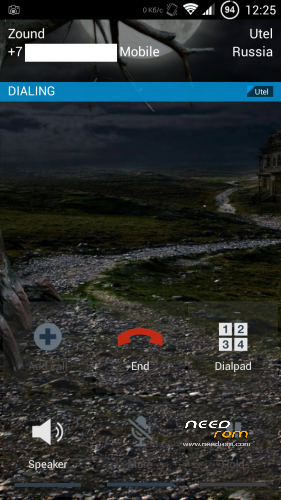
- More information contact on the screen incoming and outgoing call
- In launcher new folder icon and background, larger icons
- Black style boot animation
- Return standard animations, new animation(1.5) in patch
- Updated Google apps, SuperSu
- Pre-installed latest offline speech recognition English, Russian
- Added Russian translation in some applications
- Patches different battery indicator (see links)
v. 1.5
- In launcher removed Google search bar, desktop grid 4×5
- Standard animation windows, transitions, and pop-up windows replaced with fly and flip
- Battery indicator percent (when charging also shown interest)
- Removed message about the lack of sim card when you reboot
- Slightly Improved the work Auto Brightness
v. 1.0
- Working with Auto Brightness. Set accurate readings and sensor lighting adjustment
- Setting the lower threshold brightness set to the lowest possible value
- Full-screen photo of the contact incoming and outgoing call (720×1280)
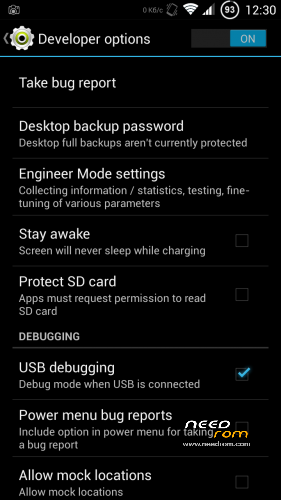
- Engineer mode and advanced settings menu in the settings Developer
- Advanced menu reboot
- The camera records video in mp4
- Long sms not be converted to MMS
- Choosing attachment mms to 1MB
- Russian search for a contact in the dialpad the first letters of the contact
- Google keyboard +
- Google voice search and voice input
- Removed Chinese apps
- File hosts ad filter
- root supersu init.d busybox
Please do not use firmware resources (created by me) in another firmware, without the consent of the author 4pda zound http://4pda.ru/forum/index.php?showuser=862859
If you have any questions, please contact me http://forum.xda-developers.com/member.php?u=1216773 or http://4pda.ru/forum/index.php?showuser=862859
※Please make a backup of your device before installing or updating ROM
Hi Zound will you upgrade the firmware to 140111? Until this moment rom works flawlessly.
i cant instal it via cwm … can you provide rom that can be instaled via sp flash tools from 130… and 140… tnx you
Hi, can you pleae provide rom that can be instaled via sp flash tools.
Great work sir. Thanks for all
good job, works great,thanks zound
nice work on this last update…
is it possible to change the data speed monitor text to standard (Kb/s)
or where to change the language of it ??
will be fixed soon
Hi
How Can I disable the Internet speed indicator in status bar ?
thanks!
Great update! I've just installed V3.3 OTA . But I was wondering if you would be able to implement folders in the app drawer in a future release maybe? I know there are folder functions for other launchers like touchwiz and apex. But I don't wanna install them and add more battery wastage so I want to stick to the Rom default.
Thanks Zound
thanks ZOUND , good ROM ,and, OTA updates.
3 Requests :
Please supports 3G SIM2 , DUAL 3G.
(3G+3G)
for example: ROM MIUI
request: control LED blinking for new message – ON/OFF
request: control BANDWITH Mb/S – ON/OFF
2asi