
- Title: zound v.4.1 W200 THL
- Listed: April, 2014
- Last modified: 06/05/2014 1:50 pm
- Version: W200.140310.zound.v4.1
You must be logged for ROM download.
42520 total views, 2 today
5 Total favorites

 Member Info
DESCRIPTION
Based on the latest official firmware. Multilanguage. Root, adb, init.d.
Install via modified recovery CWM or TWRP.
CWM versions for different devices – see download links
v.4.1 Custom pack (Update for ver.4)
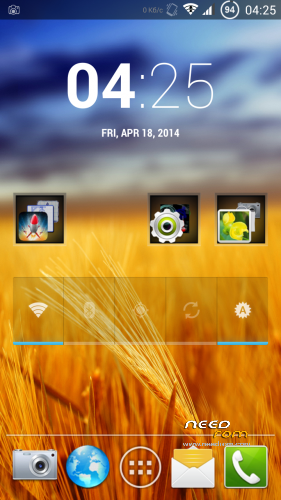
- Fixed launcher (4×6) Correct display some widgets
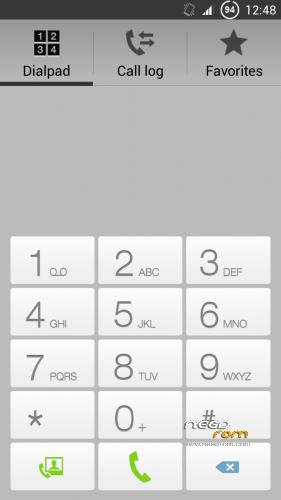
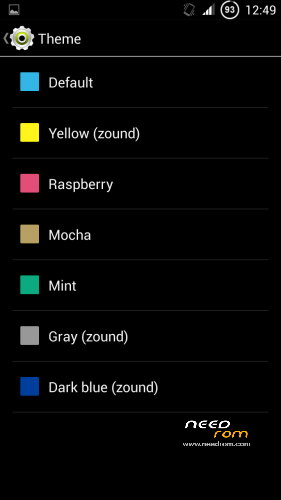
- Correct themes gray, yellow
- Fixed size limit selection mms (now works 1024,300,200)
- More choice kernel (For best compatibility, choose your kernel)
v.4
For all kernel version (choose the kernel during installation 130703, 130815, 130817, 140111, 140224, 140227, 140310, 140402 )
After installing the firmware, you can select the style and logo using w200.zound.v4.custom.pack.zip via recovery without installing the firmware again
- Aroma installer. Choose: contacts and sms style, on/off traffic, boot for different versions, logo, customise stock launcher
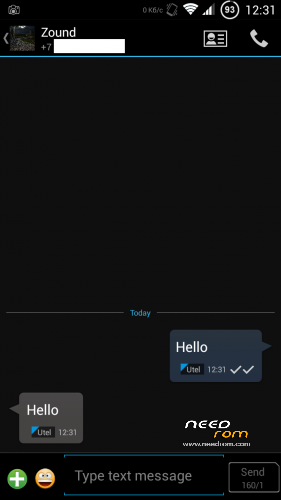
- Black or white contacts and sms
- Update google apps
- Update supersu for "ESfilemanager" stability
- Fixed fonts for Adobe Photoshop Touch and in some apps
- Unlocked standard themes and added new
- Fix dark theme contacts, mms/sms
- LED turns off when charged 100%
- On/off notification light settings-display
- Smooth Auto Brightness
- Fix characters traffic monitor (KB/s)
- Adjustment selection white sim card
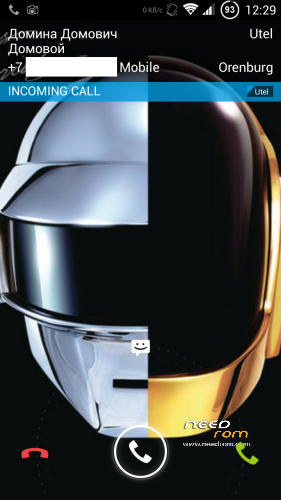
- Correct white strip incoming call
Firmware zound v3, v.3.1 for the new and old revisions of the W200
First version - for devices that came with firmware 130703, 130815, 130817, 140111
Second version – for devices 140224, 140227, 140310
After install, clean cache, boot the system and restart - hot boot
Changelog
v.3.1 ota
- Ota update. From this version all updates will come online. App "OTA Updater"
v.3c
- System upgrade to 140310
- White icons status bar
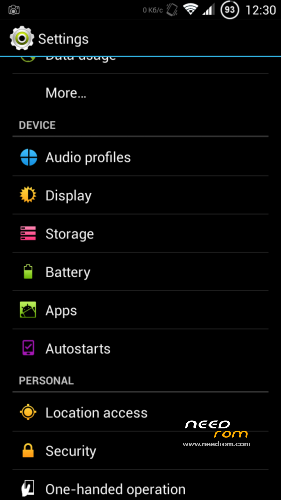
- Autostarts menu in settings
- Internet speed indicator in status bar
- new boot animation
- Removed warning about the increased volume of the headphones
- Black style windows system calls
v.2
- Holo.black style mms/sms, people, calendar, todo, notebook
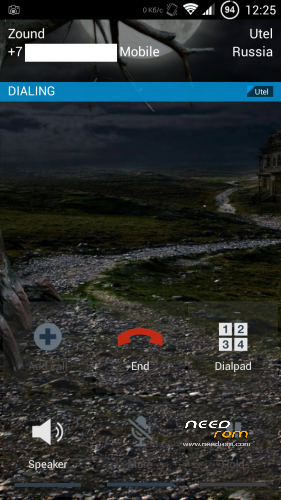
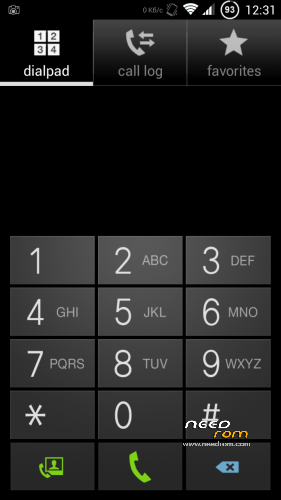
- New style: Phone, dialpad, widget power control
- More information contact on the screen incoming and outgoing call
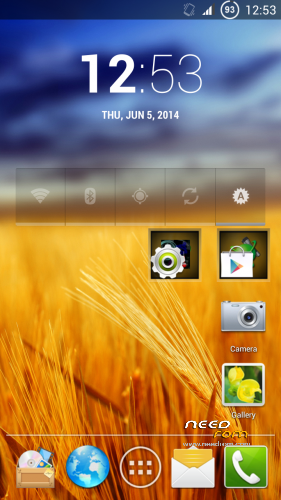
- In launcher new folder icon and background, larger icons
- Black style boot animation
- Return standard animations, new animation(1.5) in patch
- Updated Google apps, SuperSu
- Pre-installed latest offline speech recognition English, Russian
- Added Russian translation in some applications
- Patches different battery indicator (see links)
v. 1.5
- In launcher removed Google search bar, desktop grid 4×5
- Standard animation windows, transitions, and pop-up windows replaced with fly and flip
- Battery indicator percent (when charging also shown interest)
- Removed message about the lack of sim card when you reboot
- Slightly Improved the work Auto Brightness
v. 1.0
- Working with Auto Brightness. Set accurate readings and sensor lighting adjustment
- Setting the lower threshold brightness set to the lowest possible value
- Full-screen photo of the contact incoming and outgoing call (720×1280)
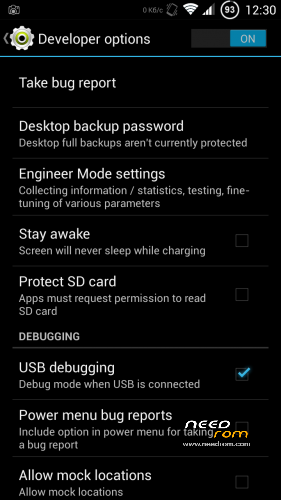
- Engineer mode and advanced settings menu in the settings Developer
- Advanced menu reboot
- The camera records video in mp4
- Long sms not be converted to MMS
- Choosing attachment mms to 1MB
- Russian search for a contact in the dialpad the first letters of the contact
- Google keyboard +
- Google voice search and voice input
- Removed Chinese apps
- File hosts ad filter
- root supersu init.d busybox
Please do not use firmware resources (created by me) in another firmware, without the consent of the author 4pda zound http://4pda.ru/forum/index.php?showuser=862859
If you have any questions, please contact me http://forum.xda-developers.com/member.php?u=1216773 or http://4pda.ru/forum/index.php?showuser=862859
※Please make a backup of your device before installing or updating ROM
I see Zound V3.1 has OTA updater – does this mean if I download V3.1 I'll be able to access the V4.1 version (because as I said – there is not way for a direct download anymore…)
Hi!
Do I have to install v.4 before installing v. 4.1??
Or can I install directly v. 4.1??
thank you
I was told to install the latest firmware to my thl w200, could someone guide me step by step on how to do it.
The issue I have is that the phone does not ring on incoming calls, it only vibrates. Everything else is working
excellent. Thank you
hello
i don't understand.
i have miui 4.6.2, how do install 4.1?
thanks
how to update?? i like it. ^)^
Sorry… I have a THL W200 with Etotalk's rom.
which files I need to download to install the rom? There are 10 links: /
tnx
Is ota update work on 4.1 ?
Thanks
Hi,
My firmware is 130815, but I will replace the touch screen because my is broken, what firmware should I install?
Thanks