
- Title: Walton NEXG N73 FRP Reset File & Tool
- Listed: May, 2024
- Last modified: 05/11/2024 3:39 pm
- Version: all version
You must be logged for ROM download.
5965 total views, 1 today
CUSTOM


 Member Info
DESCRIPTION
Walton NEXG N73 FRP Reset File & Tool
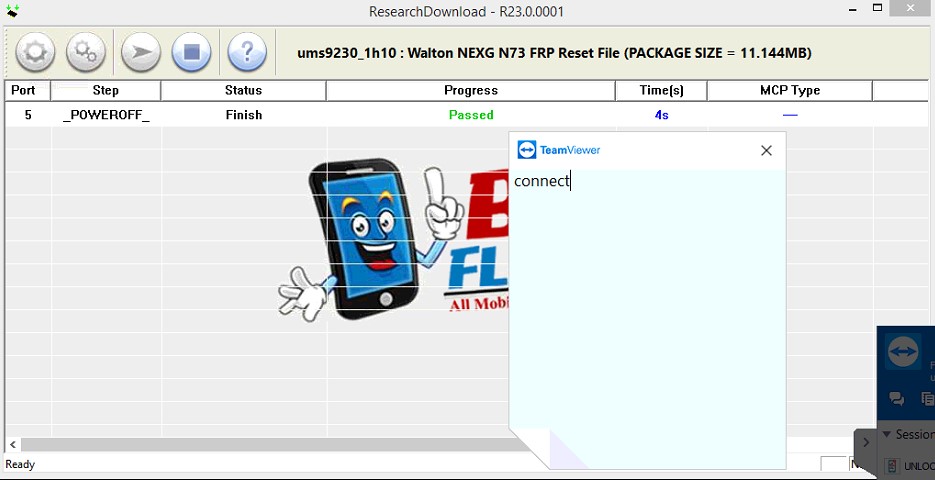
How to use it
- 1. Download the Walton NEXG N73 FRP reset file on your computer.
- 2. Now extract it.
- 3. Download and install the SPD USB driver.
- 4. Now open the SPD Upgrade Tool.
- 5. Now click on the scatter-loading button and choose the FRP file.
- 6. Connect your device to the computer using a USB cable.
- 7. Now click on the download button.
- 8. Wait for its completion.
※Please make a backup of your device before installing or updating ROM
কেউ ডাউনলোড করবেন না পাসওয়ার্ড প্রটেক্ট আছে