
- Title: Walton Primo NX
- Listed: February, 2014
- Last modified: 02/16/2014 4:53 pm
- Version: ROM Android 4.2.2
You must be logged for ROM download.
17106 total views, 5 today
3 Total favorites
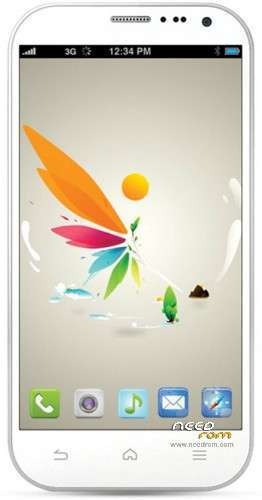

 Member Info
DESCRIPTION
ROM version – ROM Android 4.2.2 (Updated Jan 2014)
Official ROM WALTON PRIMO G1 Version: Primo_NX_JellyBean_4.2.2_jan_2014.rar
Language support : Multi Lang
Install driver:
1st step: Power Off the phone and Connect your phone with PC via USB cable. Now go to My Computer>Manage> Other devices> MT65xx Preloader
2nd step: A window will appear like below and select Browse my computer for driver software
3rd step: To select driver go to driver folder> USB VCOM Driver> Win7
4th step: Windows security window will appear. Select Install this driver software anyway
5th step: Wait until Windows has successfully updated your driver software
6th step: Now go to Driver Folder> Open MS_USB_ComPort_Driver_exe_v1.1032.1 > Install Driver
Flashing:
2. Open Flash Tools MultiportDownload.exe (From "Download Tools" folder)
3. Select smart phone and press ok.
4. Click "Select file" for select scatter file
5. Select scatter file (MT6589_Android_scatter_emmc) from software folder (Under "WALTON_Primo_NX_Firmware" folder)
6. Download file load successfully will show. click "ok" button.
7. Press "Start all"
8. Under POWER OFF mode press & hold Volume up and down key together, then put USB cable in to Handset charging port
(with battery). Software process will be start within few second.
※Please make a backup of your device before installing or updating ROM