
- Title: Xiaomi Redmi Note 1TD Fake – MT6582 (MT6592 is fake!) – with LCD driver, WI-Fi, GSM, GPS and sound fix
- Listed: January, 2016
- Last modified: 01/16/2016 2:16 am
- Version: 4.2.2 JDQ39, MIUI-JHDCNBE25.0
You must be logged for ROM download.
28526 total views, 2 today
3 Total favorites
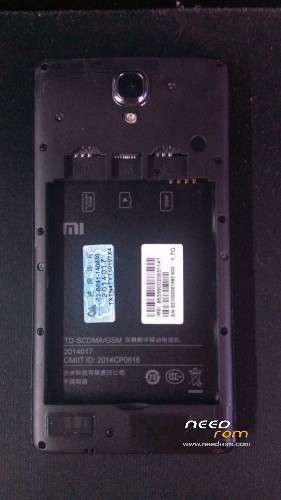
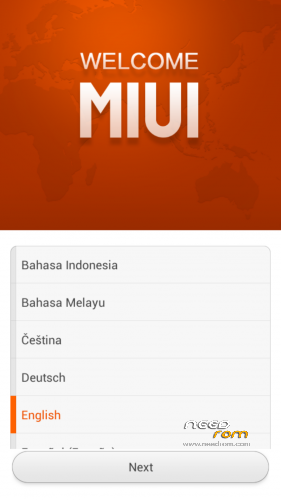
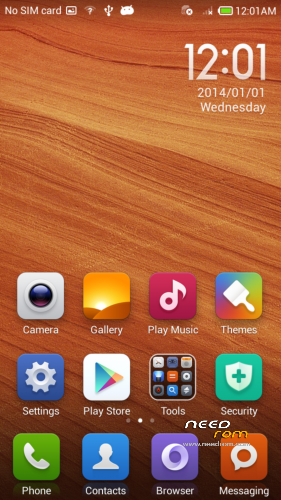
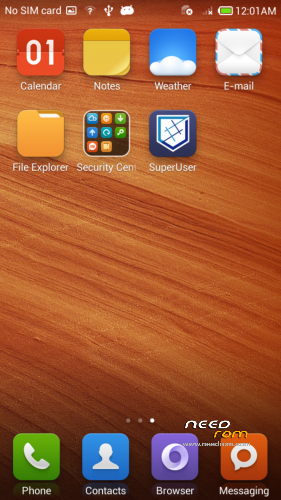
 Member Info

DESCRIPTION
!!! IMPORTANT !!! – a several big problems was not fixed in this ROM (on my model – it was been upside-down reversed camera, wrong gsensor output), read description!
Hi All!
This ROM was ported by me for bricked chinese Xiaomi HM Note 1TD, when i find rom for unbrick it in this post: https://www.needrom.com/download/xiaomi-redmi-note-fake-mtk-6582-with-lcd-driver-fix/ (Thanks to niki_help !)
Some days I'm trying to find stock rom for Xiaomi HM Note 1TD, and when i find it and flash my customer phone – it ran, but LCD driver turned out to be unsuitable for this phone (Vertical stripes over all display, and i can not see anything )
Then i find a rom, which was presented by nikki_help, and port some files (like modem, sound settings, NVRAM region) from stock chinese rom to this rom.
it was quite difficult, because in order to get the files from the Chinese firmware – i made screenshots at the firmware with the wrong driver, then I saw screenshots on the terminal, and only then tap on phone for switch from chinese to english and enabling usb debugging for pulling system files out.
Now about usability.
Things, that work fine:
1.) root and CWM recovery added.
2.) GSM 2G only!
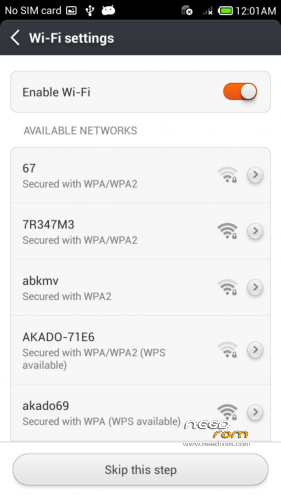
3.) Wi-Fi
4.) GPS
5.) Google services
6.) Other standart Android smsrtphone things
Things, that works buggy:
1.) Camera.
Is upside down inverted!!! IMHO – picture is output from hardware to system on a drivers level.
Drivers (such LCD, camera, gsensor) – is hardcoded in LK.BIN region (UBOOT) and no way to extract it! Maybe you can?, or know how to fix it???
2.) G-sensor (accelerometer).
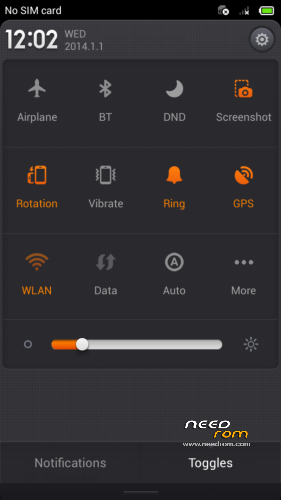
Is gone MAD! X and Y axis – swapped and tilt screen 90 degrees right in settings and some apps (i fix it on my customers phone by turning off screen rotation in settings)3.) When you call or answer on call – maybe you can not hear the sound – just turn on and off loudspeaker mode.
4.) (upd.) – headphones sound maybe not work, I no longer had the time to do it.
5.) I did not find problems anymore- if you find some – tell me.
Instructions: Unpack, flash with flashtool, change default IMEI with mtkdroidtools (imei will be removed if you do factory reset).
Archive contains: flashtool blocks, mtkdroidtools NVRAM region backup. (if you loose your NVRAM trough formatting, and it not been restored with flashtool backup.)
Also i have stock cinese rom, with wrong uncompatible LCD driver, tell me if you need that.
>>Unbrick and enjoy.<<
you may donate, Account Yandex Money for donation: 410013885635759
With best regards. trunk44
※Please make a backup of your device before installing or updating ROM
link is dead. Pls update it. Thanks!