
- Title: XOS 2.3(Android 7) for installation through TWRP
- Listed: November, 2017
- Last modified: 11/23/2017 2:13 pm
- Version: Version 1
You must be logged for ROM download.
13359 total views, 1 today
CUSTOM



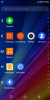


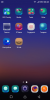
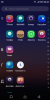
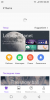

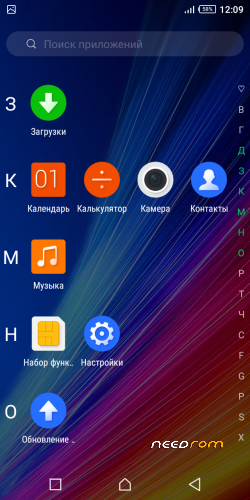
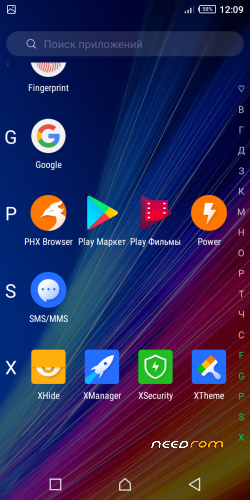
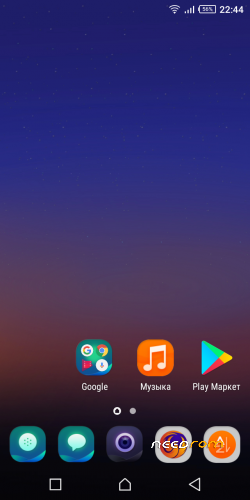
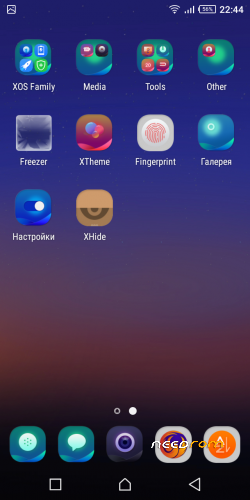
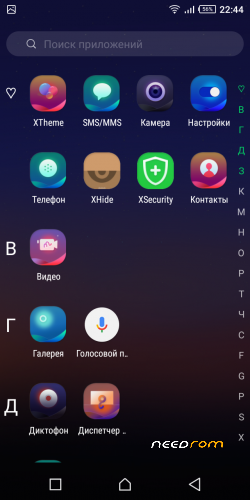
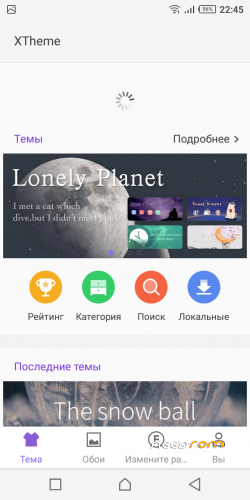
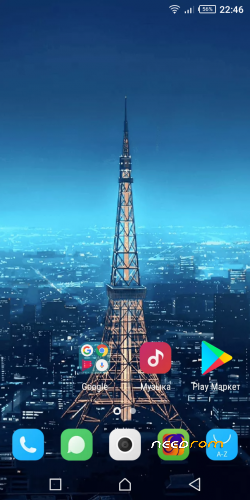
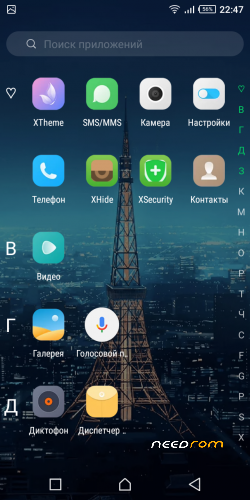
 Member Info
DESCRIPTION
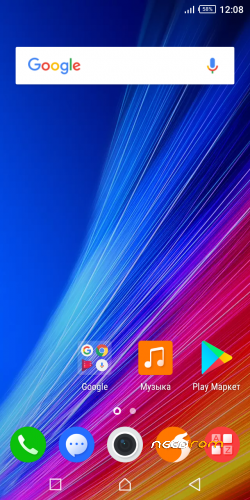
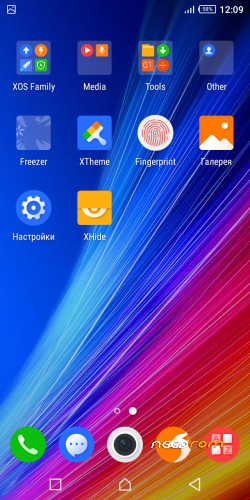
Warning! The fingerprint scanner and the flashlight in the blind do not work. For a flashlight, put a separate application.
Installation instructions:
Copy the firmware to the external sd. Install TWRP for Oukitel C8. Start TWRP, go to Wipe, Wipe Dalvik, Cache,System, Data. Go back to main menu, go to Install, select the firmware on the external sd, swipe for installation. Wait until the installation is complete, reboot into the system. Congratulations!
※Please make a backup of your device before installing or updating ROM
Dear Agafonoff
Many thanks for the ROM, it's very nice, fast and stable. But from XOS it's not able to run the official updates. Can you please make a Version 2 which is up to date?
As well, are you able to have XOS 3.0 on this nice C8 ?
Enjoy a good 2018
this is for C8 3G or 4G version ?
3g
Pls how can I flash the recovery img
The ROM works perfectly except for the fingerprint but I wanna say a very huge thank you.
muy buena,mejor que la oficial,huella dactilar sin importancia para lo bien que corre,estetica y funcional
¡felicito al compilador de la custom!
Hello you could carry a rom of the lineage branch or any other where the digital reader works on the users of oukitel c8 we would like to thank you even more.
Thanks Agafonoff!
I had a serious problem with Oukitel stock v14 ROM. System (Fotaprovider) has an intensive use of mobile data impacting badly in my mobile data montly plan, i.e. data usage was about 1 GB per week.
I like this XOS2.3, good luck with your development.
please help me to get link firmware C8 4G.my phone error sotfware .thank you……
please provide twrp for c8 3g thanks
I'm very pleased with the ROM everything works great except finger print which i don't really mind and torch light. Thank you Admin