
- Title: XOS V2.0 for Y6 (Stable)
- Listed: August, 2017
- Last modified: 08/19/2017 11:39 pm
- Version: 6.0
You must be logged for ROM download.
9555 total views, 1 today
 Member Info
DESCRIPTION
Features
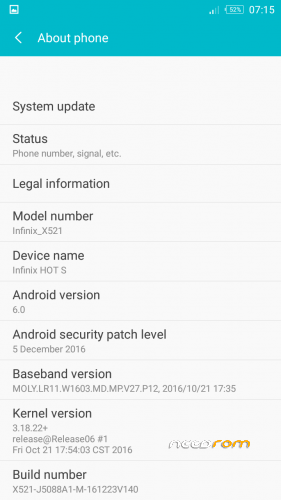
Android 6.0
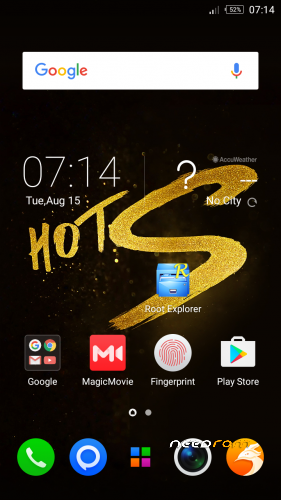
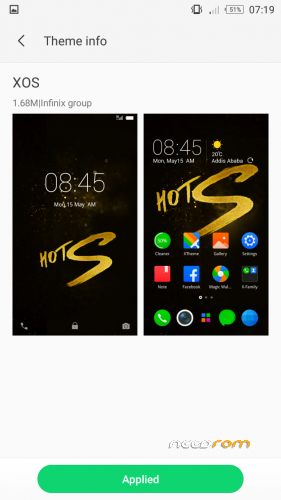
Themes
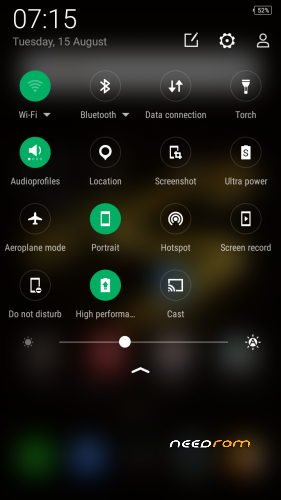
Nice UI
Multi-langage
Fast startup
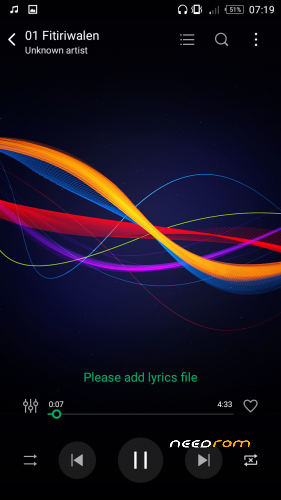
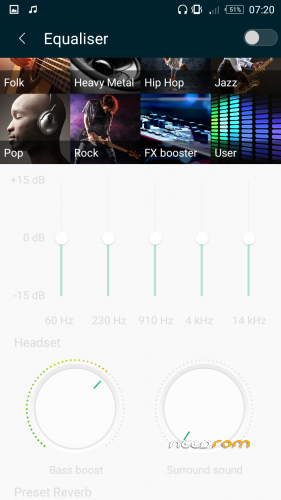
Great Audio with special Audio Enhancements
More …
Bugs and Things that didn't work
A bit heavy vibration mode when touching the navigation buttons (menu, home, back).
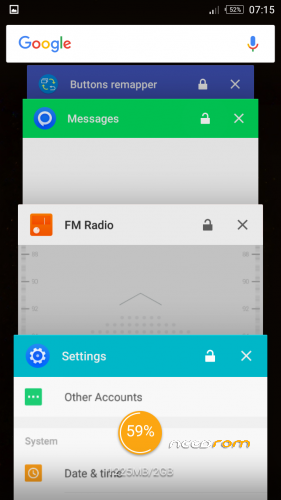
Recent button doesn't display recent apps. You can fix it by using an app called "Buttons Remapper" from Play Store.
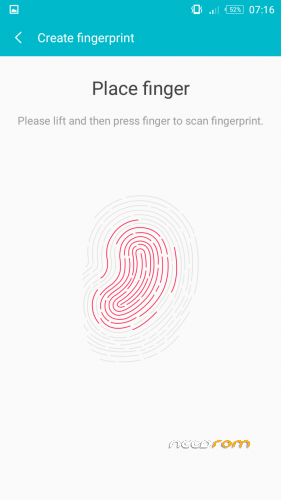
Off screen gestures (double tap)
Downloads
See above for the download links.
Installation
Download the ROM. Unpack it. Copy the XOS-V2.0_Y6 folder to your internal storage or sdcard storage inside TWRP/Backups/Y6. If you have TWRP 3.1.1, put it inside the folder called 1234567890ABCDEF instead. Copy the SuperSU zip file to your internal storage as well.
Boot your phone to TWRP
Backup NVRAM and NVDATA partitions if you haven't done that already.
Click "Wipe" and slide to the right to wipe
Click "Advanced Wipe". Check "Dalvik / ART Cache", "System", "Cache", "Data". Slide to the right to wipe.
Go back to the main menu. Click "Restore". Choose the XOS-V2.0_Y6 on the list.
Make sure that "Boot" and "System" are checked. Slide to the right to restore.
After the restore process, install the SuperSU zip file that you downloaded earlier.
Notes
Credits and Thanks
Sir Syed Ahmed Ali Shah, I cannot thank you enough, sir.
Anyone else that I forgot to mention.
※Please make a backup of your device before installing or updating ROM
Hey I installed your ROM, it’s nice maybe one of the nicest ROMs that I’ve tried for this device. Thanks a lot. I have to tell you something, I even got software updates on this ROM shall I update it?
Don't install updates ==> FULL HARDBRICK !
I don’t see any audio enhancement app or anything. Did u replace audio files?
Go to Music Player => Settings => Equalizer.
There you get your Audio Enhancements.
They don't work with phone speakers, use headphones or a BT audio device.
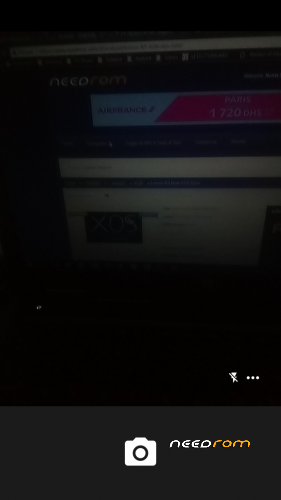
One more thing please fix the dark camera app.
Increase brightness in Camera app
Or use HDR mode for your pictures.
Camera was hard to get fully working. Infinix Camera app did not work, platform differences I assumed.
Can i install this update in oppo f1s mtk 6750 ??