
- Title: XOSP 6.2(6.1 OTA)
- Listed: June, 2016
- Last modified: 06/26/2016 8:20 pm
- Version: 6.0.1
You must be logged for ROM download.
18762 total views, 4 today
 Member Info
DESCRIPTION
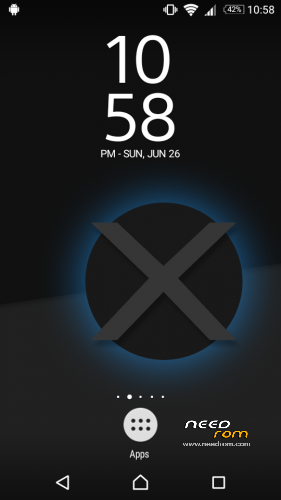
XOSP(Xperia Open Source Project) 6.1 MM for Lenovo S650(ROW)
Credits to
@nilac and XOSP Team
CM for the base sources
Sony Xperia Community
@malybru for the banner
nightwalkerkg for the logo
Jason Riordan && Christopher R. Palmer for Zenfone 2 sources
S#@DY && Nyks45 for testing up the ROM before public release
Karthick C
Kishan and Yazad (for compiling for MT6582)
Fire855 and Ferhung (for their commits)
Aniruddha Adhikary (for his USSD fix)
Hyperion70
nofearnohappy
Varun Chitre
Arifan
Vlad.masti
Alex
Team AMD
Sergey KochetKoff
Suraj Lad
nervehammer
Ported by me….
Features:-
-Based on CM 13.0
-Enforcing Mode
-Removed many unnecessary apps and stuff as well as CM ones
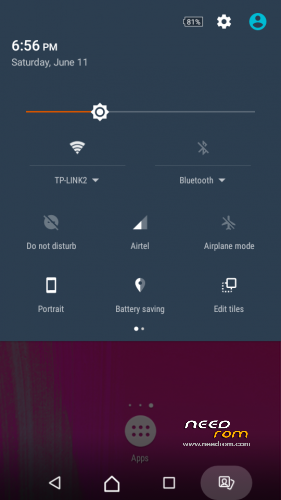
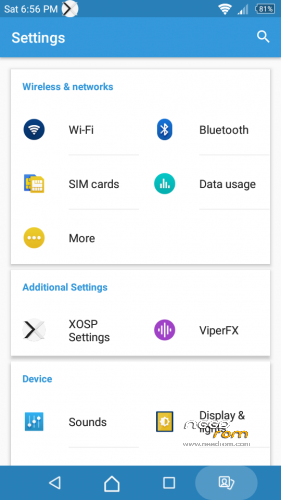
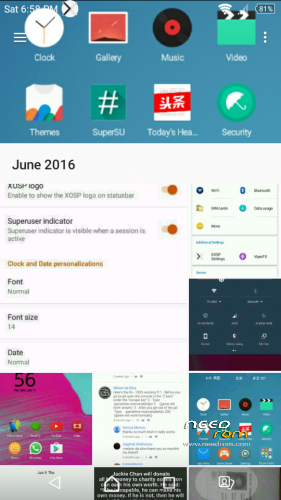
-Xperia X inspired UI for Settings
-StatusBar Clock font style
-StatusBar Clock font size
-Added StatusBar Date & style options
-Added option for date style/position, left-right of clock
-Xperia Z5 inspired LockScreen style
-Xperia Fonts
-Xperia Battery Text prototype
-Time Contextual Headers
-XOSP Universal dialog for Shutdown/Reboot and Dexopting Process
-XOSPDelta
-Stock Kernel
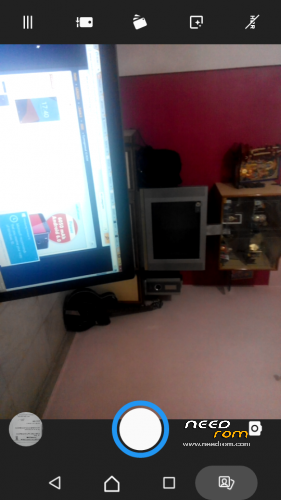
-Snap Camera
-ViPER Audio Engine
-Theme Chooser
-Xperia based Bootanimation
-Custom Framework and SystemUI Xperia drawables
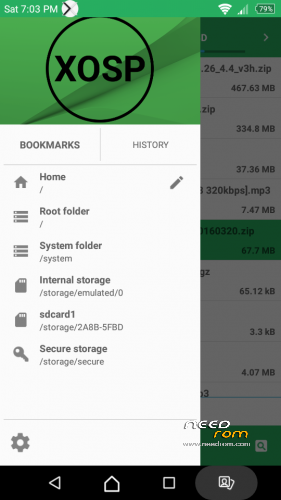
-XOSPFileManager
-Color Picker including also a unique flat palette of 8 selected colors
-Carrier label/custom & change color
-Slim custom Doze options
-Xperia Z5 sounds
-Xperia X Wallpapers
-XOSPSetupWizard
-Custom Materialized
-Stock Browser is custom themed
-Contacts is custom themed (Much more Xperia Style)
-Dialer is custom themed (Much more Xperia Style)
-Status bar logo
-Navigation Bar ON/OFF
-NavBar dimensions
-SlimDim
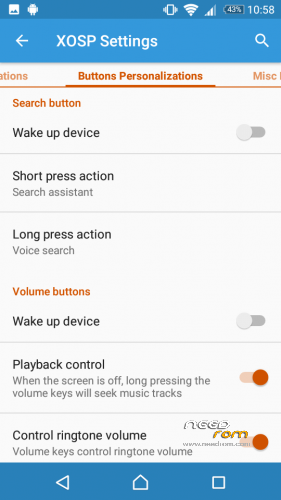
-HW Keys ON/OFF
-SlimSeek Bar
-Status bar Network Traffic indicator
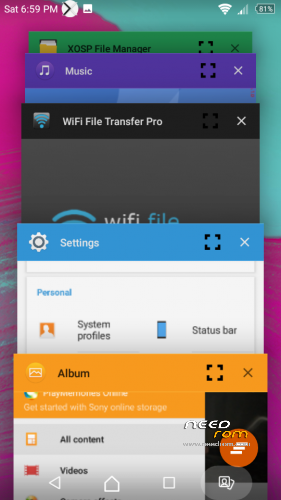
-RAM Bar in recents options
-Toast Animations
-Long Press back to kill in Development Settings
-Ability to hide the Super SU status bar icon
-Dashboard Columns
-Dashboard double lines toggle
-Double Tap to sleep anywhere on the lockscreen
-On-the-go Mode
-Double tap to sleep on navigation bar
-SystemApp remover
-Omni inbuilt SystemUI Screenrecording
-SuperSU
-Xperia Apps
-Xperia Z5 Home app
-Album App
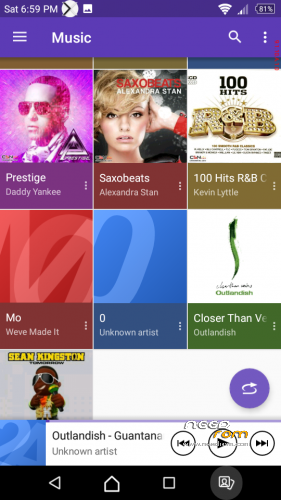
-Music (former WALKMAN)
-PhotoAnalyzer
-PhotoEditor
-SemCalendar
-SomcPodcast
-Video
-SemcClock
-Xperia Keyboard (aka textinput-tng)
-AudioRecorder (Material Version)
-ClockWidgets
-ClockWidgets (Black)
-WallpaperPicker (For Xperia X custom wallpapers)
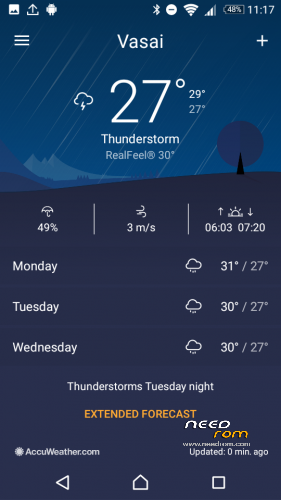
-Weather App
-Wheater Widget
-Walkman Widget
-WorldClockWidget
UPDATE-XOSP 6.2
For people flashing first time:-
1.Put the rom zip,xospapps6.2 zip and gapps in sd card
2.First factory reset,then advanced wipe->wipe everything leaving sd card and internal storage/emmc
3.Flash Xosp rom zip
4.Wipe cache/dalvik cache
5.Flash Gapps provided
6.Again wipe cache/dalvik cache
7.Then flash xospapps6.2 zip fle
8.Again wipe cache/dalvik cache
9.Reboot and wait for some time as it may take time to boot
For people who are already having XOSP 6.1(this will act as OTA for y'all):-
1.Put the zip in sd card
2.Go to recovery and directly install the xosp6.2 zip file
3.Do not wpe cache/dalvik cache
4.After that install xospapps-6.2
5.After that wipe cache and dalvik cache
6.Reboot system
7.Do not worry,all the apps which u installed will be there…..
XOSP 6.2 CHANGELOG:-
-Sources synced with the latest ones from CM
-Switched to Android 6.0.1_r46
-June security patch level
-NetPluginDelegate: Disable SPAM in log
-CallInBackground: Do not block HOME
-Lockscreen blur & see through
-SystemUI: Switched the qs signal stock icons to the Xperia ones
-SystemUI: Updated Somc battery text background
-SystemUI: Fixes in status_bar layout (No more layout problems when the battery reach the 100% and –no more empty space when the battery level is lower than 10%)
-Switched Lockscreen target icons with the Xperia ones
-Created a separate category for Lockscreen stuff in Settings
-Fix NavBar icons sizes especially the Home one (If you see the recents button a bit smaller, it's normal -go out and check this: http://www.gizmobolt.com/wp-content/uploads/2015/02/Xperia-Z4-Dual-Android-5.0.2-Lollipop-screenshots.png )
-Fix SystemUI restart command from power menu
-Materialized new XOSP logo ROM wide
-Fixed SlimDim doze options in Display settings (Now they're visible for supported devices)
-Fixed Wi-fi country code preferences in Settings (Originally it was causing Settings to crash when accessing)
-Settings: Updated Settings drawables (Now themes should apply in a more friendly way)
-Settings: Updated Weather icon
-Settings: Fixed glitchy icons from Battery section
-Automatic Translations import
-Add prebuilt BusyBox (Required for ViPER)
-XOSP-ified ViPER (More infos here: https://github.com/XOSP-Project/android_vendor_xosp/commit/24170a5633753490b81268170cb96b442cf4846f )
-Added XOSP official wallpapers
-Fixed some dimensions in InCallUI
-Removed stock Email app
-Added SomcEmail (Ported from Xperia X System Dump)(Initial release)
-Updated Home to version: 10.0.A.0.53
-Other minor fixes
Recommendations:-
1.It is advised that after the whole procedure u should charge the phone till 100% and reset battery stats for better battery stability.
2.Use the greenify app to get awesome battery backup.
Bugs;-
G̶P̶S̶
V̶P̶N̶
FM(provided but its buggy)
CAMERA(WHEN FLASH IS TURNED ON GIVES FC,OTHER ALL FUNCTION OF CAMERA WORKS PERFECT)(WILL TRY TO FIX IT)
Workaround for minor bugs:-
̶1̶.̶W̶h̶e̶n̶ ̶t̶h̶e̶ ̶r̶o̶m̶ ̶i̶s̶ ̶b̶o̶o̶t̶e̶d̶ ̶f̶i̶r̶s̶t̶ ̶t̶i̶m̶e̶ ̶o̶r̶ ̶w̶h̶e̶n̶ ̶t̶h̶e̶ ̶p̶h̶o̶n̶e̶ ̶i̶s̶ ̶r̶e̶b̶o̶o̶t̶e̶d̶,̶s̶o̶m̶e̶t̶i̶m̶e̶s̶ ̶g̶i̶v̶e̶s̶ ̶f̶c̶ ̶a̶f̶t̶e̶r̶ ̶o̶p̶e̶n̶i̶n̶g̶ ̶s̶o̶m̶e̶ ̶a̶p̶p̶s̶,̶b̶u̶t̶ ̶i̶g̶n̶o̶r̶e̶ ̶i̶t̶ ̶a̶n̶d̶ ̶y̶o̶u̶ ̶c̶a̶n̶ ̶o̶p̶e̶n̶ ̶a̶g̶a̶i̶n̶,̶a̶l̶l̶ ̶a̶p̶p̶s̶ ̶w̶o̶r̶k̶(̶t̶h̶i̶s̶ ̶h̶a̶p̶p̶e̶n̶s̶ ̶s̶o̶m̶e̶t̶i̶m̶e̶s̶(̶r̶a̶r̶e̶l̶y̶)̶)̶.̶
̶2̶.̶F̶i̶l̶e̶ ̶e̶x̶p̶l̶o̶r̶e̶r̶ ̶f̶c̶ ̶o̶n̶l̶y̶ ̶o̶n̶e̶ ̶t̶i̶m̶e̶ ̶b̶u̶t̶ ̶u̶ ̶c̶a̶n̶ ̶s̶t̶a̶r̶t̶ ̶a̶g̶a̶i̶n̶ ̶w̶i̶t̶h̶o̶u̶t̶ ̶a̶n̶y̶ ̶i̶s̶s̶u̶e̶s̶.̶
3.Screen recording gives green screen,so use shou.tv app.
4.GPS working(Flash the above gps_fix zip)
5.Root explorer is buggy(Solution is delete root explorer from /system using other explorer or use other use other explorer,but XOSP file manager is working fine)
6.VPN workaround-
Use VPN for wifi
1. Download psiphon from playstore and open it, choose Browser-Only mode don't tunnel whole device.
2. Go to its logs tab and check the port of http proxy.
3. Now open WiFi setting and long press to your WiFi network (from which u are connected) go to modify tab and from check the advanced options.
4. Chosen manual proxy option and put host name as 127.0.0.1 and port as the no. which you noted in step 2 (eg. 8080) and click save .
For Cellular Data-
1. Download psiphon from playstore and open it, choose Browser-Only mode don't tunnel whole device.
2. Go to its logs tab and check the port of http proxy.
3. Now open Setting>Sim cards>Sim 1/Sim 2 settings/Access Points Names and click on Connected APN
4.In Proxy put 127.0.0.1 and port as the no. which you noted in step 2 (eg. 8080) and click save .
Enjoy you have set up a VPN connection successfully.
You can open your browser and check your IP
Note: You have to undo this after you don't need VPN by changing manual proxy to none .
NOTICE:-
IF MANY USERS ARE FACING ONE PROBLEM THEN I WILL TRY TO FIX IT,DONT ASK ME FOR INDIVIDUAL PROBLEMS SINCE AFTER CHECKING THE ROM ONLY,I UPLOAD…..
Note:-
If u r using gps fix then unzip it and check the mount points with the rom,if its same flash directly,otherwise put the mountpoints of the rom and then zip and then flash it,otherwise may create bootloop.
Want to know how I ported marshmallow ROMs from sprout device?? Click here:-
https://www.youtube.com/playlist?list=PL1mszcMTjobHD61wRg9KlKZqnqRMJdvfR
My aim is to help everyone to become a developer,hence I started a youtube channel where I will be teaching yall how to port rom from sprout(android one devices) to our Lenovo S650.So please subscribe to my channel for more android related stuff and for more porting tutorials…..Thank you….
Support me Guys….Need your help…If you like my work please help me by liking to the facebook page below and my youtube channel above:-
https://www.facebook.com/3brostech/
※Please make a backup of your device before installing or updating ROM
i noticed my samsung evo 32gb memory card won't format as internal storage, how to fix this?
Did not recognise aim card what to do
correct Sim does not see it and plzzz
Nice rom has allot of fix.Most best things I like about this rom can turn screen on using volume button.
sim not detect, wtf with this rom
can i flash my phone through sp flash tool?
sim card doesnt work how to fix this issue
can i install this in lenovo k3 note
rom link is dead
Can I get the link? Hahaha late