
- Title: Xperia Rom for Zp990
- Listed: October, 2013
- Last modified: 10/11/2013 5:15 pm
- Version: Version 1
You must be logged for ROM download.
18584 total views, N/A today
 Member Info
DESCRIPTION
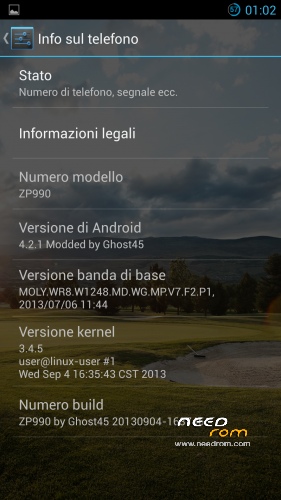
1) Base Rom original from ( Zp990_20130904_163745);
2) Launcher Xperia;
3) Samsung melody;
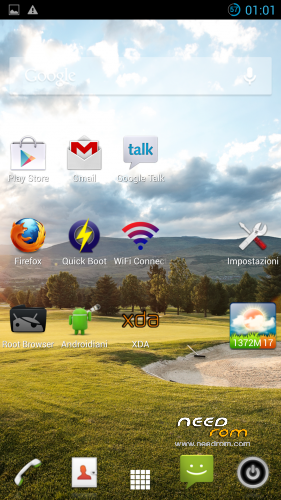
4) Apps personalized "the best" on the Web;
5) Fix Gps with mod Epo;
6) Right root and recovery Cwm 5504;
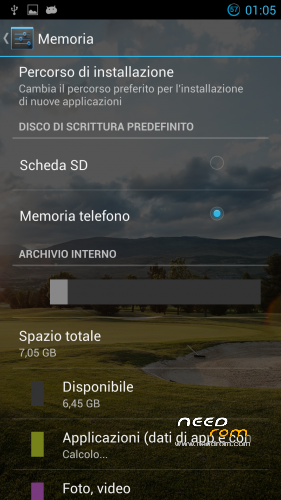
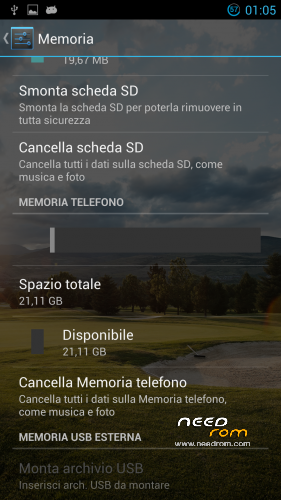
7) Primary partition up to 7.05 gb …good for 16 and 32 gb version of zp990 ;
8 Perfect work with flip cover;
9) Lenovo power for increase the battery;
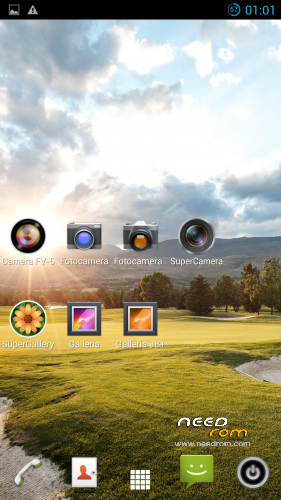
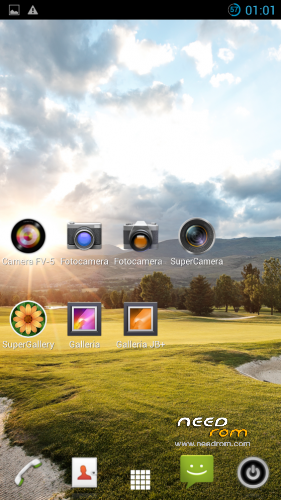
10) 3 Camera apps and 4 gallery and super galler to have many points of view;
11) 2 Keyboard famous , swiftkey ant the classicbut with swipe by Xda;
12) Inserit Xposed installer with Xlocky;
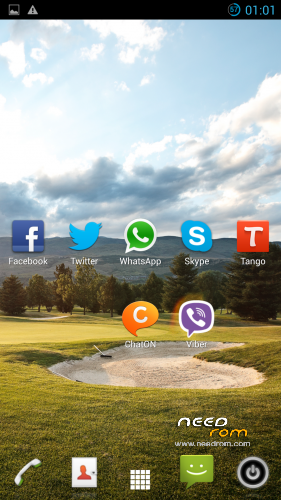
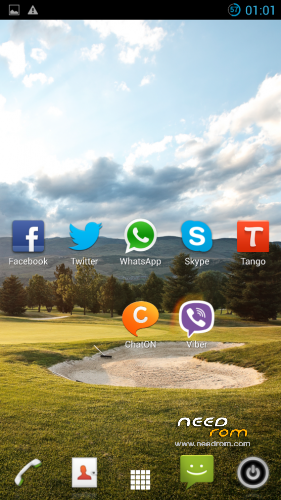
13) Inserit all the chat apps and skype and i leave the old version of Talk;
14) Gps fix deluxe for fix of gps;
15) Several mediaplayer for videos.
※Please make a backup of your device before installing or updating ROM
How to install?
With SP Flash Tool. downloaded…
Hi Ghost, 2.27 GB ROM!? Isn`t it too big in Volume!? Surely it will flashed with SP Flashtools …. i will give a try, i`m only wondering about the BIG SIZE of the new ROM!
Even installed! Great! Very Smooth! Cool Port….
great and smooth rom
but still have the google play error
cant solve the problem with play store ' any solution ???
Go to Settings-Account and deinstall your google Account, after this install new! Should work….
Flash Process and first start take about 25 minutes together! Long time, but works, i have another problem! In my Account Settings there is now way (there is NO CHECKBOX anymore) to check every account for itselves! Where are the Checkboxes… *lol* All gone, no possibility ti check or uncheck….any info!?
For the problem to Google try with this system ……… I solved
1. go to Settings> Accounts> Google> click on your Google account and select Remove account from the options button
2. go to Settings> Apps> All> Google Play Store and then press Delete Data and remove updates. Repeat the deletion of data for the system app Google Service Framework and Download Manager
3. Now reconnect your device to your Google account in Settings> Accounts> Google
4. reboot the device and launch Google Play, the problem will be solved
problem with google play solved as described thanks to you ghost 45
for me the rom is extra ordinary thank you very mutch
i am downloading the ver 2 rom
will post my point ofview after installing
thank you and keep going on ghost 45
Soon …very soon arrive the second version with more details and apps !
Is it with full hebrew support ?
How is the Gps ? start up speed of GPS ?