
- Title: XperiaMod v2/v3 ROM for UMI/Lenteen X1 Pro & Doogee DG350
- Listed: May, 2014
- Last modified: 05/29/2014 10:56 pm
- Version: Android 4.2.2
You must be logged for ROM download.
28137 total views, 2 today
1 Total favorites
 Member Info
DESCRIPTION
XperiaMod v2 ROM Android 4.2.2 for UMI/Lenteen X1 Pro & Doogee Pixels DG350
ROM Features :
- Very smooth and stable ROM, no FC´s or random reboots (It's my everyday ROM).
- Full Xperia styled, based on X1 Pro & DG350 stock ROM´s.
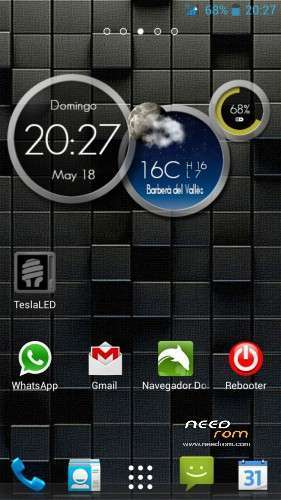
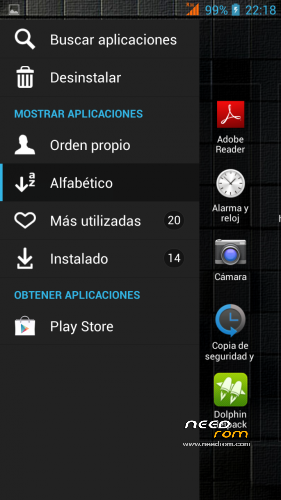
- Added Xperia launcher,widgets and apps, and Z1 keyboard.
- Camera image quality and touch sensitivity slightly improved.
- Added BRAVIA Engine + Sony Xloud Engine.
- Fixed notifications volume bug when headphones are connected.
- Added new logos and some new wallpapers and sounds, fixed also Youtube lag.
- Gapps included – Rooted
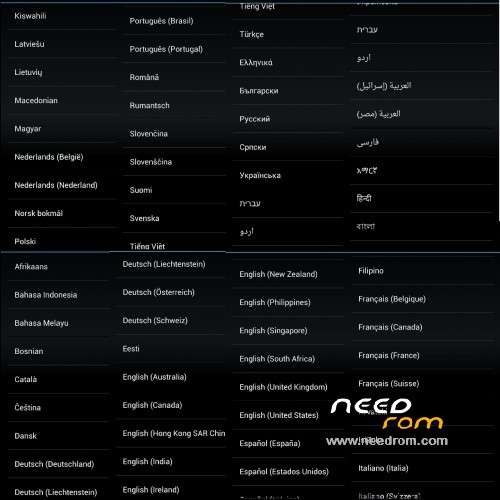
- Language support: Multilang
Added v3 version.
Same specifications than v2, but added more languajes (Polish includded, thx to "OKO")
Some apps still in english, but system is in correct language.
First boot takes a while
Edit:
It´s not an update because is based in other version of ROM, with many more languages supported, and some minor changes.
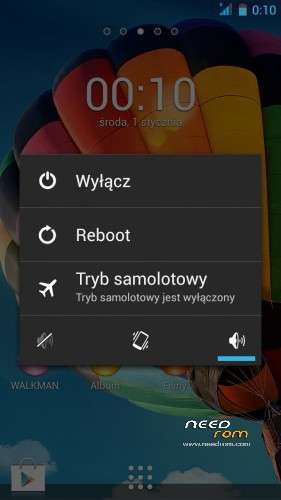
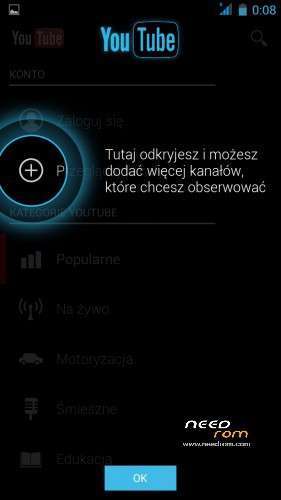
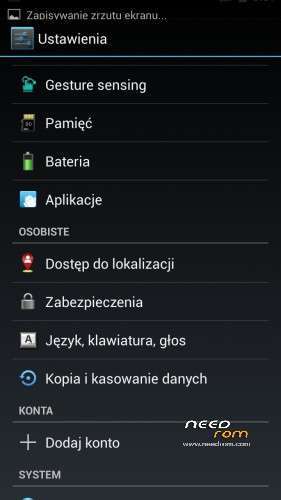
Added new screenshot whith almost all languages supported.
Added to downloads a flashable .zip file to delete non-working camera + link to LenovoCamera
How to Install:
1) Download the ROM and copy it to external SD card /root directory.
2) Reboot to recovery.
3) Go to "install zip", "choose zip Sdcard" and select "XperiaMod_v2.zip"
4) No wipes needed, installer does all wipes for you.
5) Wait installer finishes (take a cup of coffe)
6) Enjoy your new ROM
※Please make a backup of your device before installing or updating ROM
On doogee dg350 it freezes on log screen, though v1 works fine. Anyone can help me?
on umi x1pro –lenovo camera crashed
Tried it, works fine on my Doogee DG350. Didnt crash on logo screen, but 1st boot took a few minutes. Then started normal. Camera didnt work. But the rest seemed to work just fine. After playing around a bit I switched back to stock. Maybe try later when a perfect Miui is cooked. Thanks for doing this guys! Keep making these roms, ppl around the world enjoy them!
TrackId not work. By clicking (xperia keyboard) on the smiley face on the keyboard is a keyboard error. GPS after 15 minutes found no satellite, how to solve it?
I solved Track Id updating it from Play Store and it work smooth, and I fixed gps reception with MobileUncleTools, following this page instructions: http://www.gizchina.com/2013/0.....ediatek-phones/
Regards
How is ti possible for this rom to increase touch sensitivity? Does it actually do this?
Big thx !
your rom with a few fixes + pureperformance x makes my umi and me happy !
the look is nice !
thx !!!
Which version of pureperformance x do you use?
Hi pppp3k.
I used "PurePerformances™X_Stock.1.4"
Regards.
Youtube app cant be updated, had to delete it with root explorer from System/app first, but than I wasnt able to install youtube app from market, installed original UMI X1 Pro firmware instead. Youtube Sound/Video delay bug seems to be a problem on every single rom I tested.
Hi lupusworax,
You can´t update it because I used a Youtube modded version to avoid sound/video delay bug, it´s from XDA forum.
http://forum.xda-developers.co.....d.php?t=1529715
Regards