
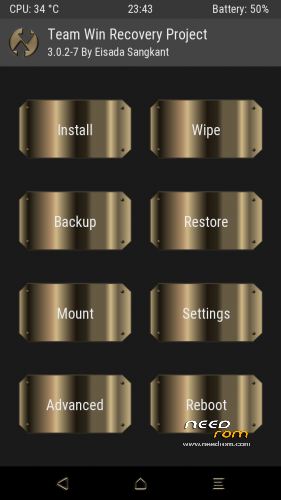
- Title: z630 – TWRP 3.0.2-7 GOLDEN
- Listed: November, 2016
- Last modified: 11/25/2016 9:18 pm
- Version: 5.1
You must be logged for ROM download.
13578 total views, 1 today
3 Total favorites
 Member Info
DESCRIPTION
Descripcion:
Custom recovery for Acer z630 / 5.1 Lollipop.
Unlocked bootloader 100% needed.!
Installation: Fastboot mode > Auto Installer
(Unlocked bootloader 100% needed.)
- Do not turn off the device
- Connect your device to a computer via USB.
- USB debug enabled, grant permission on pop-up window in device screen.
- Extract File Custom_Image_z630.rar
Step 1 - open file custom_boot Folder and Run Auto Install.bat
> Wait for your device to turn on
Step 2 - open file custom_recovery Folder and Run Auto Install.bat
> Wait for your device to turn on
- Open terminal > Write " adb reboot recovery " Hit Enter your device will reboot in Recovery Mode (TWRP)
By Eisada Sangkant , MTK THAI Developers 
https://www.facebook.com/groups/mtkthairommodder/
Hitting the Rating ! so if I helped you take a second to press it 
※Please make a backup of your device before installing or updating ROM