
- Title: Zephyr-OS for UMI Zero
- Listed: October, 2016
- Last modified: 10/03/2016 6:54 pm
- Version: v5.0 (6.0.1)
You must be logged for ROM download.
13092 total views, 1 today
1 Total favorites

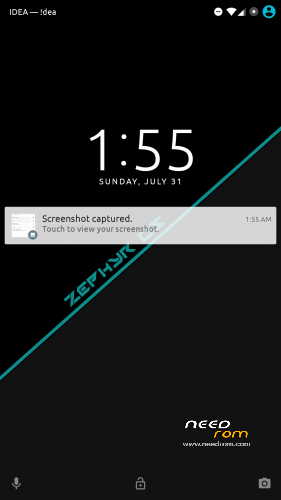
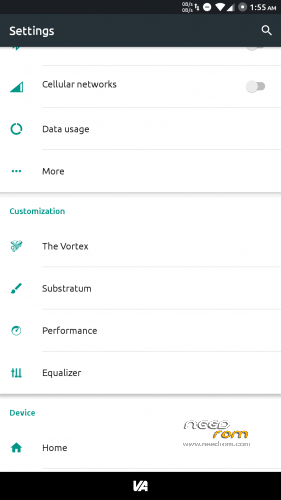
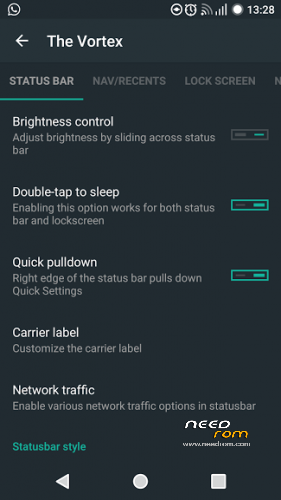
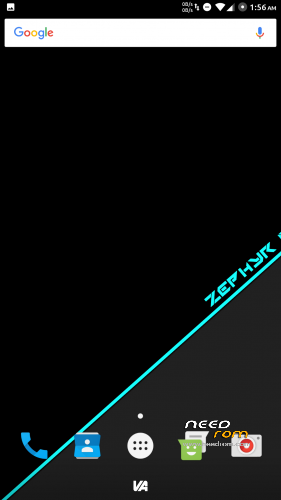
 Member Info
DESCRIPTION
Zephyr-OS for UMI Zero

About
Everything about this ROM and other ROMs on the UMI Zero Phoenix Project.
How to flash and use
1. On the download link you can find the "ROM", two "Kernels" and "Apps". Download all files, but the kernels are not necessary
2. Put the downloaded zip's files on your SDCard or Internal Memory
3. Reboot in "Recovery Mode" using a Custom Recovery (Requires TWRP 2.8.2 or higher already installed)
4. Wipe "System", "Cache", "Dalvik Cache" and "Data" Partitions
5. Reboot again in Recovery Mode
6. Now, install the zip's files in the following order; ROM, Apps, SuperSU, Kernel (if you need)
7. Reboot to System
8. Enjoy this ROM 
Top Contributors (Many Thanks  )
)
If you like my work, feel free do donate me (っ◕‿◕)っ
1 - McBrain (30.00 USD)
2 - Grakkus (10.00 USD)
3 - Roestslc (5.00 USD)
4 - Sipart (5.00 USD)
5 - Kiwi99 (1,00 USD)
※Please make a backup of your device before installing or updating ROM
It seems that privacy guard cannot control root acces (as it did on cyanogenmod): I enabled it from developer options but it always showed access denied while using su (from terminal or other apps), for ADB shell instead it seems to work. Please add in description to install also the SuperSU zip or whatever to have working root access.
What about general rom usage. Any other problems?
Thanks Gabry, this is the link for root -> https://mega.nz/#!NU1giSAQ!aGI.....C6H801PFYpe6F4I