
- Title: ZOPO ZP700 android 4.4.2
- Listed: July, 2014
- Last modified: 07/15/2014 3:21 pm
- Version: 4.4.2
You must be logged for ROM download.
19366 total views, 1 today
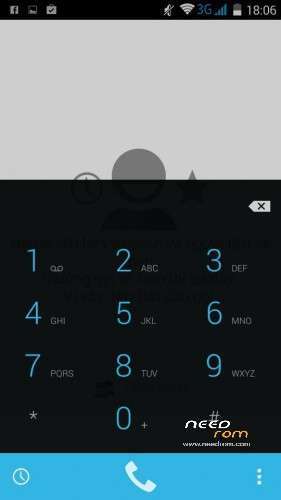
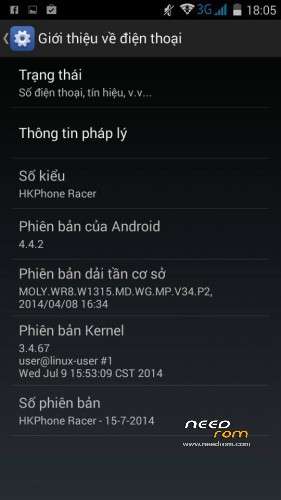
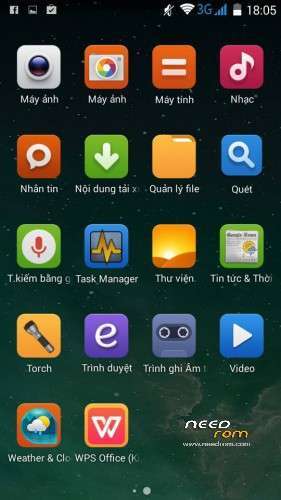

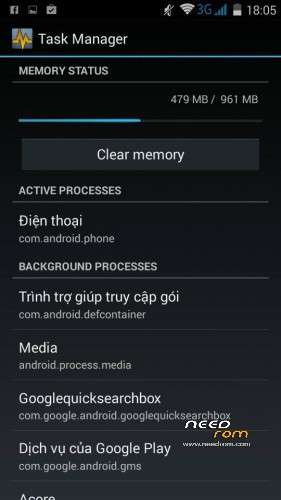

 Member Info
DESCRIPTION
Use CWM or TWRP recovery to install this rom. Don't forget to Wipe Data and Cache first.
or
1 – Download & unpack FlashTools. Run Flash_tool.exe
2 – Unpack Rom in folder
3 – Select MT6582_Android_scatter.txt in folder on rom. And wait.
4 – Check Option->USB Model, click USB Model
Choose Option->DA DownLoad All->Speed->High Speed, click High Speed
5 – Turn off your phone, remove the battery.
6 -"Press F9 (or hit Download button)"
7 – Connect your phone into the computer with USB data cable.
8 – The process will start and a red progress bar will appear after color purple, yellow.
9 – And green circles display.
10 – Boot your phone !
11 – Restart !
12 – Enjoy !
※Please make a backup of your device before installing or updating ROM
Flashed it with CMW recovery – only bootanimation.
Same problem as described in above post, flashed using CWM recovery, don't get past boot animation.
MUST HAVE FLASH WITH SPFLASHTOOL!!! read more….
flash with flashtool please
I reflashed the rom. Now it works fine.
Which languages are supported? Is German supported?
Multilanguage
Thx for your fast answer!
@allnyd: Just flashed the system using CWM recovery. Same problem: I don't get past 'HKPhone' Bootanimation.
Have you reflashed the rom using CWM again? Or did you use FlashTools?
Is this rooted?
GPS is Fix?