
- Title: ZTE U807
- Listed: April, 2013
- Last modified: 04/02/2013 11:44 pm
- Version: ROM Android 4.0.4
You must be logged for ROM download.
15255 total views, 1 today
 Member Info
DESCRIPTION
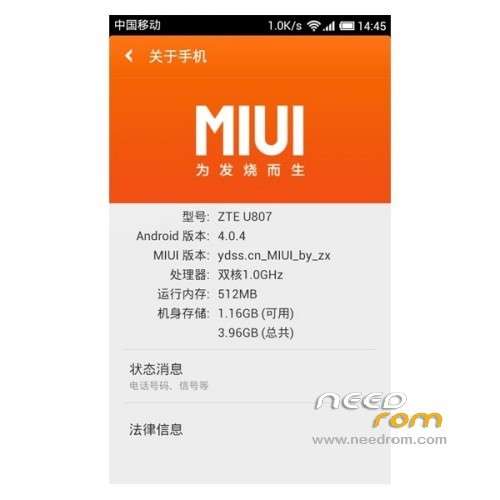
ROM Mobile ZTE U807 – ROM Android 4.0.4
Model name:ZTE U807
Andrews version:4.0
ROM Author:Treasure
ROM version number:ydss_MIUI_by_ZX
Based on the official version:B04
Reference other authors:feai
Features ROM:
- WIFI normal
- Bluetooth normal
- Signal normal
- Camera normal
- call normal
- Memory card mount normal
- Information transceiver normal
- Induction normal gravity
- use MIUI dialing
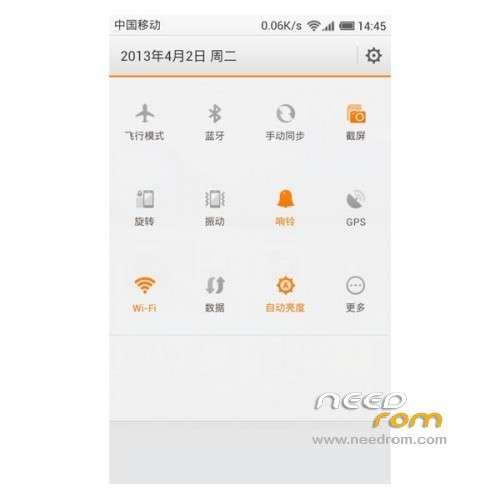
- use MIUI notification bar
- have the MIUI V4 styles and characteristics
- millet Service
- Google framework
- normal SIM card contacts
- kernel add init.d support
- system appropriate to streamline guarantee stability
More concerned about our uncle Forum
Known issues: notification bar to select the network switch will FC
Theme can not fully apply the best bad switch themes
Language support: Multilang
Install ROM :
Step 1. download above the Brush tool, Recovery package, ROOT package, it is best placed in the root directory of a hard disk partition, such as D disk;
Step 2 solution to compression SP_Flash_Tool_exe_v3.1224.01 and recovery single brush package folder to the D drive;
Step 3. open D: SP_Flash_Tool_exe_v3.1224.01 directory the run which Flash_tool program;
Step 4. button click Scatter-loading;
Step 5. find the Recovery folder unzipped in Step 2;
Step 6. selected the Recovery directory MT6575_Android_scatter_emmc.txt file click "Open" button;
Step 7. unable to load PRELOADER error pops up, ignore it, directly point OK;
Step 8. Click the Download button, there will be a warning dialog box, click "Yes" button;
Step 9. phone pulled out the battery, SIM card, TF card, press and hold the volume + key , the phone connected to the computer with the data cable . The conditional oil try to plug the data cable in the USB socket on the back of the computer motherboard integrated directly;
Step 10. patiently waiting for the progress bar appears, this process may take five minutes. First, there will be a red progress bar, and then there will be a yellow progress bar; note first brush after the finish of the red progress bar will install the driver prompted, repeat operation to install the driver. Brush may be unable to carry on will automatically stop. Brush machine operation can be re-repeat.
Step 11. Prompted by the green circle, indicating Recovery has successfully brush into the phone….
※Please make a backup of your device before installing or updating ROM