
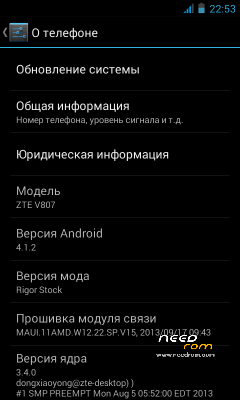
- Title: ZTE V807 – Rigor Stock
- Listed: June, 2014
- Last modified: 06/07/2014 2:49 pm
- Version: ROM Android 4.1.2
You must be logged for ROM download.
19587 total views, 1 today
3 Total favorites




 Member Info
DESCRIPTION
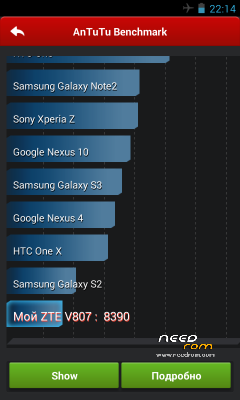
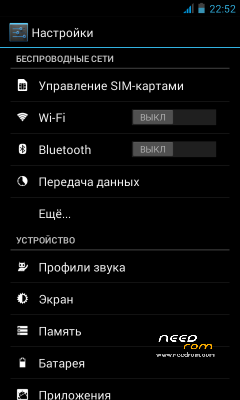
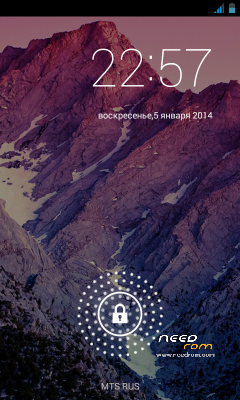
Firmware Ported with the idea to create something "pure" fast as Cyanogen. Breaking eye about "hodgepodge" interface other firmware I dreamed about something clean, sleek and beautiful truth katabatic interface 4.1.2 which is why all trying to pervert in their builds. I present to you heed my port firmware 4.1.2.
Boot.img taken as the basis of E700 and native ramdisk `th ie no error" application phone.apk stopped, the battery will be adequate interest and the screen will no longer fade. " Repackaged native logo.bin with Google logo ie charging the phone off occurs . bootanimation.zip taken with nexus and sawed our permission. Gapps installed the latest at this moment and in general all application updates. BusyBox and Su also update. Removed unnecessary applications liby, binariki, and I've found the right lines in a file. An overall "spring cleaning" in rum. Optimization apk, jar. audio engine DSP Manager to mine the best and easiest at the moment. Changed interface shutter shifted Service in the locker now with a big dpi entire text breaks. Taken last fonts of kitkat, audio also from kitkat. Tweaks: Tweaks build.prop (something which took away from them for the fake.)Seeder latest version details here Tweek Governor processor unnecessarily boot.img stock now and do not include the second core I turned it on in the processor tweak init. d and a little set up. Tweek sysctl.conf. EGLxxxx.so Tweek Tweek hosts - advertising is not to be!
1. Not to worry!
2. Install CWM / TWRP.
3. Download the firmware and put on SDKartu.
4. Reboot into rekaveri. (Turn off, turn on the phone while holding the On button + volume rocker up)
5. Select Wipe, and tick the box to: Cahce, Dalvik Cache, System mandatory and everything else necessary.
6. Select Install and select the firmware.
7. Wait for flashing
8. Press Reboot and wait for the boot device.
9. Customize the phone for about 5 minutes to climb to reboot. 10. Use this firmware.
※Please make a backup of your device before installing or updating ROM
Perfect rom! Best rom so far for this phone. Battery lasts longer when using this rom!
the best one i found so far for V889s
My battery lasts longer that's for sure! I hope there weren't any google stuff inside this rom and it would be awesome!
Es File Explorer – Super User – DPS Manager inside which are good!
One thing i notice when i first install the rom , when i went into Apps Settings i tried to see the running apps and an error message appeared " Settings has stop working " ! Not happened again! Otherwise all good
Oups No 3G! :S
thanks
no 3g
Alexis anyway you can implement 3G?
will it work on zte V807??
where is the link for zte v807 firmware