
- Title: Lenovo A820
- Listed: April, 2013
- Last modified: 04/21/2013 12:56 am
- Version: ROM Android 4.1.2
You must be logged for ROM download.
22356 total views, 1 today
 Member Info
DESCRIPTION
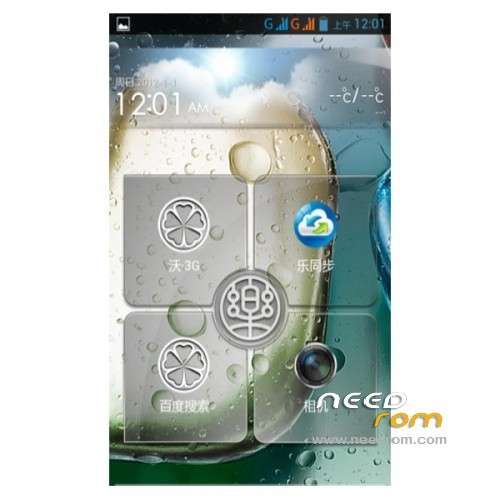
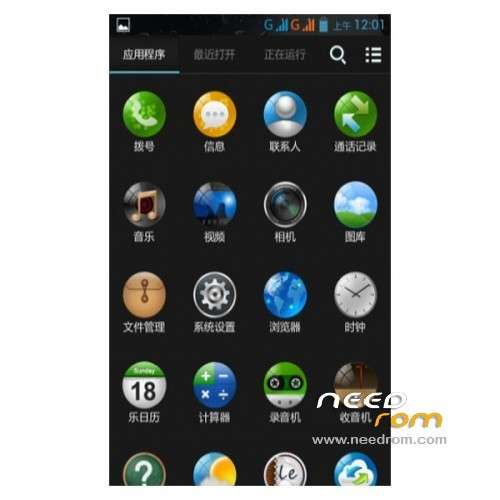
ROM Phone Lenovo A820 – ROM Android 4.1.2
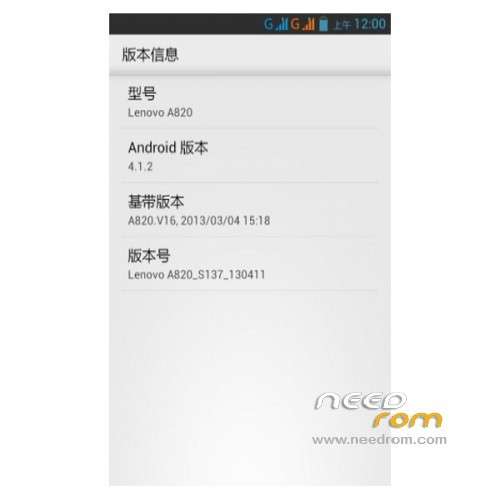
Model Name:Lenovo A820
Android version:4.1
ROM:mengxincun
ROM version number:M.X.C_Lenovo A820_S137_130411
Based on the official version:Lenovo A820_S137_130411
Features ROM:
- removed my 3G, replace the boot screen Lenovo original log, animation change for lenovo Animation.
- Full root privileges and the latest Superuser
- Compact Unicom custom software to reduce the power consumption to
- strengthen AGPS positioning, joined the foreign XDA three seconds on the location code
- to optimize the sensitivity of the touch screen, enhanced the pressure sensitive knowledge
- ROM overall DEODEX of
- rewrite Brush script, brush finished automatically restart
- joined Baidu input method
- to optimize the graphics processing system, switching animation without Caton
- lowered WIFI search frequency, has
- joined Sony Sony BRAVIA ENGINE quality optimization for power-saving settings display engine.
- init.d added a lot of optimization script the zipalign script memory optimization script, SD card read speed optimization scripts, and so on
- SD card speed to 1024 (increase SD read and write speeds) and
- a new revision of I / O scheduling optimization parameters (more saving smooth)
- update the host file to filter ads
- built several commonly used software, you can uninstall unwanted.
Language support: EN/CN
Install ROM:
1. Download this package rom,flash,recorvery.
2. Extract all the files in the package to your desktop.
3. now, turn your phone off/remove the battery/put it back in/don’t turn it on.
4. Install your usb driver.disconnect your phone after driver installation,remove the battery and put it back in/don’t turn it on.
5. Run flash_tool.exe located in SP_Flash_Tool folder.
Select a the MT6589_Android_scatter_emmcin Recovery with Flashtools
Click Flash_tool.exe interface Firmware-> Upgrade
Phone after taking the battery in put something
Connect the data cable
Brush finished with green circles appears
-First boot will take time.
※Please make a backup of your device before installing or updating ROM
Possible to add the multi lanvuage package to this rom?
ESET blocked it:
https://www.needrom.com/wp-con.....W-A820-S137.zip = ZIP = system/vendor/operator/app/shuqi_v7.0.7.apk = ZIP = classes.dex variant of Android/Adware.AdsWo.H
What is it?
how change keybord,play store does not want to work?
and how instal this google play?
this rom is unnesesary,it is starts in china language? why,?and there you have to search to chANGE this