
- Title: ThL W200
- Listed: April, 2014
- Last modified: 04/14/2014 4:07 pm
- Version: ROM Android 4.2.1
You must be logged for ROM download.
27976 total views, 1 today
1 Total favorites
 Member Info
DESCRIPTION
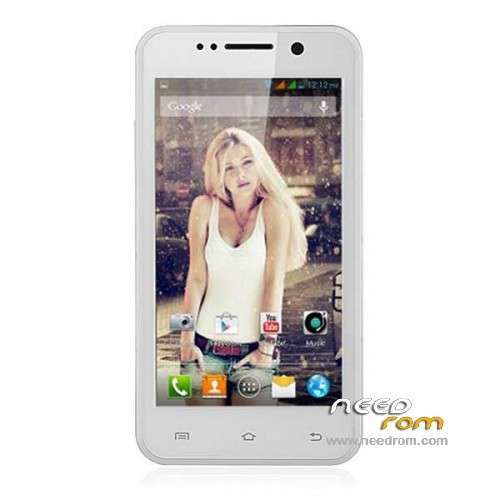
ROM mobile ThL W200 – ROM Android 4.2.1
Update Version Official THL W200: ThL.156.W200.140310.JBV2.HD.EN.COM.8P64_MT6589T
Where's the letter C in 156

Normally this rom is a update of Version 156C
But be careful Maybe other screen or other motherboard
———————————————————————————————————————————————–
Version Official THL W200: ThL.156C.W200.140227.JBV2.HD.EN.COM.8P64_MT6589T
ATTENTION Normally this rom is for THL W200. NOW the 156C i don't understand the difference. So look your "Buid Number "
Gapps include – no rooted
Language support: Multilang
Install ROM:
- Unpack FlashTools, and Click on Flash_tool.exe
- Select a the MT6589_Android_scatter_emmc.txt in ROM
- Wait file to be added into Flash Tool
- choose Option->USB Model,click USB Model
–> Choose Option->DA DownLoad All->Speed->High Speed, click High Speed
- Turn off your phone, remove the battery.
- "Press F9 (hit Download button)" OR " if upgrade ROM Firmware->Upgrade "
- and connect your phone into the computer via USB data cable.
- The process will start and a red progress bar will appear after color purple, yellow.
- And green circles display
- Finish !
- You can now safely disconnect your phone and turn it on.
※Please make a backup of your device before installing or updating ROM
It works perfect!! ))))
))))
Thanks works fine!
can anybody explain the difference?
skype it work
app system 100mb
i play game a8 crack it very smooth
it didnt work … can you pls help me … it is still showing black screen whit gray bars on top and bottom … i have tryed every thing i`m thinking on giving up on my thlw200
you've installed version 156C or 156
tryed bouth of them … from the choises on this page
tryed bouth of them … from the choises on this page
contact me on " Contact us " Thx
it didnt work … can you pls help me … it is still showing black screen whit gray bars on top and bottom … i have tryed every thing i`m thinking on giving up on my thlw200
For the black screen problem, using sp flash tool, first install the rom 130815 then rom 140111
I don't know if newer roms than 140111 have the black screen problem.
can you provede links for them…tnx you
https://www.needrom.com/contac.....t-us/ create ticket
i did …tnx you
FAT image checksum failed! checksum reference value (0×0) in the config ini file.
please re-fill correct checksum values in Checksum.INI under tool folder and re0load scatter file again.
My GPS won’t work in this ROM, it can’t locate my location
I’ve turned on my GPS and when I try to search my location in google maps it always “waiting for location…”
It works well on original ROM
Anybody know how tp fix this?