
- Title: UMI X2
- Listed: May, 2013
- Last modified: 05/18/2013 9:01 pm
- Version: ROM Android 4.2.1
You must be logged for ROM download.
17448 total views, 1 today
CUSTOM


 Member Info
DESCRIPTION
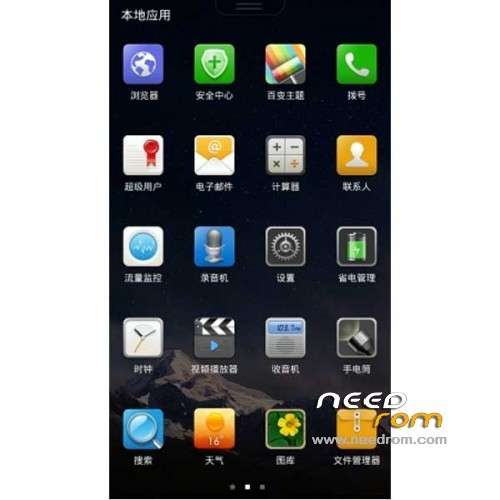
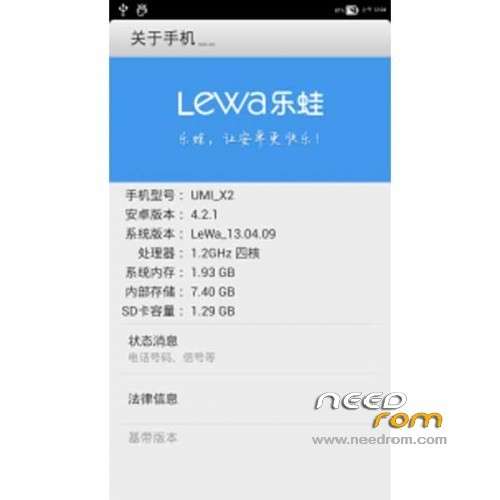
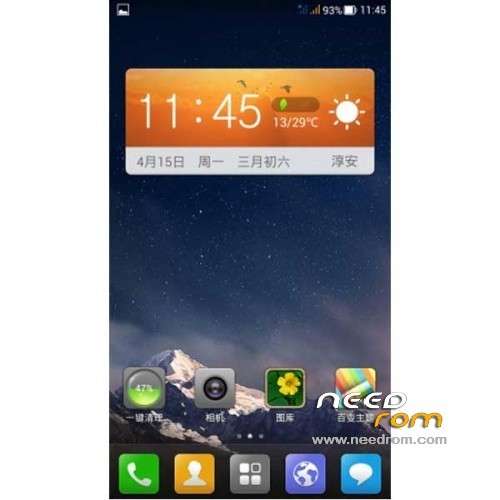
ROM Mobile UMI X2 – ROM Android 4.2.1
ROM AMOI N828 LeWa Ported on UMI X2
Language support: EN/CN
Install ROM:
CWM
Step 1: Download the custom card ROM copied to an external SD card root directory
Step 2: the shutdown state. While holding down:
Power button + volume button + volume key to enter the recovery mode, wipe data/ factory reset and wipe cache partition
Step 3: Enter menu apply update from sdcard select the ROM
Step 4: Brush complete, restart the phone
※Please make a backup of your device before installing or updating ROM
Hi there,
I have done exactly what I'm directed to, however….
When I need to select the command I press the UP key, the system starts to unpack the zip file but aborts after 5 or so seconds.
Is this because I have the stock recovery tool and not the CWM app?
Any idea what I need to do????????????
Cheers,
Wayne D