
- Title: UPDATED!!! DOOGEE-X5-Android5.1-V17-FlickAir-MOD
- Listed: January, 2016
- Last modified: 01/05/2016 8:04 pm
- Version: ROM Android 5.1
You must be logged for ROM download.
21079 total views, 1 today
8 Total favorites
 Member Info
DESCRIPTION
Update ROM Mobile Doogee X5 – ROM Android 5.1 - for TWRP recovery
You can install with TWRP recovery.
Rooted, deodexed, multilang, smooth & fast.
Everything what need – nothing what unnecessary!
Be patient! The first boot will take long time, approximately 5-10 minutes!
I attached my favorite patches (MiraVision, Dolby Audio Processor) installable also with TWRP recovery.
ROM Mobile Doogee X5 – ROM Android 5.1
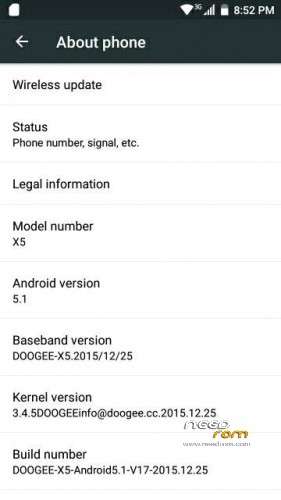
Modified Official ROM Doogee X5 version: DOOGEE-X5-Android5.1-V17-2015.12.25 – g931bm-dg-a37-wg-hd-64g8g – full_hct6580_weg_a_l-user 5.1 LMY47I
Rooted
Full Gapps included (PlayStore, Gmail, Maps, ect.)
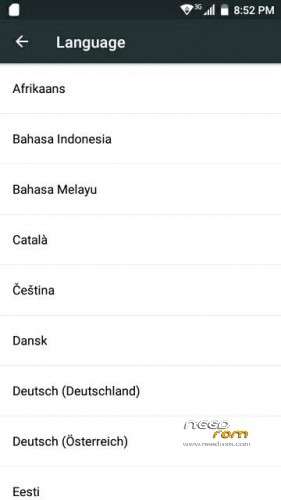
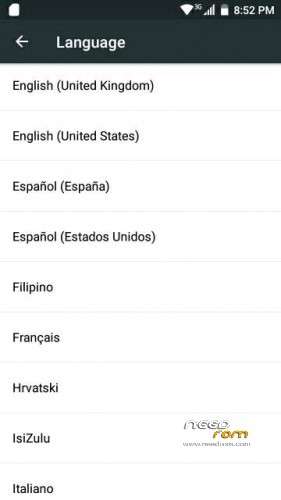
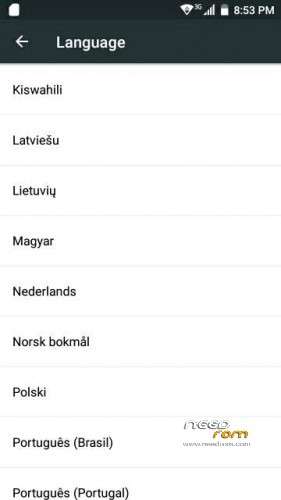
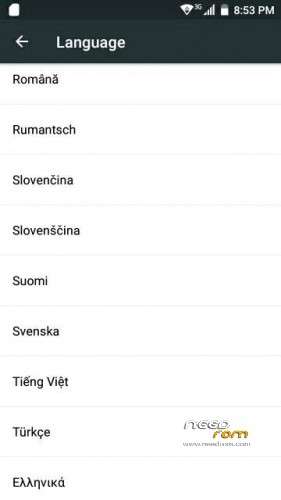
Language support: Multilang
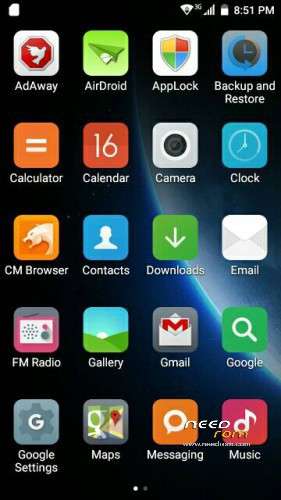
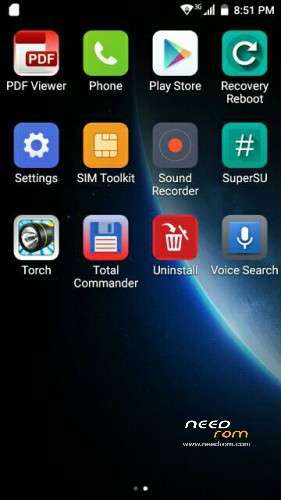
The launcher changed to MiLauncher
Added APKs: AdAway, CM Browser, PDF Viewer, Recovery reboot, Total commander, Uninstall
Install ROM:
Install with SP_Flash_Tool:
1). Turn off the smartphone. Cable is not connected to the computer.
2). Remove the battery
3). Connect your phone to a computer cable. The operating system detects a new device
4). Disconnect the cable from the computer.
5). Run flash_tool.exe
6). Click Scatter File and select the MT6580_Android_scatter.txt file (it's in the folder with the rom).
7). Click "Download only".
8). Connect your phone to a computer cable. The program should see and blink.
9). When finished, insert the battery and turn on.
10). Enjoy!
Be patient! The first boot will take long time, approximately 5-10 minutes!
※Please make a backup of your device before installing or updating ROM
You can use this app: https://play.google.com/store/.....cent&hl=hu
TUVM FlickAir…..
Succesfully flashed my x5 …. now tryin to use dis rom, to see if any bugs encountered …
will report soon ……
Super
thanks for your work but this rom is compatible with xposed? it isn't the case for the official rom…
Unfortunately the android 5.1 (LolliPop) ROMs are not easier compatible with the xplosed. Other informations about this topic: http://forum.xda-developers.co.....llipop-t3030118
how come u made impossible to uninstall crapware apps like CM Browser, PDF Viewer, Recovery reboot, Total commander, Uninstall ?… if u uninstall those crapware apps u gonna messed up with a lot of system software errors… like google service error, playstore not working, even my L Launcher crashes instantaneously everytime.
those crapwares should not be as system apps, make like it like normal user apps so we can uninstall it without having none of the errors….
why is it that ur rom is bigger in size compared to the official rom? 1500MB vs official 990MB
Thanks, great work.
It is rooted ?
it function for z00vd zenfone go?