
- Title: HUAWEI C8500
- Listed: March, 2013
- Last modified: 03/17/2013 8:51 pm
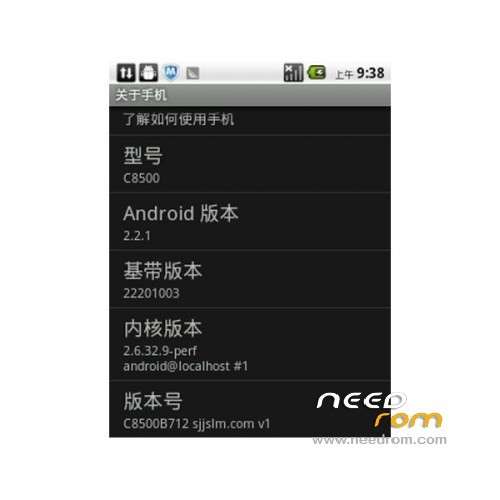
- Version: ROM Android 2.2.1
You must be logged for ROM download.
13837 total views, 1 today
 Member Info
DESCRIPTION
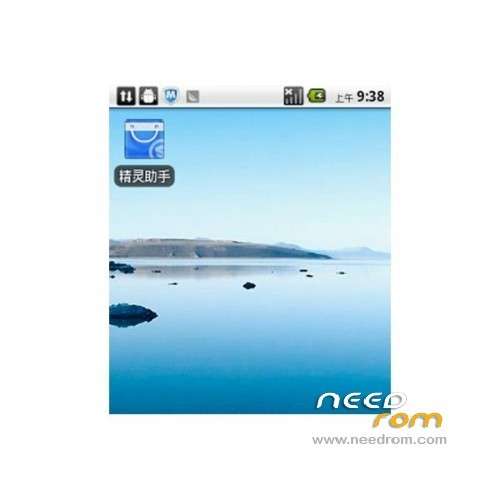
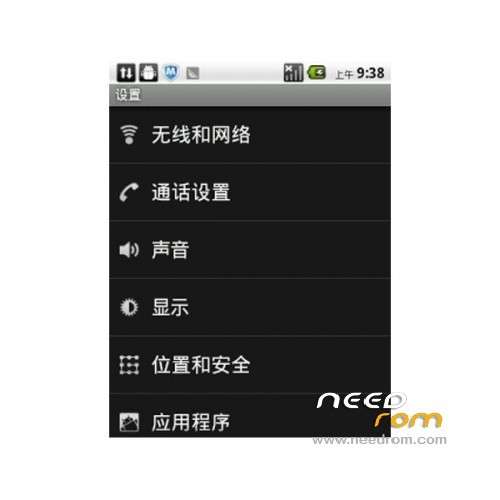
ROM Mobile Huawei C8500 – ROM Android 2.2.1
Suitable models: Huawei C8500
Andrews version: 2.21
ROM Size: 80MB
Updated: 2013/2/26
Features ROM:
1. Much as possible to maintain the official authentic
2. stability comparable official
3.rom comes to the perfect root privileges, integrated busybox instruction set
4 depth streamline the system software, denial of garbage. Comes with software to uninstall all the data partition
5. All apk zipalign operations, optimize memory footprint
language support: Multi lang
Install ROM :
Recovery, recommended installation tutorial provided to ensure a smooth brush into ROM
Enter fastboot mode (operating on the phone)
1, In the case of shutdown, followed by a long press the hang up button + volume button + power button to enter the the fastboot interface, the phone will stay on the first screen, boot screen.
2, Download Recovery a key brush into Recovery (operating on a computer)
Use the USB data cable to connect the computer and cell phone, unzip Recovery Brush package to your desktop, open the Recovery Brush Pack folder, double-click [Recovery Brush. Bat] in the case of the driver has been installed correctly. (The command box pops up brush into Recovery. Tens of seconds after the phone will automatically restart., Such as double-click after prompted to wait for device, please re-plug the USB cable or to confirm that the drive is installed correctly.)
※Please make a backup of your device before installing or updating ROM