
- Title: HUAWEI C8813D S3UI
- Listed: September, 2013
- Last modified: 09/19/2013 2:51 am
- Version: ROM Android 4.1.1
You must be logged for ROM download.
16019 total views, 2 today
 Member Info
DESCRIPTION
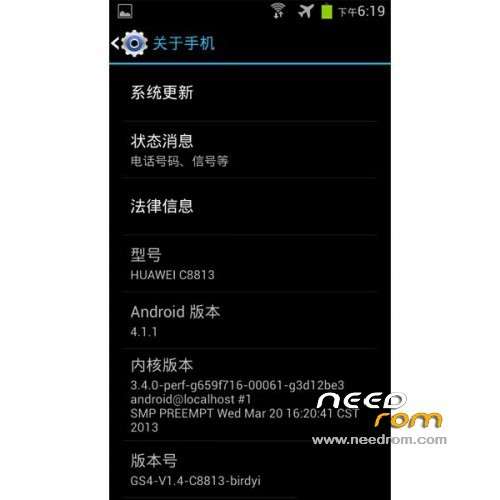
ROM Phone HUAWEI C8813D – ROM Android 4.1.1
Features ROM:
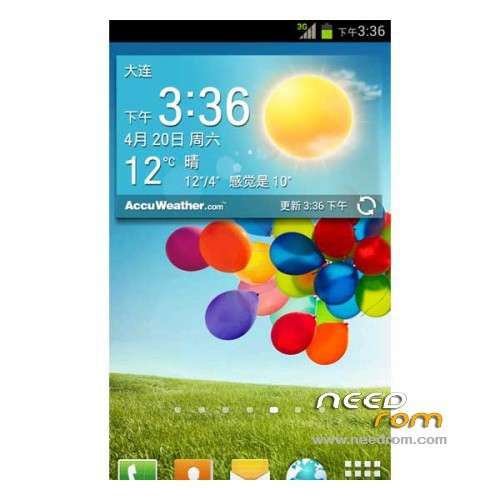
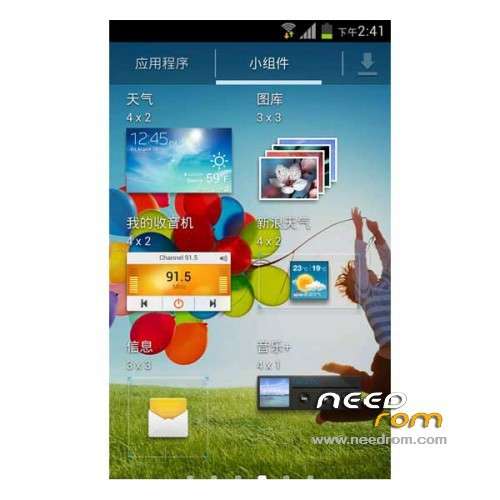
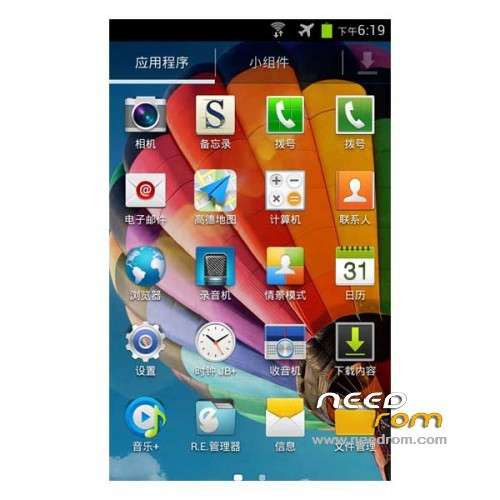
1 icon replaced the original S4 HD icon;
2 fixes the default S4 weather automatic positioning (need to set up – location services, check the "Use Quick GPS");
3 built a modified version of the EX-dial, which has been renamed dialing, support T9, dual theme, adjustable dial size;
4 Modify replaced several original S4 frame material (details at, for example, to adjust the volume on the left speaker size, etc.);
Instructions:
1 added EX dial has two drawers and contacts dialing, you can use the default desktop "hidden applications
Sequence "feature, but you can not delete the default dialer;
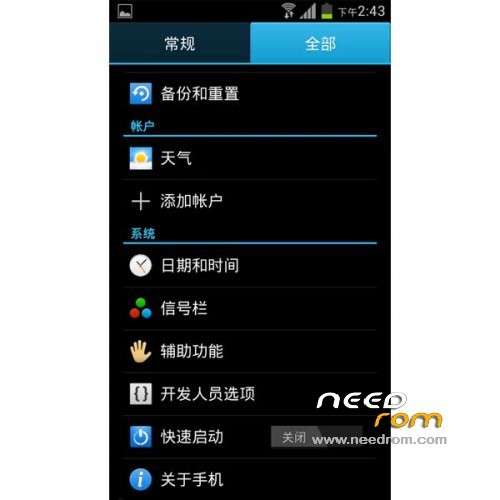
2 Turn on the developer option "force GPU rendering" can get a better experience: desktop wallpaper roll, cut
Gapps lite include – Rooted
Language support: Multilang
ROM install :
CWM
Step 1: Download the custom ROM copied to an external SD card root directory
Step 2: the shutdown state. While holding down:
– Power button + volume button up, to enter the recovery mode.
– Wipe Data / Factory Reset -> delete all user data
– Wipe Cache Partition -> Wipe cache
– Advanced -> Wipe Dalvik Cache
Step 3: Return to recovery main interface Install zip from sdcard -> choose zip from sdcard -> Select your ROM
Step 4: Brush complete, restart the phone Patience required – first boot takes a while
※Please make a backup of your device before installing or updating ROM
thanks
What U download?
I can not downliad it.
Help me to download.
thank you verry much
think you brother
how to downlaod???
I don't see any downlaod buttom.
How to download rom
How to install Recovery?
this is rom do not work!
WIFI & CAMERA OK ON THIS ROM ??