
- Title: HUAWEI C8815 MIUI
- Listed: September, 2013
- Last modified: 03/03/2015 4:50 pm
- Version: ROM Android 4.1.2 MIUI
You must be logged for ROM download.
23670 total views, 1 today
 Member Info
DESCRIPTION
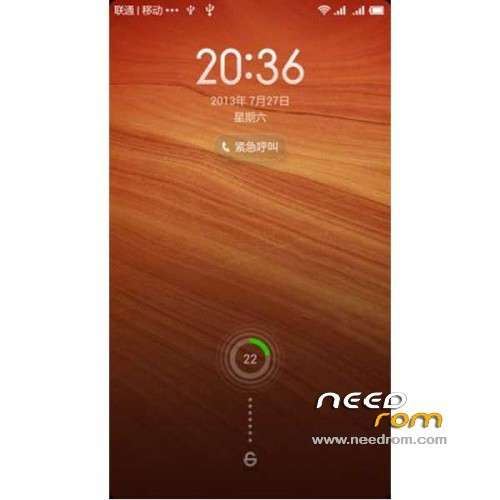
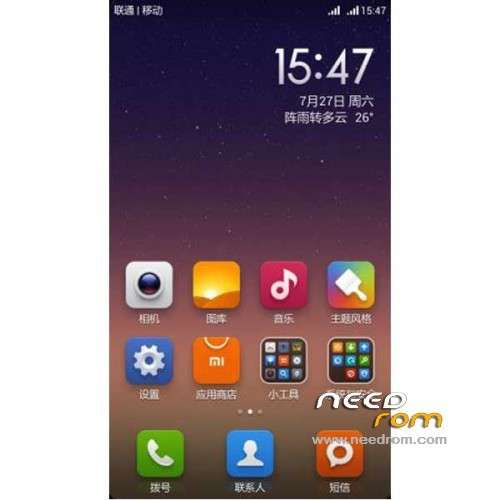
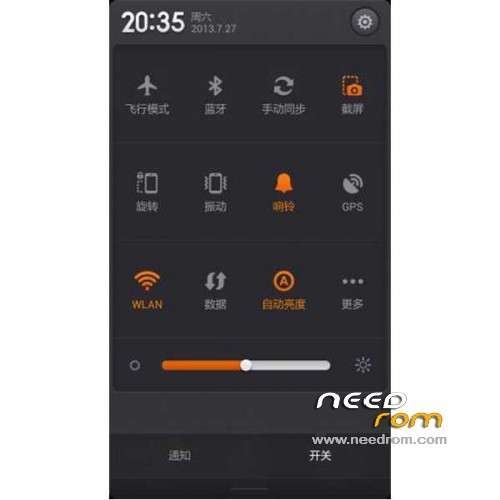
ROM HUAWEI C8815 – ROM Android 4.1.2 MIUI
Features ROM:
Update MIUI v5 – 5.2.22
Gapps not include – Multilang
—————————————————————————————————————————————————
MIUI v5 – 5.1.4
Gapps not include – Multilang
Language support: Multilang ( Normally )
ROM Install :
CWM
Step 1: Download the custom ROM copied to an external SD card root directory
Step 2: the shutdown state. While holding down:
– Power button + volume button up, to enter the recovery mode.
– Wipe Data / Factory Reset -> delete all user data
– Wipe Cache Partition -> Wipe cache
Step 3: Return to recovery main interface Install zip from sdcard -> choose zip from sdcard -> Select your ROM
Step 4: Brush complete, restart the phone Patience required – first boot takes a while
if use onekeytools for recovery
1: And then double click to run directly extract from the [HW_C8815-OneKeyTools.exe] file, simply double-click on it to open:
2: Then open the software simply touch the brush into the Chinese [recovery Bootloader Mode] button on it, then the software will automatic operation of the
3: recovery will be prompted after the completion of the brush into the next step is to test your phone has no brush into a success:
first turn off the phone quick start mode, and then provide phone completely shut down, and then while holding down the phone's volume keys on the (+) key and the power key,
the two keys to simultaneously hold, then release the power button after a while shaking it.
※Please make a backup of your device before installing or updating ROM
Very very thank for that.