
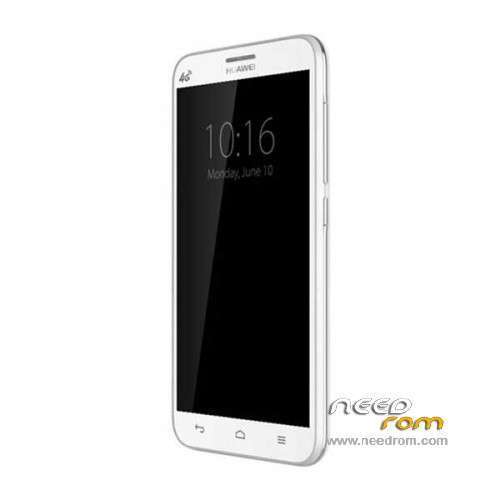
- Title: HUAWEI G616-L076
- Listed: October, 2014
- Last modified: 09/01/2015 5:42 pm
- Version: ROM Android 4.3
You must be logged for ROM download.
17831 total views, 1 today
 Member Info
DESCRIPTION
ROM HUAWEI G616-L076 – ROM Android 4.3
Update Official ROM G616-L076 MOBILE version: G616-L076V100R001CHSC01B086
Changelog:
1, to optimize the performance of mobile and network compatibility
——————————————————————————————————————————————————-
Update Official ROM G616-L076 MOBILE version: G616-L076V100R001CHSC01B023SP02
Changelog:
1, optimize production test mode for high-dimensional
——————————————————————————————————————————————————-
Update Official ROM G616-L076 MOBILE version: G616-L076V100R001CHSC01B023SP01
Changelog:
1 Ping error solutions;
2 small memory optimization.
——————————————————————————————————————————————————-
Official ROM G616-L076 MOBILE version: G616-L076V100R001CHSC01B023
Google not include – No Rooted
Language support: EN/CN
ROM install :
1.copy update.zip to root folder of the phone SD card (no need to unzip).
2.Turn off the phone, then keep pressing power button and volume+ button until the robot icon appear, then press power button again and it will show as below
3.Press the volume- to move up and down to choose“wipe data/factory reset”, then press volume+ button to confirm.
4.Choose “yes—delete all user data”, then press volume+ button to enter the page as below.
5.It will enter below page after finishing delete all user data.
6.Then choose“apply update from sdcard”
7.Find and select the ROM, press volume+ to enter the page as below.
8.Please make sure the power is sufficient during the upgrading. It will showed as below when the upgrading finished.
9.Choose “reboot system now”,then press volume+ button to reboot your phone.
※Please make a backup of your device before installing or updating ROM