
- Title: 3.5 Official 1610 VIBEUI Marshmallow
- Listed: March, 2016
- Last modified: 03/02/2016 2:15 pm
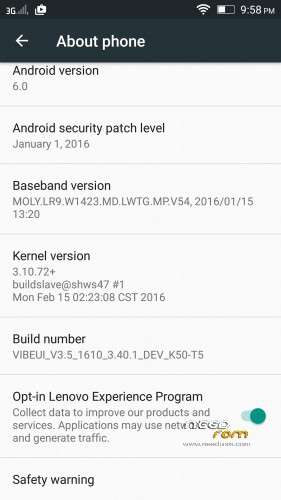
- Version: 6.0 Official
You must be logged for ROM download.
25760 total views, N/A today
15 Total favorites

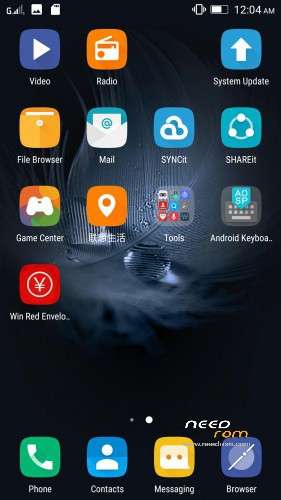
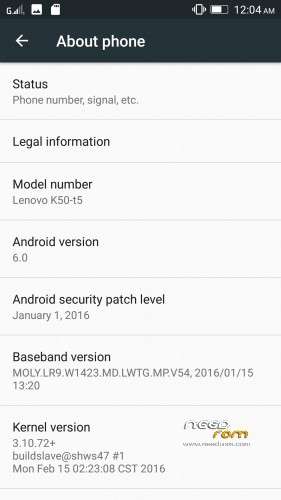
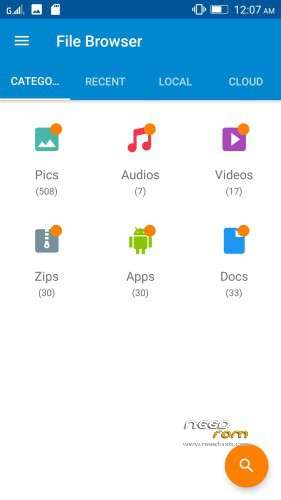
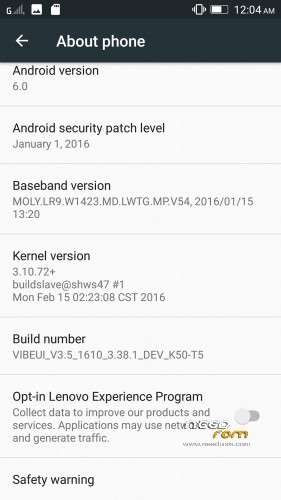
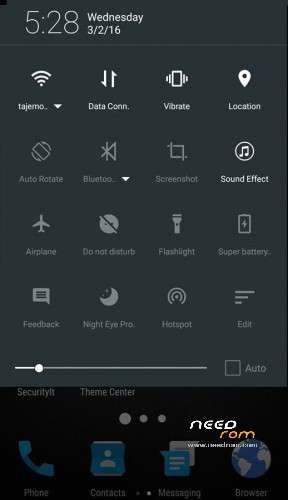
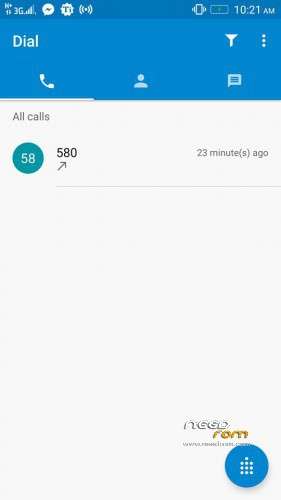
 Member Info
DESCRIPTION
Note : The updater-script and boot.img is already edited, you can flash directly it via custom recovery
#bug found
Rom Official 3.5 Marshmallow 1610_3.38.1
- contact sync google not working
- data connexion working automatically after robbot and restart
Rom Official 3.5 Marshmallow 1610_3.40.1
- theme center not working
- data connexion working automatically after robbot and restart
- contact sync google not working
Install instructions
- Install custom recovery TWRP ( All Version Working )
- Boot into recovery mode.
- Now select wipe ( factory rest ).
- Advance wipe ( button blue ) & select partitions , dalvik cache, system , cache , user data ( just first user data )
- Select install & select downloaded zip file.
- Install success.
- Flash directly Gapps and Root with TWRP and click try to solve " wizard setup " and click on clear date and click on permission management and allow all apps.
- Open ur app manager from setting and go to " service google play store and play store " click on permission management and allow all apps
"Enjoy
Upload By Tajemouti
※Please make a backup of your device before installing or updating ROM
Does this works for Indian K3 Note K50a40 also? Also tell about battery life, GPS, camera quality, nvram, notification light, Gapps force close and any other issues? Stable enough to be a daily driver or not?
- this rom for k40T5
- i need time for test battery life
- gps wokring
- camera working good without any bugs
- nvram ereur
- notification light working
- for fix probleme with gapps follow this instruction
- Flash directly Gapps and Root with TWRP and click try to solve " wizard setup " and click on clear date and click on permission management and allow all apps.
gapps link is not working
I'm all in Chinese, what to do?
unnistall apps china and select language english …..
Hi Ahmed
I clicked on the try to solve wizard and gave full permission but it is still stuck at the first screen and not progressing to the next set up screen. Please advise.
try to click on permission management and allow all apps.
Nice ROM. I can't see any nvram error here. The only bug that I found so far is I can't create widgets. How can we fix this?
Clarification: I was able to create widget using stock launcher but unable to do so using Nova.
rom are very good and stable.(can you make samsung rom for K3 Note K50a40 ?
FM radio no sound coming.
cant sync contact with Google! Could you plz fix this?
How To Grant Read/Write Permissions To External SD Card