
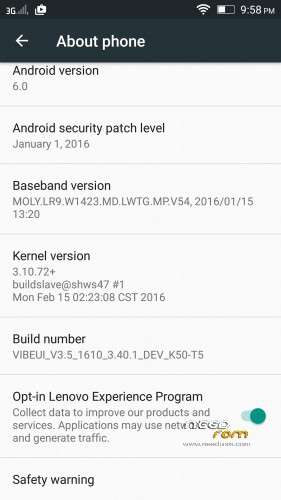
- Title: 3.5 Official 1610 VIBEUI Marshmallow
- Listed: March, 2016
- Last modified: 03/02/2016 2:15 pm
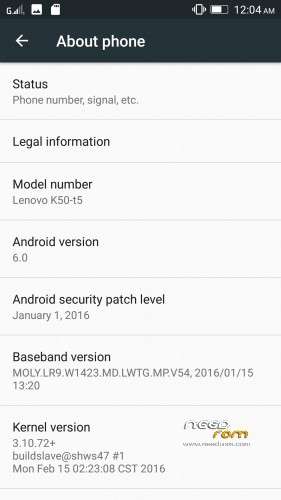
- Version: 6.0 Official
You must be logged for ROM download.
25759 total views, N/A today
15 Total favorites



 Member Info
DESCRIPTION
Note : The updater-script and boot.img is already edited, you can flash directly it via custom recovery
#bug found
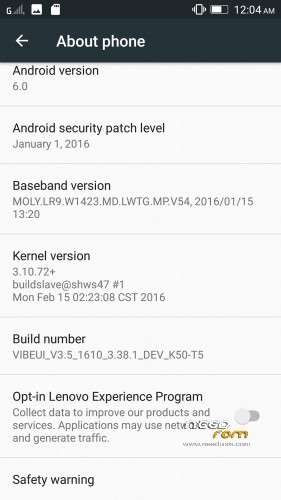
Rom Official 3.5 Marshmallow 1610_3.38.1
- contact sync google not working
- data connexion working automatically after robbot and restart
Rom Official 3.5 Marshmallow 1610_3.40.1
- theme center not working
- data connexion working automatically after robbot and restart
- contact sync google not working
Install instructions
- Install custom recovery TWRP ( All Version Working )
- Boot into recovery mode.
- Now select wipe ( factory rest ).
- Advance wipe ( button blue ) & select partitions , dalvik cache, system , cache , user data ( just first user data )
- Select install & select downloaded zip file.
- Install success.
- Flash directly Gapps and Root with TWRP and click try to solve " wizard setup " and click on clear date and click on permission management and allow all apps.
- Open ur app manager from setting and go to " service google play store and play store " click on permission management and allow all apps
"Enjoy
Upload By Tajemouti
※Please make a backup of your device before installing or updating ROM
Ahmedtaj Thanks for this. But, my question is should we boot rom first before flash gapps and root?
root first then install gapps because root helps to prevent from the problems like force closed etc and also
when you get error just go inside of permission and allow everything in there, otherwise it will give problem in future
works well, gapps was quite wonky to get going without FC but now its all good.
thank you for the upload.
how to External SD Card Grant Read/Write Permissions please solve this issuse and upload patch for it
it's not a issue you must format your momory card as internal then you will be able to use external sd card as main
use xposed + XinternalSD
What is the different between LEMONADE rom and Cuoco92 rom?
LEMONADE PROVIDE ROOTED APPS AND CUOCO DON"T But CUOCO IS the clean one just like official version but with more bug fixes by the uploader
does it have dolby application


?????????
how to External SD Card Grant Read/Write Permissions please solve this issuse without sd card formate
The GPU 3d is weaker than other rom…I used 3D Antutu Benchmark.
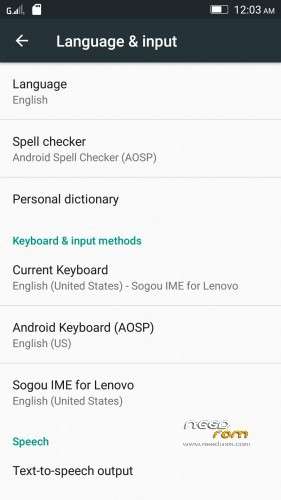
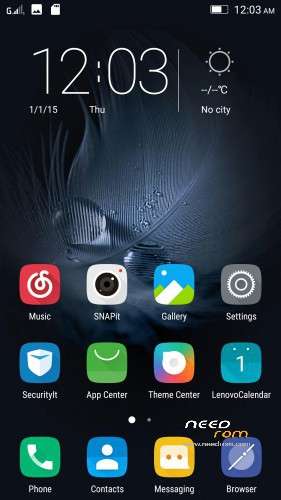
And how to change the locksreen?
Thx for advance
Dude
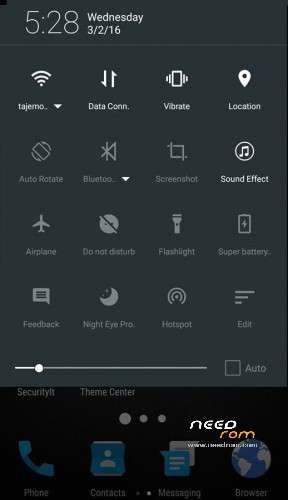
Add Stock Battery Signal And Looks Like Nexus Marshmallow Android 6.0..
also solve battery backup bug.
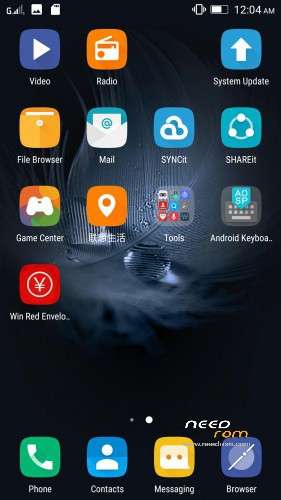
how to install new contact manager and dialer. in this ROM can you tell me i have ideafriend dialler
Thanks @ Trilok15, what i mean is install rom and boot it first. Before we flash the root and install gapps? or flash the rom then flash root and gapps before we reboot? Sometimes the order of flashing is the culprit of some bugs on roms.