
- Title: 8.1 OREO x32+x64
- Listed: February, 2018
- Last modified: 02/16/2018 2:05 pm
- Version: 8.1 BETA2
You must be logged for ROM download.
20154 total views, 3 today
1 Total favorites
CUSTOM



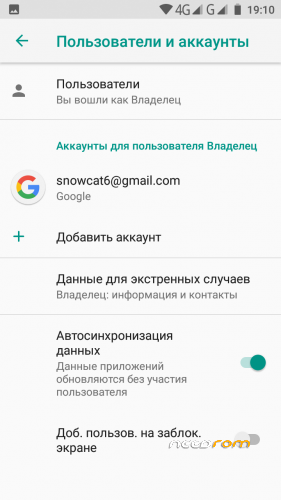
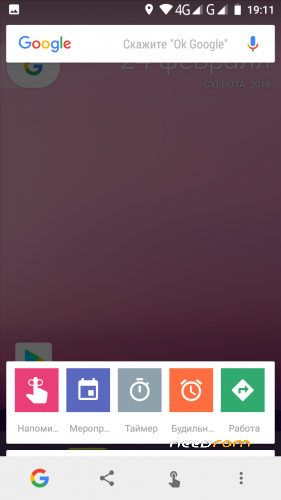
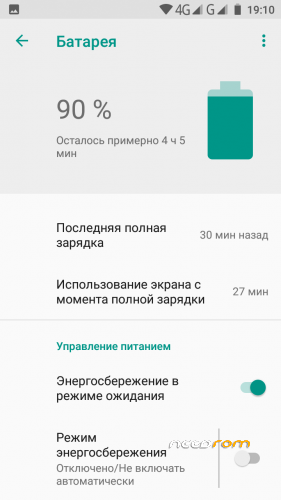


 Member Info
DESCRIPTION
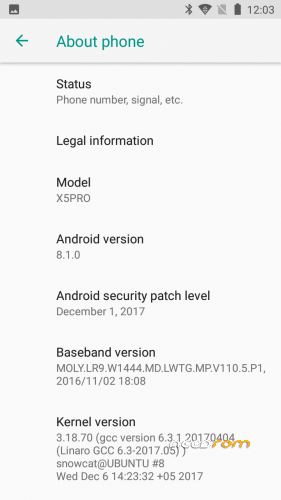
Android 8.1 for DOOGEE X5PROx32
- Make for Android ONE partitions with new VENDOR partition
- No SuperSU
- TWRP 3.2.3 (BETA 2)
- F2FS data partition (BETA 2)
- No frezes no lags (BETA 2)
To install need full factory reset and BACKUP NVRAM AND NVDATA partition to external SD card.
1. Run FlashTools and flash with Firmware Update mode.
2. Reboot phone and restore NVRAM and NVDATA from backup
Full instruction to install on Russian page http://getbest.ru/doogee_x5pro_oreo.htm
※Please make a backup of your device before installing or updating ROM
Congratulations Mr snowcatPDA.
Hi Guys
I've installed Oreo Beta1 and it seems working almost perfectly!!!!. Of course i've restored NVRAM and NVDATA after the installation. I also rooted the phone with Magisk Manager and i've installed xposed framework beta for android oreo.
Is there any possibility to put at storage menu the ability to change the default write disk? I've observed that with that ability the taken photos are saved to external SD card if it is the chosen default write disk. At lollipop there is that ability and you're not obligated to backup the taken photos to the external SD card.
If i put the plastic phone case then X5 pro often stucks and freezes randomly. Then i have to lock and unlock the screen so i can work again with my BVM DO(O)G(EE). that issue was taken place with the older roms (nougat betas) but it is still exists with oreo.
These are issues i've observed till now and i notify to all of you DOOGEE X5 pro lovers. I hope that there will be a solution so our phones be better than ever!!!!
with appreciation
I can install it in Doogee x5 Max Pro?
I flash this room and i lost NVRAM & NVDATA.
Someone can send me a backup of this images to reflash my phone?
Thanks
I installed 8.1 BETA2. This is excellent rom. It includes TWRP. google store. android default gallary, camera, message, battery percentage.
Everything works well. Nvram backup with sp tool. I followed this link https://www.getdroidtips.com/b.....-data-mediatek/
Thank you
hello area44,
can you send me your nvram backup? i've lost my backup.
Thanks
I had to back to official firmware, because camera has much noise. I can not use this camera. But except camera quality, everything was fine
Download file
here are nram & nvdata
stay in bootloop, some solution
no rom of this page has worked for me, only the official one, with all the other bootlop, go fraud