
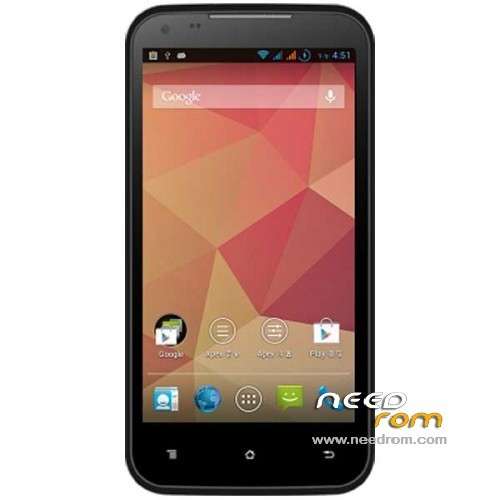
- Title: AMOI N828
- Listed: June, 2013
- Last modified: 06/27/2013 5:32 pm
- Version: ROM Android 4.2.1
You must be logged for ROM download.
17767 total views, 1 today
140 Total favorites

 Member Info
DESCRIPTION
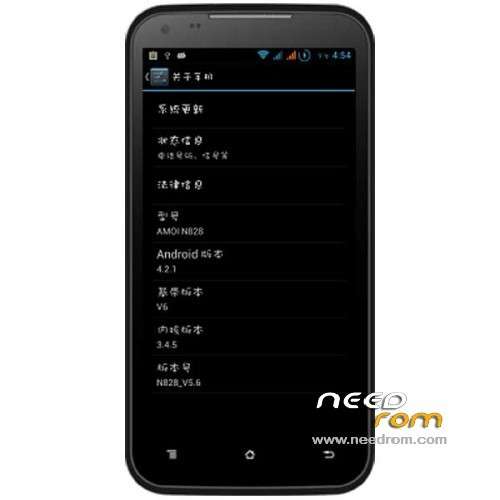
ROM Mobile AMOI N828 – ROM Android 4.2.1
Model Name: N828
Android Version: 4.2.1
ROM Author: Lucky
Features ROM:
1 Based on the official 5.6 production, pure no root
If you need ROOT, ROOT with package can brush card
2 apex Professional Edition Desktop
3 Add busybox instruction set, to avoid the embarrassment of not take some special tools
4 for deodex operations carried out on all apk zipalign operations, optimize memory usage
5 Join Google gsm services and the latest Google shops, game party must
6 Adding third-party software – titanium backup, re manager, IFLYTEK input method
7 Modify the switch machine animation, streamlined ringtones and add some personal favorite.
8 to 1% accurate battery status bar translucent display, very beautiful (360 desktop, or third-party desktop set up inside the opening in the high-quality graphics)
9 Using Founder doll font, looked comfortable, beautiful
10 Optimizing standby RF, more power standby state.
11 Joins the Sony Sony BRAVIA ENGINE picture display engine optimization
12 Join V4 audio, not the same music experience.
13 boot.img kernel optimization.
14 update hosts, block ads.
15 Join CRT screen-off effects.
Language support: EN/CN
ROM Install :
CWM
Step 1: Download the custom ROM copied to an external SD card root directory
Step 2: the shutdown state. While holding down:
– Power button + volume button up, to enter the recovery mode.
– Wipe Data / Factory Reset -> delete all user data
– Wipe Cache Partition -> Wipe cache
Step 3: Return to recovery main interface Install zip from sdcard -> choose zip from sdcard -> Select your ROM
Step 4: Brush complete, restart the phone Patience required – first boot takes a while
※Please make a backup of your device before installing or updating ROM
I'll try this, thanks