
- Title: AMOI N828
- Listed: October, 2013
- Last modified: 10/26/2013 3:37 pm
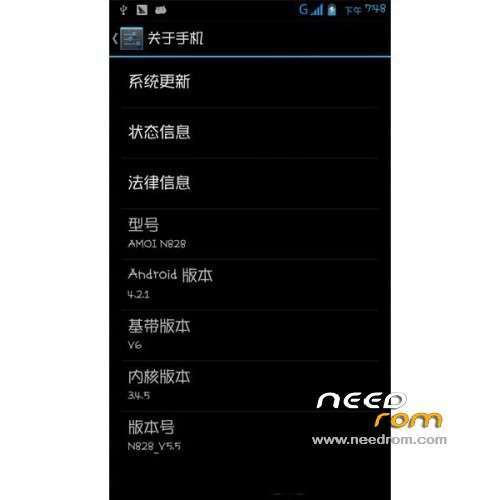
- Version: ROM Android 4.2.1
You must be logged for ROM download.
18959 total views, 1 today
 Member Info
DESCRIPTION
ROM Phone AMOI N828 – ROM Android 4.2.1
Features ROM:
1 . Native V5.5 based on the official production, the system is stable , smooth , energy saving.
2 . Only a very small amount streamlined. MTK weather, customer service and so on. Lib files and delete applications , clean and pure.
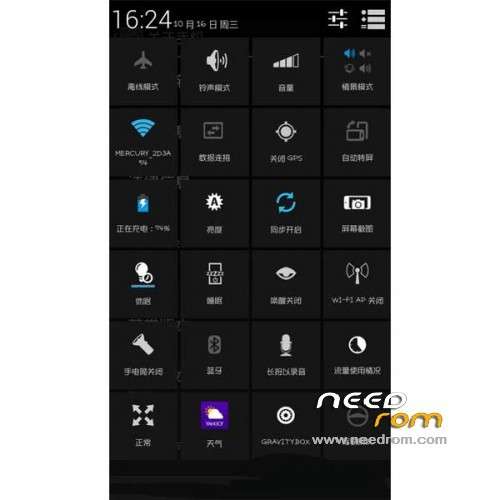
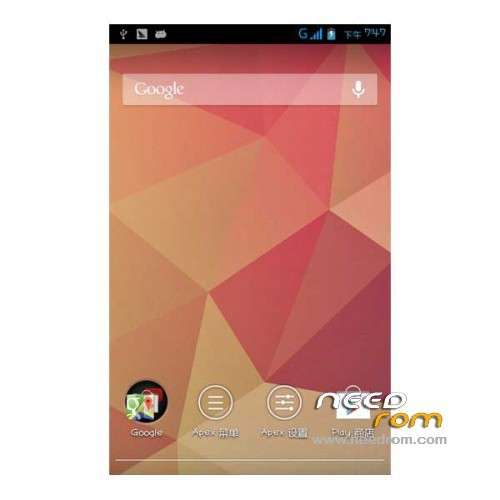
3 . Sanlu spirit desktop- replacement APEX desktop join APEX notice. Join lock screen widget , adding KE flashlight . . . .
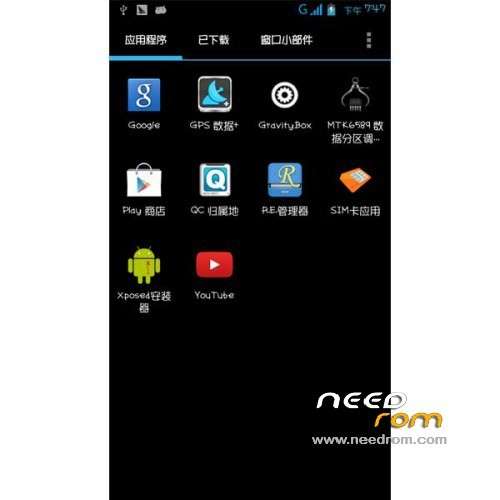
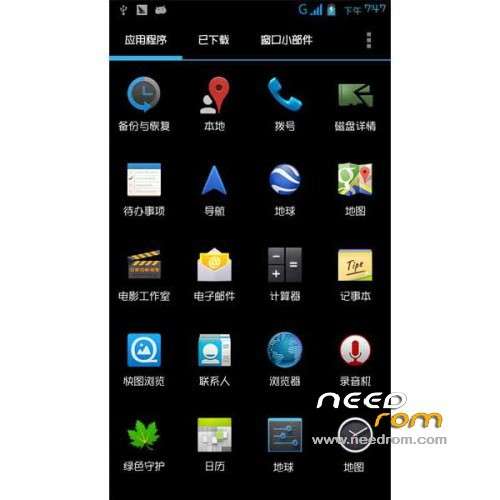
4 . Add Google frameworks and services , Google search will never come aunt . Google Maps , Google Earth , Street Map, Google stores and YOUTUBE common APP.
5 . Remove Sogou input method, according to their preferences installation. Replace the native font POP font. Add Busybox, sqlite3 without additional installation.
6 . Get ROOT privileges . Join RE manager , titanium backup , there are some common APP, very practical. No , you can streamline your own , you can get rid of even the RE . More details , your own experience.
7 . Join Xposed plugin modules to the latest version , no signature , can be updated online , but also can easily uninstalled. Specifically look at the screenshot . Beautiful, smooth.
8 . Integrated gravity toolbox and boot management . In the plug-in is activated , you can restart. The same can be updated online . Other services at your own in the framework download.
9 . Official ROM with plug-in modules , your own landscaping. Open Xposed, select the frame , click Install / Update , restart the phone, and then open, click the module , check the modules you want to use to restart OK.
Gapps include – Rooted -Odex
Language support: Multilang
ROM Install :
CWM
Step 1: Download the custom ROM copied to an external SD card root directory
Step 2: the shutdown state. While holding down:
– Power button + volume button up, to enter the recovery mode.
– Wipe Data / Factory Reset -> delete all user data
– Wipe Cache Partition -> Wipe cache
Step 3: Return to recovery main interface Install zip from sdcard -> choose zip from sdcard -> Select your ROM
Step 4: Brush complete, restart the phone Patience required – first boot takes a while
※Please make a backup of your device before installing or updating ROM
after choose zip from sdcard why show error..