
- Title: AMOI N828 MIUI
- Listed: July, 2013
- Last modified: 09/03/2014 3:37 pm
- Version: ROM Android 4.2.1 MIUI
You must be logged for ROM download.
33997 total views, 2 today
1 Total favorites
 Member Info
DESCRIPTION
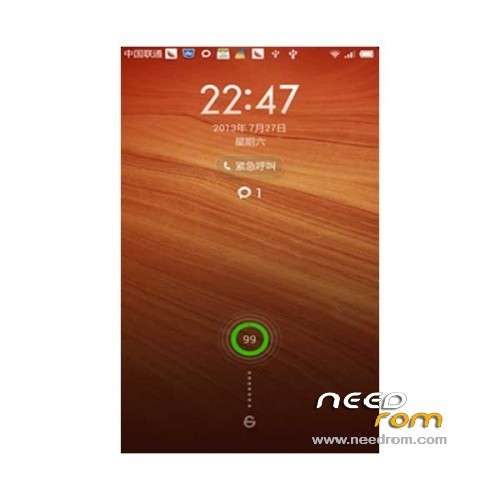
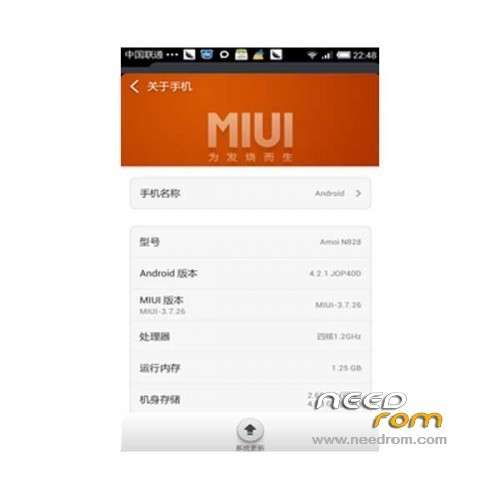
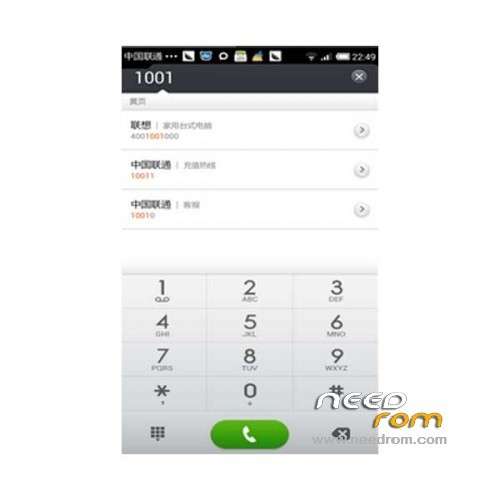
ROM Phone AMOI N828 – ROM Android 4.2.1 MIUI
Features ROM:
Update MIUI v5 – 4.8.31
—————————————————————————————————————————————————
MIUI v5 – 4.8.22
Gapps not include – Rooted
Language support: EN/CN
ROM Install :
CWM
Step 1: Download the custom ROM copied to an external SD card root directory
Step 2: the shutdown state. While holding down:
– Power button + volume button up, to enter the recovery mode.
– Wipe Data / Factory Reset -> delete all user data
– Wipe Cache Partition -> Wipe cache
– Advanced -> Wipe Dalvik Cache
Step 3: Return to recovery main interface Install zip from sdcard -> choose zip from sdcard -> Select your ROM
Step 4: Brush complete, restart the phone Patience required – first boot takes a while
※Please make a backup of your device before installing or updating ROM
Great work
Theme automatically changed to default after half hour
Nice Rom .Thenks
Fails to update…..unable to update….bad luck
Having google apps problem… no google play , no gmail and so on, should i need to flash gapps along side ROM ?? anyone can give me any link , runnng 4.2.1 os.
thanks admin
What if my N828 has the MTK6582 instead of the MTK6589 ??
Can I install it ?
i've deactived the my abp but still couldnt be downloaded ?
MIUI V5 – 3.7.26 : Works great on AMOI n828 (a.k.a. IMO S89 – Indonesian released version), everything works like a charm except for the FM Radio probably because this ROM is ported from Lenovo. Only one problem found: UNABLE to change the default ringtone - perhaps i can not figured it out how to properly do it in any way even by trying to changed the theme and customised it, except to do it manually one by one from the phonebook (LOL).
Does anyone know how to do it?
Regard & Thank's to SoCr@Te
Hi! More updates will be?
support or terminated?