
- Title: Androium 5 OTA 5.1.0 PROPER
- Listed: November, 2015
- Last modified: 11/12/2015 6:15 pm
- Version: 5.1.1 OTA ONLY
You must be logged for ROM download.
23459 total views, 5 today
11 Total favorites

 Member Info
DESCRIPTION
Full credits to Matx!
https://www.needrom.com/author/matx/
Тhe best ROM for K3 Note is returning!
This is the 1.1 OTA ONLY which will make the ROM version to 5.1.0.
You must have 5.0.6 installed to use it.
You can found 5.0.6 here:
https://www.needrom.com/download/androium-5-k3n/
Original thread:
http://forum.frandroid.com/topic/225338-rom-511-androium-506/
Changes I made to the original OTA 5.1.0:
Proper Release with Fixed network.
Using the modem from 5.0.6
No longer the "R" icon above signal bars.
Original changelog:
1.1 OTA :
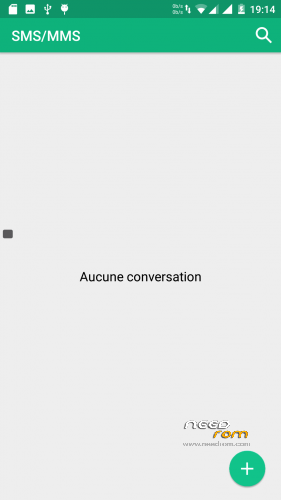
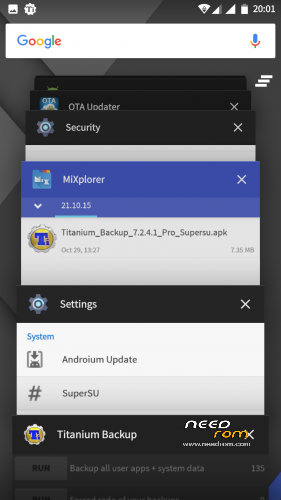
Traductions : correction SMS/MMS, Redémarrer (menu power) Remplacement App Photo/Galerie MTK par ceux de Lenovo Remplacement Boussole par celle de Lenovo Interface : SMS/MMS (modification bouton "New" avec le style Material Design en bas a droite) ; modification icônes Settings; bootscreen Androium Ergonomie : Ajout bouton "Tout fermer" dans le multitâche ; jout raccourci Dolby Sound et Androium Center
Flash it in recovery without wiping anything.
Happy using the best AOSP ROM available for K3 Note.
※Please make a backup of your device before installing or updating ROM
I download it but after instalation some greek letters gone.any suggestion?
Strange, I don’t have such an issue… I recommend the clean flash the 5.0.6 followed by the OTA 5.1.0.
Original changelog (translated using Google Translate): 1.1 OTA: Translations: Fixed SMS / MMS, Restart (power menu) Replacement App Photo / MTK Gallery by those of Lenovo Replacement Compass by that Lenovo Interface: SMS / MMS (modification "New" button with the Material Design style bottom right) ; Settings icons change; bootscreen Androium Ergonomics: Added button "Close all" in multitasking; Dolby Sound shortcut dding and Androium Center.
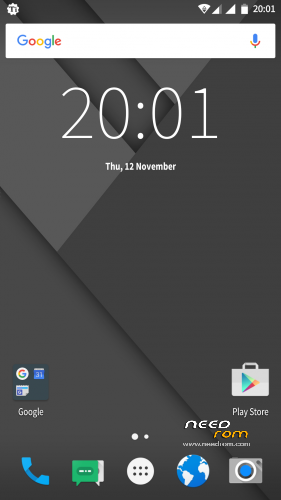
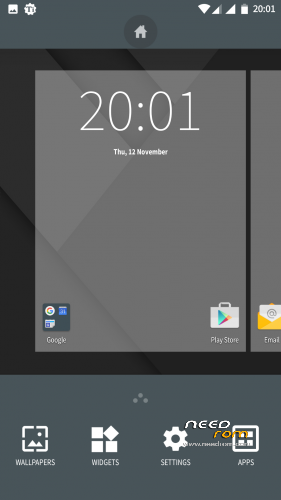
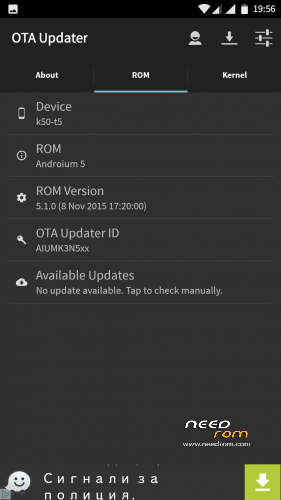
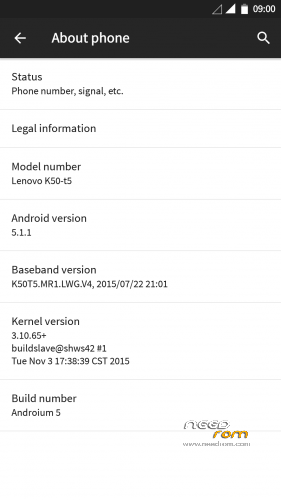
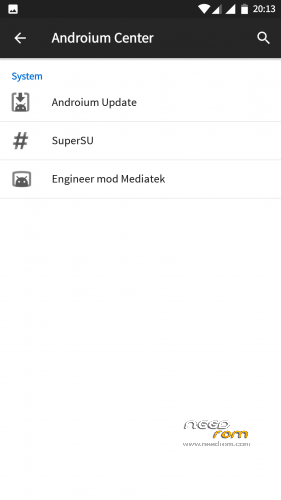
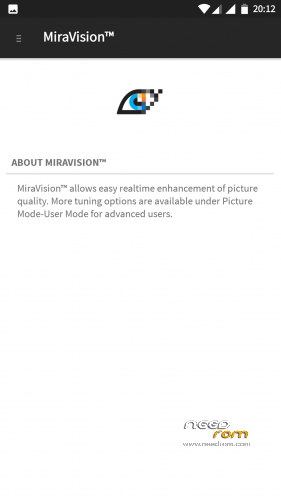
Screenshots of OTA update:-
Yes, I posted the 100% original changeling from the French forum! Screens also added, I’m using the from right now, it’s sweet.
Sorry, friends for the wrong screenshots posted.
The correct one is:-
*changelog, stupid auto correction.
Hello! is it possible to add exfat support like sense v2 and phoenix roms?
It’s up to the dev, I have my extsd formatted in two partitions (because I use Link2SD) – FAT32 and EXT4 and I have no problems.
After installation I discovered serious issues
Name of provider isn't shown. Home provider (german Telekom) is marked as Roaming provider. Cannot switch on mobile data.
Anyone else facing this problems?
Did you clea install the 5.0.6 and then the OTA 1.1? I have no problems showing my provider’s name.
http://i.imgur.com/hOfyxoO.png
http://i.imgur.com/RonnAmd.png
http://i.imgur.com/xENbJjZ.png
me to, with provider vodafone for speaking und german telekom for data.also no mobile data.
i had exactly the same problem, is not an issue on 5.0.6 , but after i update to 5.1.0 , it will show the service provider name, but the signal is always show as Roaming.
I am able to switch on the data and eventhough is state as roaming, but i can assure it is 3g or 4g because i test it with app.
The optical impression from the rom is very nice – bur it does not function proper
because I have no possibilty to get my navigating maps (stored at external sd-card)
used. In settings – storage – I can get the external sd-card useable.
What I am doing false – or what on the rom is false?
I have seen you were describing this issue below other roms too bro. It’s the normal Lollipop write limitation to external sd. As I said before full write permissions to external sd can be done by editing the platform.xml found in /etc/permissions. There are many pages on the web where you can voew how to do it.
problem with GREEK letters
Screen? I use English as my OS language. I think Maxt updated some translations with this OTA and may be something got messed up.
This is to inform about that I have looked to "platform.xml" BEFORE I have written my request.There was
NOTHING to edit in the appropriate file – because in the roms file is included exactely that what is "in many webpages" described about.
Try it by yourself, BEFORE you give – sorry – NOT WORKING "instruction".
I am sure you also will discover that the (optically beautiful) rom is not function at all as it should ………….
You’re funny. If you don’t like this rom just don’t use it. I’m using it and I love it. Editing the platform.xml gives a full write credentials to external sd on multiple roms including this one. It’s working on Vibe, it’s working on MIUI, it’s working on AOSP, it’s working on every single Lollipop rom I tried. If your specific navigation app cant store it’s data on extsd it’s fault of the app and not Androium’s fault. Also I’m not sure you’re editind the platform.xml correctly and yes there are “many websites” describing how to do it, what’s wrong? Do you need a detailed step by step instruction?
Status bar still not working on lockscreen