
- Title: (UPDATE 09/02/15)Arcatarc’s “EMUmIZERO”
- Listed: February, 2015
- Last modified: 02/20/2015 2:20 pm
- Version: EMUmIZERO(UPDATE 09/02/15)
You must be logged for ROM download.
35898 total views, 2 today
 Member Info
DESCRIPTION
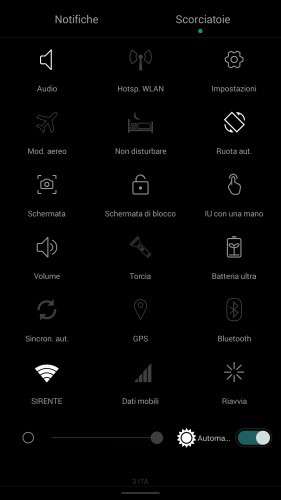
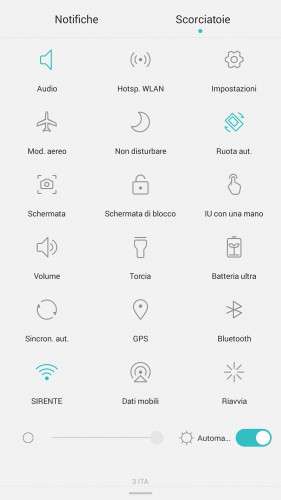
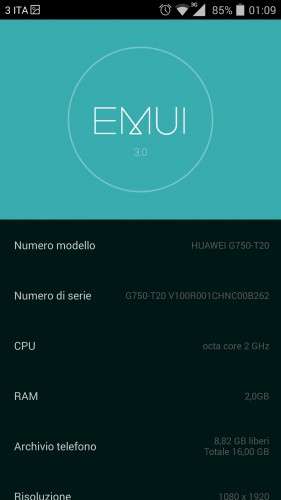
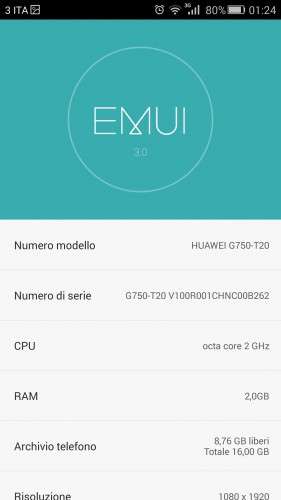
(UPDATE 09/02/2015)Version EMUmIZEROCompleta……full EMUI3 Experience!
INSTALLATION (FOLLOW ALL THE STEPS TO AVOID ERRORS) :
1:DOWNLOAD Rashr – Flash Tool from Google Market (to flash Recovery)
2:DOWNLOAD ROM
3:DOWNLOAD RECOVERY(NEW VERSION WITH FIXED PARTITIONS LAYOUT)
4: Now select the downloaded recovery (Rashr – Flash Tool will ask you to flash it as recovery & reboot in recovery mode)and flash it
5: Once you are in recovery mode make a full backup of your actual rom.
6: Now (without exit Recovery) select: Wipe-Advanced Wipe and tick: Dalvik Cache,System,Cache,Data.
7: Reboot in Recovery.
8: Select Install and choose the rom zip (on upper part of the recovery screen you can select Internal Storage or SD Card)…..
….reboot….
….OK!….now you are on EMUmI!
IMPORTANT:
ALWAYS CHECK SERVICE PACKS THREAD and flash the latest one!
Before asking ALWAYS check TIPS SECTION,probably you will find (probably)a solution.
Feedback&Contributions are well accepted… 
P.s.: Sooner i will upload a Barebone version,intended to be fastest,lightest,stablest…..
If you like my works an offer is greatly appreciated not only by me (50% will be donate to UNICEF)
DONATIONS
DONATIONS
DONATIONS
※Please make a backup of your device before installing or updating ROM
And I found these bugs …
1. we cant install 3rd party launchers. (very sad )
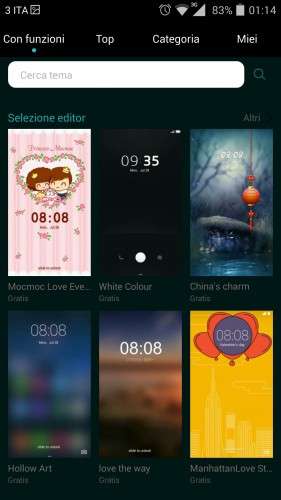
2. we cant change themes, as there is no huawei theme app.
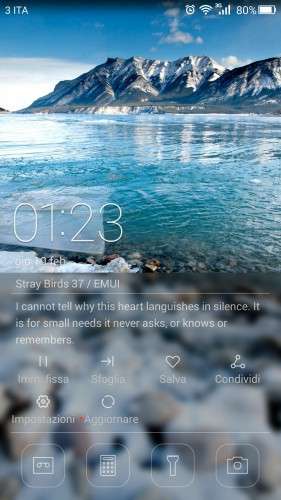
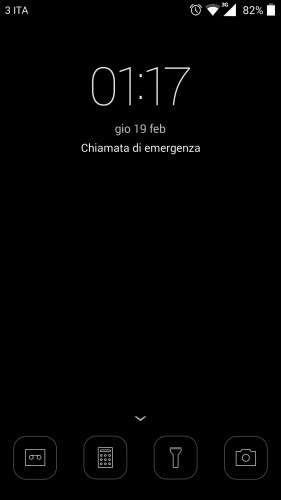
3. Lock screen wallpaper apprears only half, if we change the homescreen.
POST UPDATED with REMOVED STUFF!
Hi,
First of all thanks for a great job so far.
Voted a 3 * and here is why:
+ quick, clean, smooth
+ beautiful icons and integrated apps
+ new and better notification bar and drop down
– no apparent root
+ easily installable SuperSU from G.Market
+ easily installable BusyBox
– limited themes to those integrated
– unchangeable wallpaper
– issues with 5GHz WiFi
– limited to region Huawei Cloud+ and Huawei apps that requires login and registration to Huawei servers(my country/region not included)
+ improved audio
+ solved issue with headsets(non-DTS)
– issues with some apps requiring google regisatration(such as Youtube)
– DTS seems to cause some buzz every 5 to 10 seconds after connecting headsets
… and more
I very much appreciate your work, keep up the good work, and can’t hardly wait for an update/fix and further ports from you.
Have a fun day!
POST UPDATED!
Sehr gute Arbeit Danke.
Thanks for the update, will test this soon.
Will also wait for the Barebone version to give it a try.
Yoldas
Ich hatte diese ROM ebenfalls auf meinem UMI Zero, bin aber wieder zurück auf 3.05 weil ich keine richtige Datenverbindung hatte, obwohl es angezeigt wird. Es ließen sich keine inet-Seiten laden und beim PlayStore kam immer Zeitüberschreitung. Telefonieren war glückssache, entweder gleich Mailbox ran gegangen oder nach langer Zeit kam ein Rufton. Hast Du auch solch ein Phänomen? Netz ist O2….
In English please Thanks
good rom but camera bad . I want to back to first rom . I need to first rom backup . my backup havent . please
MIUI ROM V5 for UMI Zero video link:
https://www.youtube.com/watch?.....v=HKOeCh3Vbvs
Please like&Subscribe
MIUI Rom looks beautiful ! .. Can you please share us the download link.. so that we can also have some fun with UMI Zero
MIUI ROM for UMI ZERO download link : https://www.needrom.com/downlo.....i-zero-miui-v5/
UMI is working on this rom, there will be new update
Arcatarc – Really we appreicate your work and time spent for UMI zero users.
ROM UPDATED!
Thanks for the update and lib fixes.
will return with a review, but so far more “+”‘s than my last long post.
Keep up the good work.
^_^