
- Title: (UPDATE 09/02/15)Arcatarc’s “EMUmIZERO”
- Listed: February, 2015
- Last modified: 02/20/2015 2:20 pm
- Version: EMUmIZERO(UPDATE 09/02/15)
You must be logged for ROM download.
35906 total views, N/A today
 Member Info
DESCRIPTION
(UPDATE 09/02/2015)Version EMUmIZEROCompleta……full EMUI3 Experience!
INSTALLATION (FOLLOW ALL THE STEPS TO AVOID ERRORS) :
1:DOWNLOAD Rashr – Flash Tool from Google Market (to flash Recovery)
2:DOWNLOAD ROM
3:DOWNLOAD RECOVERY(NEW VERSION WITH FIXED PARTITIONS LAYOUT)
4: Now select the downloaded recovery (Rashr – Flash Tool will ask you to flash it as recovery & reboot in recovery mode)and flash it
5: Once you are in recovery mode make a full backup of your actual rom.
6: Now (without exit Recovery) select: Wipe-Advanced Wipe and tick: Dalvik Cache,System,Cache,Data.
7: Reboot in Recovery.
8: Select Install and choose the rom zip (on upper part of the recovery screen you can select Internal Storage or SD Card)…..
….reboot….
….OK!….now you are on EMUmI!
IMPORTANT:
ALWAYS CHECK SERVICE PACKS THREAD and flash the latest one!
Before asking ALWAYS check TIPS SECTION,probably you will find (probably)a solution.
Feedback&Contributions are well accepted… 
P.s.: Sooner i will upload a Barebone version,intended to be fastest,lightest,stablest…..
If you like my works an offer is greatly appreciated not only by me (50% will be donate to UNICEF)
DONATIONS
DONATIONS
DONATIONS
※Please make a backup of your device before installing or updating ROM
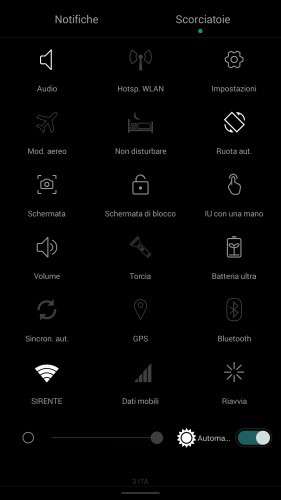
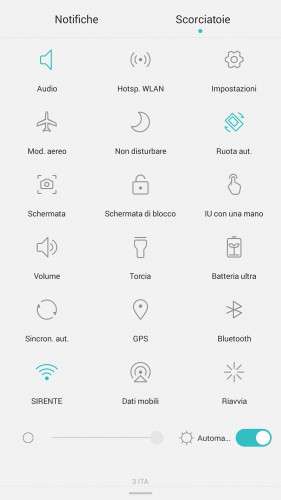
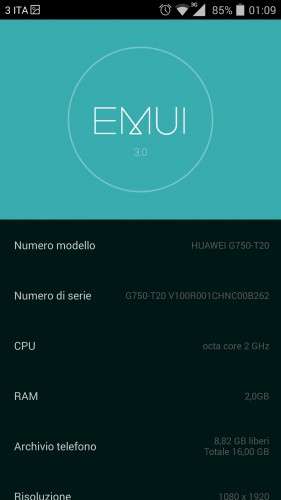
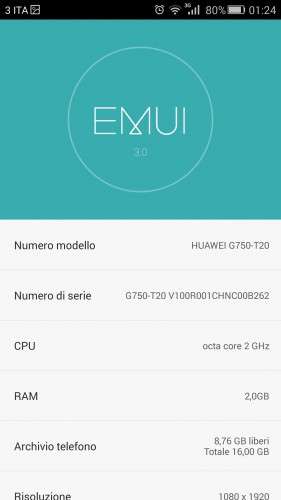
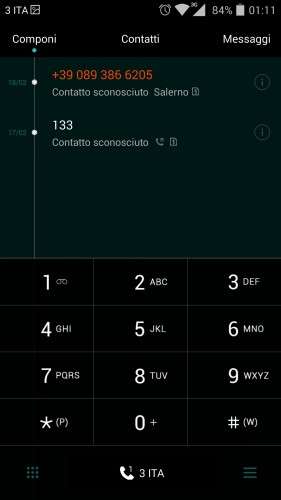
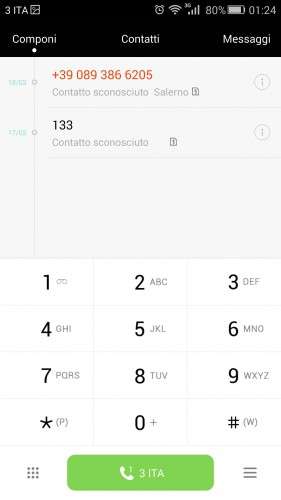
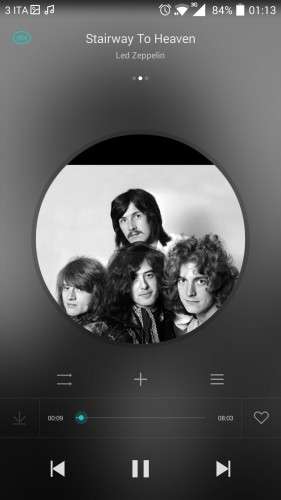
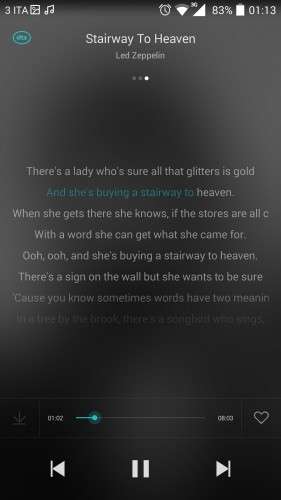
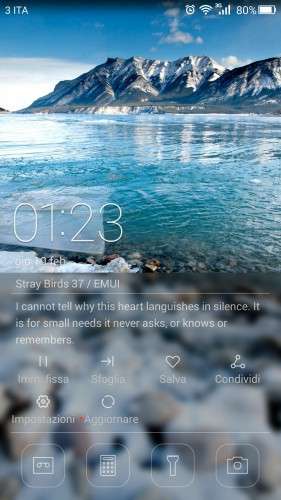
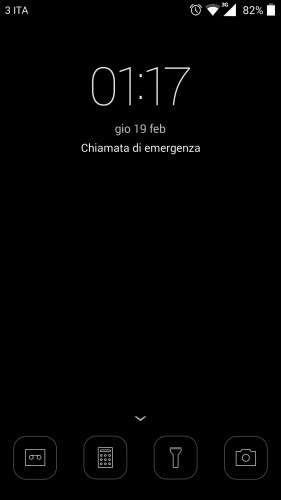
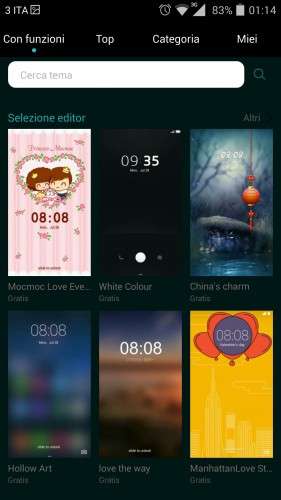
They are “real” screenshots….
It doesn't looks like, in "numero modello" it says it's a HUAWEI, just for this
The rom is really cool! Thank you arcatarc!
I had tried twice into my Umi Zero and it doesn't work although I i like this ROM, it is necessary to be a light OS. Does it works properly?
Hello,
thank you for the rom. It seems to be a nice one, but I got some problems with it. Unfortunately, the problems are the same, as with the original rom 3.06.
- The battery is dropping very fast. On 30% it only takes some minutes till it's down.
- Phonecalls hang up after some time.
- I have reboots, not as much as with 3.06, but one time a day.
Any idea to solve these problems?
Hello
I had the same problems before.
I have installed the last update using TWRP, not with the Rootjoy because I use Linux not windows.
After install the rom everything works fine, no restart ( Before instal the rom my umi zero sometimes restarted 3, 4 times a day)
As I told you, now everything works great and the rom is aewsome!!! A lot of beatyfull themes everything loks perfect.
Try the last update
Hello Arcatarc, first of all thanks for this fantastic rom, istalled perfectly and its working fine, just 1 question, what is the EMUmISP1? and please post the steps for the install !!! and also the vibrate on touch fix??
Thanks, youre the man!!!!
They are enhanchments and bugfixes:simply diwnload them and flash in recovery..
Everything awsome, already installed!!! Just one problem my battery drains very fast in wifi, and when it gets 40% drains in a minute to 15% and the phone turns off without battery, theres something i can do to solve it?
Thanks again
…problem is in umi battery,not rom…
The problem is more significant with the new updates, i the original rom that appens too, after the updates is more significant, theres something we can do to minimize it?
Thanks
Hello, i'm a problem with this rom, in the menu wifi there is an errore "Nvram error" how to resolve? thank you
http://forum.xda-developers.co.....215;10-t3035792
good work this rom it extraaaaa very exelent for the umi zero.big tkank
First of all thanx for the ROM really brings out the best in the phone.. a few things i need help with..
1) My Unlock style changed ( from the circular dot which u swipe to bottom for unlock, swipe left to calls, swipe up for camera..etc) to just slide to unlock. How do i get it back?
2) Is there an option to make the network stick to just 3G.. my phone keeps jumping to 2G.
3) After 3 days of usage.. had my 1st random Reboot 2day.
Were you select the themes you have a costumisation button for each theme, there you can customise everything: lok screen type, wallpaper, icons, etc…