
- Title: Ascend D2
- Listed: April, 2013
- Last modified: 04/10/2013 3:25 pm
- Version: ROM Android 4.1.2
You must be logged for ROM download.
18659 total views, 2 today



 Member Info
DESCRIPTION
ROM HUAWEI Ascend D2 – ROM Android 4.1.2
Features ROM:
* Based B128 firmware
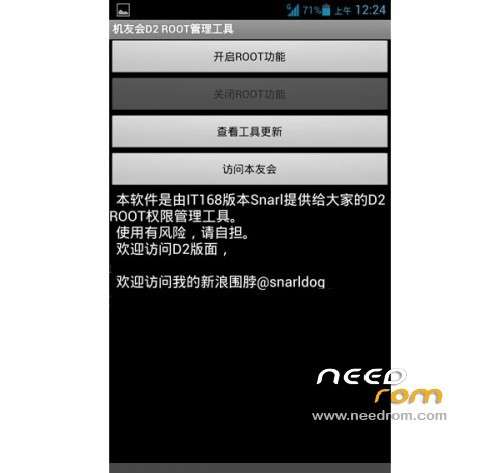
* Comes ROOT, ROOT comes with local Friends management tools
* Modify the boot off the screen, remove the telecommunications screen
* Modify remove all telecom-related custom software
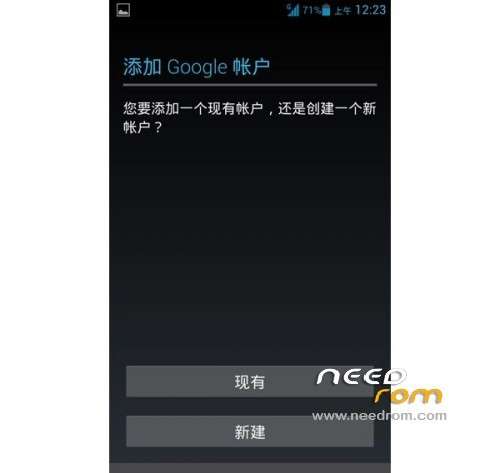
* Google Services Framework and market
* To increase Chinese version RootExplorer, System Software Removal Tool
* Optimized system options
Language support: Multilang
ROM install :
1. Phone into the system, ADB can manage your phone, fastboot available
2. Plug in the USB cable, enable debug mode, and correctly identify the phone
3. During Do not unplug the USB cable
4.1 If the boot into system state, perform IT168_ROM_B128.bat,
4.2 If the boot can not enter the system, to be rescued, boot press the power + power reduction into Fastboot perform IT168_ROM_B128_FastbootMode.bat
5. Prompted step by step
Note After installation into Recovery, select restore factory settings.


Note: to step 6 can directly type Recover mode by pressing the power button + volume, select two Wipe restore the factory settings, press the volume
step 7 directly ignored …
※Please make a backup of your device before installing or updating ROM
UNFORTUNATELY,HUAWEI HOME HAS STOPPED
That I can do?
I have followed the steps of installation and on having done wipe Factory and rebbot the message appears " unfortunately, Huawei Home you have stopped and I cannot accede. Can say to me someone that I must do? Thank you
In the recovery there is no option restart makes
Please that I must follow steps to recover the telephone