
- Title: Mlais BlissPOP
- Listed: May, 2017
- Last modified: 05/25/2017 4:40 am
- Version: 5.1
You must be logged for ROM download.
9959 total views, 1 today
3 Total favorites
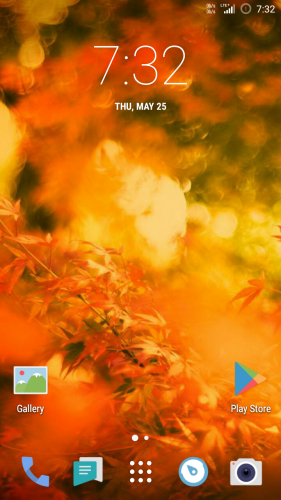
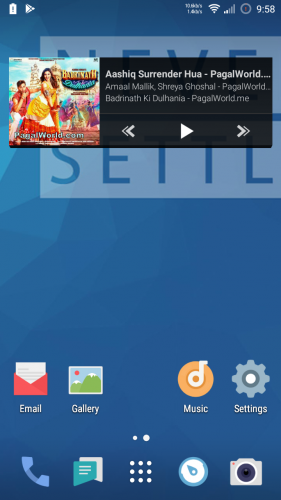
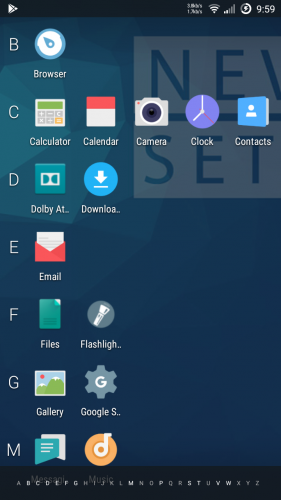
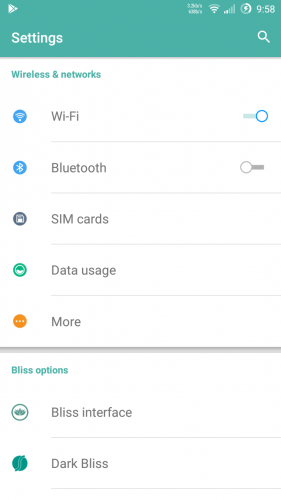
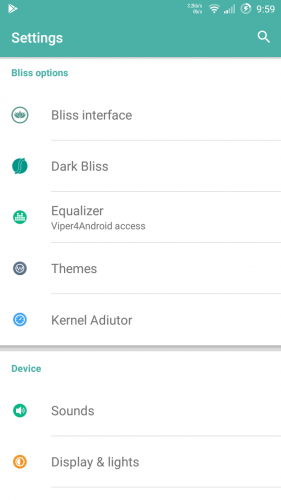
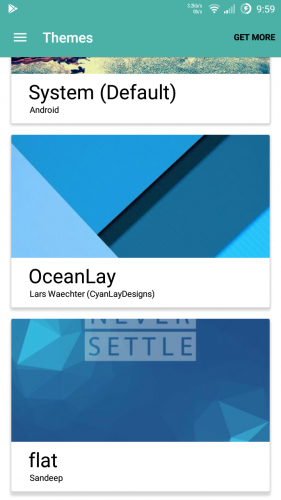
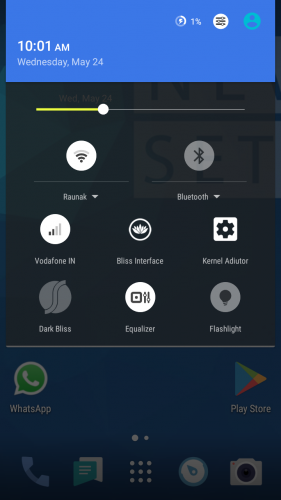
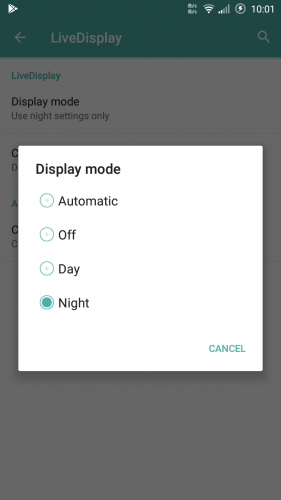


 Member Info
DESCRIPTION
Instruction:
Flash with TWRP recovery.
1.Wipe Cache, Dalvik,Data And System
2.Go Back and click on Install
3. Resize userdata partition size upto 11 GB by using Resize_v22.4.1-signed recovery install.zip file by twrp. (Because this userdata only mount as internal storage).If you already done then no need to resize. (You can leave this step if you don't want to resize your userdata ).
4.Flash Blisspop rom.
5.Reboot your device .
6.Reboot again after first time boot.
Now Enjoy Blisspop Rom.
Features
Personalization Options
-Clock & Date Options
-Option to show seconds in time
-Battery Options (Portrait, Landscape, Circle, Text or Hidden)
-Battery Bar Options
-Traffic Monitor
-Brightness Control
-Notification Count
-Weather
-Notification Ticker
-Carrier Label Options
Quick Settings
-Quick Pulldown (Left, Right, Off)
-Smart Pulldown
-Gesture Anywhere
-Location Options
-Trigger Regions
Animations
-Toast Animations
-Listview Animations
-System Animations
-Scrolling Cache
-Scrolling Modifiers
App Circle Bar
-Choose what apps you want to show on the App Circle Bar
-Trigger width, position and height
Viper4Android and Dolby Equalizer
Device Options
-Navigation Bar Buttons & Options (Height & Width)
-Power Button End Call option
-Home Button Options (Wake up device, Answer call, Long Press Action, Double Tap Action)
-Back Button Wake Up Device option
-Menu Button Options (Wake up device, Short Press Action, Long Press Action)
-Backlight Duration
Sound & Notification Options
-Media, Alarm & Ring Volume Options
-Increasing Ring Volume
-Call Vibration
-Interruption Options
-Notification Light Options
-Battery Light Options
-App Notification Options
-Notification Access
-Camera Shutter sound, Screenshot Sound, Safe Headset Volume
-Less Frequent Notifications
-Heads Up Notification with Snooze Timer & Time Out
Recents Option
-Clear All Button Tweaks
-Option to show Google search bar in recents Menu
-OmniSwitch (Option to replace recents menu with Omniswitch)
Sytstem Options
-SuperSU
-kernel Aduitor
-Advanced Reboot
-Wakelock Blocker
-Ad Blocker
And lots more features in this rom!
Changelog:
2g/3g/4g network on sim slot 1 and 2g network on sim slot 2.
Flashlight( works using flashlight free app)
Add awesome logo .
Boast apn and boast blisspop tweaks already added .
Enjoy Blisspop Rom
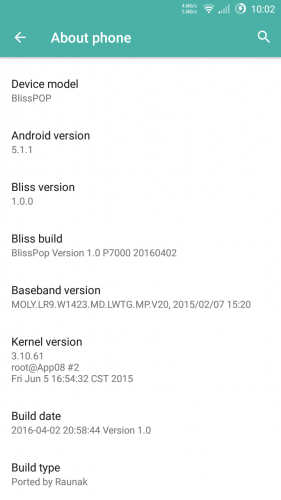
Ported by: Raunak singh Rajput.
Rate 5 star.
.
※Please make a backup of your device before installing or updating ROM
Downloading, and going to test it
I will provide with feedback, once again thank you very much!!!!
Corrected all Links … Follow Instruction video . If u miss some file in previous post i corrected in this new post ..
Support multilanguage
Muchas gracias. Thank you very much
Once again, THANK YOU VERY MUCH for your hard work and patience for putting up with a noob user like me
Please keep up your good work
The Rom is simply amazing with lots of customization options, the battery drains much less compared to others the GPS works fine, and the camera is also working well. so far so good.
Thank you very much.
Thank you friend
3g or 4g only support in fisrt sim slot .. I will soon post Blisspop v3 version , mokee and cyangenmod 12 rom. working 3g and 4g in both sim slot.
first*
but still cyanogenmod rom does not support 3g or 4g in second sim slot. You have to repair sim slot first for 3g or lte network.
Thank you very much
If by any chance after the flashing the ROM and after applying the modem and apn patch you cant make calls and can only get network in lte. Its because the IMEI is corrupted.
To fix that you must first take note of your IMEI (usually behind the battery), then go to the PlayStore and install the app Chamelephon, change the Imei, apply and reboot the phone
It just an accident there is no relation between modem +apn patch and IMEI . It is happen because you format your device by sp flash tool . Chamelephon can fix IMEI for temporary but again you lost your IMEI by flashing another rom.
PERMANENT SOLUTION : I will soon upload video on youtube and provide you link. so don't worry
Use Sn Tool for permanent IMEI fix but for that you have to again flash your stock rom. .
.
Download latest Twrp Recovey 3.1.1-0 and backup IMEI/NVRAM and after flashing any rom just restore your IMEI. its really cool method