
- Title: Mlais BlissPOP
- Listed: May, 2017
- Last modified: 05/25/2017 4:40 am
- Version: 5.1
You must be logged for ROM download.
9960 total views, 2 today
3 Total favorites
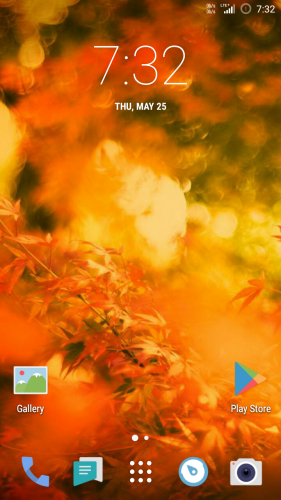
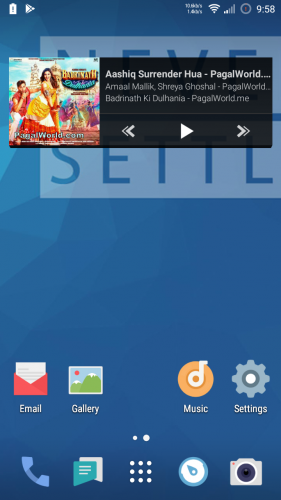
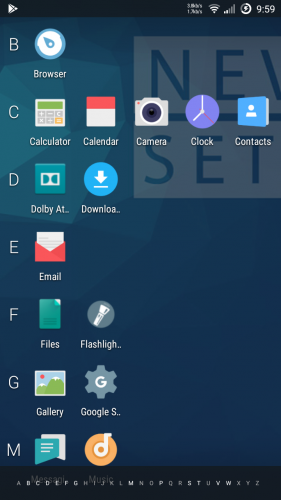
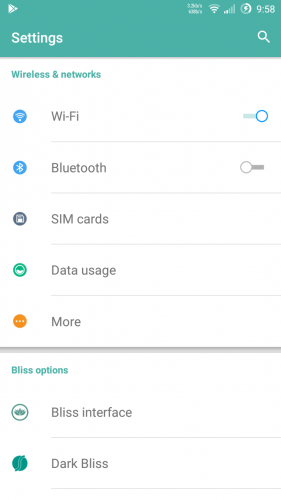


 Member Info
DESCRIPTION
Instruction:
Flash with TWRP recovery.
1.Wipe Cache, Dalvik,Data And System
2.Go Back and click on Install
3. Resize userdata partition size upto 11 GB by using Resize_v22.4.1-signed recovery install.zip file by twrp. (Because this userdata only mount as internal storage).If you already done then no need to resize. (You can leave this step if you don't want to resize your userdata ).
4.Flash Blisspop rom.
5.Reboot your device .
6.Reboot again after first time boot.
Now Enjoy Blisspop Rom.
Features
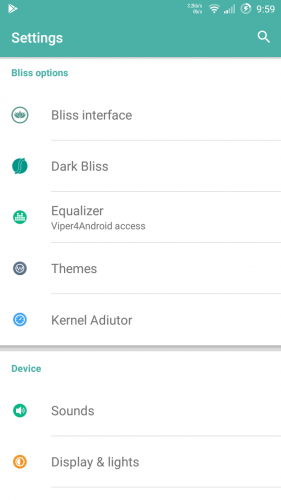
Personalization Options
-Clock & Date Options
-Option to show seconds in time
-Battery Options (Portrait, Landscape, Circle, Text or Hidden)
-Battery Bar Options
-Traffic Monitor
-Brightness Control
-Notification Count
-Weather
-Notification Ticker
-Carrier Label Options
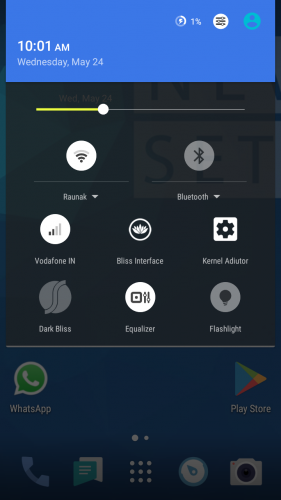
Quick Settings
-Quick Pulldown (Left, Right, Off)
-Smart Pulldown
-Gesture Anywhere
-Location Options
-Trigger Regions
Animations
-Toast Animations
-Listview Animations
-System Animations
-Scrolling Cache
-Scrolling Modifiers
App Circle Bar
-Choose what apps you want to show on the App Circle Bar
-Trigger width, position and height
Viper4Android and Dolby Equalizer
Device Options
-Navigation Bar Buttons & Options (Height & Width)
-Power Button End Call option
-Home Button Options (Wake up device, Answer call, Long Press Action, Double Tap Action)
-Back Button Wake Up Device option
-Menu Button Options (Wake up device, Short Press Action, Long Press Action)
-Backlight Duration
Sound & Notification Options
-Media, Alarm & Ring Volume Options
-Increasing Ring Volume
-Call Vibration
-Interruption Options
-Notification Light Options
-Battery Light Options
-App Notification Options
-Notification Access
-Camera Shutter sound, Screenshot Sound, Safe Headset Volume
-Less Frequent Notifications
-Heads Up Notification with Snooze Timer & Time Out
Recents Option
-Clear All Button Tweaks
-Option to show Google search bar in recents Menu
-OmniSwitch (Option to replace recents menu with Omniswitch)
Sytstem Options
-SuperSU
-kernel Aduitor
-Advanced Reboot
-Wakelock Blocker
-Ad Blocker
And lots more features in this rom!
Changelog:
2g/3g/4g network on sim slot 1 and 2g network on sim slot 2.
Flashlight( works using flashlight free app)
Add awesome logo .
Boast apn and boast blisspop tweaks already added .
Enjoy Blisspop Rom
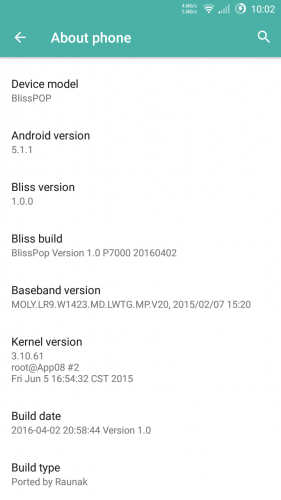
Ported by: Raunak singh Rajput.
Rate 5 star.
.
※Please make a backup of your device before installing or updating ROM
Sorry I wanted to give you 5 stars but by mistake… I gave you 5 stars on the rest roms and recovery, thankyou I´m enjoying with my old mlais , is begining to feel as a rocked and compared with some phones from today I have nothing to envy.
welcome … Lots more Rom coming soon please connected and enjoy my work
Again I've installed this rom and home button doesn't work…What can I do?
its because you have old lk.bin file in your phone. flash home.zip
If again not work then please upgrade your phone to the latest version.
first flash blisspop.zip then home.zip
It works thanks a lot <3
I was trying some things with this ROM and when installing it i formated the internal size for 12gb and it works a little faster than 11gb. Can someone confirm this?
Yup if you have space to increase 12gb or 13gb then it is better to increase
thank you, your rom is awesome it work very well. <3
It was a long time since I searching a more recent rom.
My phone took a shot of young
<3
Thank you for this release. I has revamped my Mlasis M52 when I though it would not receive further developpement.
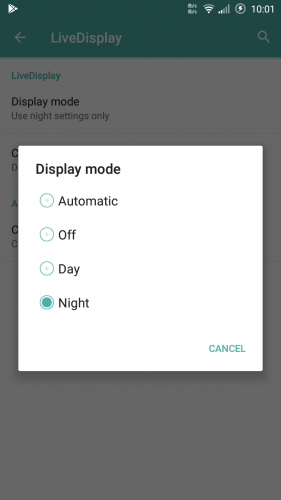
Loved the use of darkening utilities (in particular settings), the tons of options to personalise every aspect of the phone. I can find several options only available through extensive use of Xposed modules, so hand ups for the great work providing them right out-of-the-box.
On the least successful side, I must say that I wished some feature to be switchable off. For instance, navigation key options provided in the rom are way less complete that the ones provided by Gravity Box, but they cannot be used unless disabled in the rom; I wished some status bar options could alternatively also be turn off, as they enter into conflict with other personalisations the user would prefer over the ones available.
I experienced flickers on screen (visible when a light app is on); also I culd not have Waze to render maps. The worst major drawback bug is the lack of sensibility on the lower part of the screen, where you have to use your nails to select. This one has been why I have turned to your most recent work Cyanogenmod rom, for wish I may leave comments in the thread.
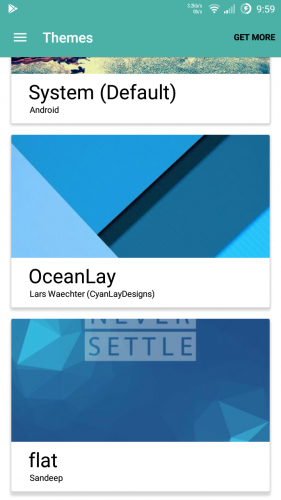
Finally, I loved the themes for this Blisspop rom. Keep on the good work !
Thanks for feedback
great work dude, thanks
thanks